How to Deploy Mattermost in Docker Swarm Behind Caddy v2.4.5
Mattermost is the leading open-source collaboration platform written in Golang and React. Learn how to deploy it in a Docker Swarm cluster using Caddy as a reverse proxy.

Mattermost is the leading open-source collaboration platform written in Golang and React. It runs as a single Linux binary backed by MySQL or PostgreSQL.
In this post, I am going to show you how to deploy Mattermost in our Docker Swarm Cluster using Docker Compose, sitting securely behind a Caddy v2.4.5 reverse proxy.
Mattermost offers an open-source, high-trust, developer-centric approach to collaboration. It empowers teams to build high-performance workflows for DevOps, ChatOps, conversational development, and continuous deployment while maintaining complete code auditability and control over the service’s technical roadmap.
Mattermost helps teams deliver high-quality software while meeting the stringent safety, privacy, and scale requirements of IT and security teams.
Let’s start with the actual deployment.
Prerequisites
Please ensure you fulfill the following requirements before proceeding with the deployment:
- A Docker Swarm Cluster configured with GlusterFS for persistent storage.
- Caddy deployed as the ingress reverse proxy to expose microservices externally.
Introduction to Mattermost
Mattermost is a modern communication platform designed to sit securely behind your firewall, allowing you to run team communications under your existing security and IT policies.
DevOps teams use Mattermost to power collaboration at every stage of the DevOps lifecycle. Mattermost unifies people, tools, processes, and automation to help your team increase innovation and agility.
If you want to learn more about Mattermost, check out the resources below:
Key Features
Mattermost boasts a thriving community and a robust feature set, including file sharing, real-time group chat, and incoming/outgoing webhooks with full access to the source code.
- Open Source: Complete access to modify and audit the codebase.
- Security & Privacy: Self-hosted infrastructure ensures your data never leaves your control.
- Legal Compliance: Built to meet strict enterprise compliance and data residency requirements.
- Extensibility: Over 600 integrations available to connect with your existing toolchain.
- Scalability: Designed to scale seamlessly for large enterprise teams.
Persisting Mattermost Data with GlusterFS
Containers are fast to deploy and make efficient use of system resources. However, their filesystems are ephemeral. If a container restarts, local data is lost.
To overcome this, we use GlusterFS. I previously set up a replicated GlusterFS volume to ensure data is mirrored across all nodes in the cluster.
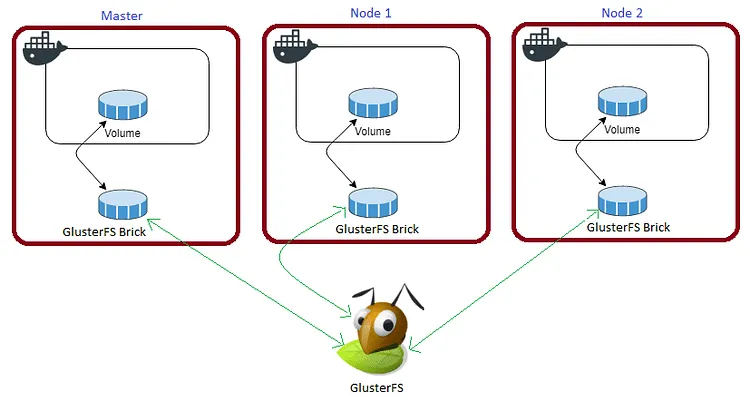
The volume is mounted across all nodes. When data is written to the
/mntpartition, it is instantly replicated to the other nodes in the cluster.
If any node fails, the application automatically restarts on another node without losing data. This is the primary advantage of a replicated volume.
For Mattermost, we need to map four specific volumes to our persistent storage: /mattermost/config, /mattermost/data, /mattermost/logs, and /mattermost/plugins.
Create the required folders in the /mnt directory:
cd /mnt
sudo mkdir -p mattermostconfig
sudo mkdir -p mattermostdata
sudo mkdir -p mattermostlogs
sudo mkdir -p mattermostplugins
Watch the video below for a complete guide on setting up a GlusterFS Replicated Volume.
Prepare the Deployment Environment
We will use Docker Compose to define our deployment environment.
Navigate to the /opt directory on your Swarm manager node and create the configuration directory for Mattermost:
cd /opt
sudo mkdir -p mattermost
cd mattermost
sudo touch mattermost.yml
Mattermost Docker Compose Configuration
Open mattermost.yml using your editor:
sudo nano mattermost.ymlPaste the following Docker Compose configuration. I am using PostgreSQL as the backend database.
version: "3.7"

services:
  mattermost:
    image: mattermost/mattermost-team-edition
    depends_on:
      - db
    volumes:
      - /mnt/mattermostconfig:/mattermost/config
      - /mnt/mattermostdata:/mattermost/data
      - /mnt/mattermostlogs:/mattermost/logs
      - /mnt/mattermostplugins:/mattermost/plugins
    ports:
      - '8065:8065'
    environment:
      - DOMAIN=mattermost.example.com
      - MM_SQLSETTINGS_DRIVERNAME=postgres
      - MM_SQLSETTINGS_DATASOURCE=postgres://postgres:postgres@db:5432/mattermost?sslmode=disable&connect_timeout=10
      - MM_SERVICESETTINGS_SITEURL=[https://mattermost.tuneit.tech](https://mattermost.tuneit.tech)
      - TZ=Asia/Kolkata
    networks:
      - caddy
    deploy:
      placement:
        constraints: [node.role == worker]
      replicas: 1
      update_config:
        parallelism: 2
        delay: 10s
      restart_policy:
        condition: on-failure

  db:
    image: postgres:alpine
    volumes:
      - /mnt/postgres:/var/lib/postgresql/data
    secrets:
      - post_db
      - post_user
      - post_password
    environment:
      - POSTGRES_DB_FILE=/run/secrets/post_db
      - POSTGRES_USER_FILE=/run/secrets/post_user
      - POSTGRES_PASSWORD_FILE=/run/secrets/post_password
    networks:
      - caddy
    deploy:
      placement:
        constraints: [node.role == manager]
      replicas: 1
      update_config:
        parallelism: 2
        delay: 10s
      restart_policy:
        condition: on-failure

secrets:
  post_db:
    file: ./post_db.txt
  post_user:
    file: ./post_user.txt
  post_password:
    file: ./post_password.txt

volumes:
  mattermostdata:
    driver: "local"
  mattermostlogs:
    driver: "local"
  mattermostplugins:
    driver: "local"
  postgres:
    driver: "local"

networks:
  caddy:
    external: true
Ensure you have created the .txt files containing your PostgreSQL secrets (post_db.txt, post_user.txt, post_password.txt) in the same directory before deploying.
Caddyfile Configuration
The Caddyfile is a highly readable configuration format for the Caddy web server.
Caddyfile is easy to write, easy to understand, and expressive enough for almost all use cases.
Here is the production-ready Caddyfile block required to expose Mattermost securely. Learn more about writing Caddyfiles here.
{
    email you@example.com
    cert_issuer acme
    acme_ca [https://acme-v02.api.letsencrypt.org/directory](https://acme-v02.api.letsencrypt.org/directory)

    servers {
        protocol {
            experimental_http3
            allow_h2c
            strict_sni_host
        }
        timeouts {
            read_body   10s
            read_header 10s
            write       10s
            idle        2m
        }
        max_header_size 16384
    }
}

mattermost.example.com {
    log {
        output file /var/log/caddy/mattermost.log {
            roll_size 20mb
            roll_keep 2
            roll_keep_for 6h
        }
        format console
        level error
    }

    reverse_proxy mattermost:8065
    encode gzip zstd
}
If you want more insight into deploying Caddy in a Docker Swarm cluster, check out my previous post on Caddy.
Full Stack Deployment (Combined)
If you prefer to deploy Caddy and Mattermost together in a single stack, here is the combined docker-compose.yml file.
version: "3.7"

services:
  caddy:
    image: tuneitme/caddy
    ports:
      - "80:80"
      - "443:443"
    networks:
      - caddy
    volumes:
      - ./Caddyfile:/etc/caddy/Caddyfile
      - /mnt/caddydata:/data
      - /mnt/caddyconfig:/config
      - /mnt/caddylogs:/var/log/caddy
      - /mnt/mattermostdata:/mattermost/data
    deploy:
      placement:
        constraints:
          - node.role == manager
      replicas: 1
      update_config:
        parallelism: 2
        delay: 10s
      restart_policy:
        condition: on-failure

  mattermost:
    image: mattermost/mattermost-team-edition
    depends_on:
      - db
    volumes:
      - /mnt/mattermostconfig:/mattermost/config
      - /mnt/mattermostdata:/mattermost/data
      - /mnt/mattermostlogs:/mattermost/logs
      - /mnt/mattermostplugins:/mattermost/plugins
    ports:
      - '8065:8065'
    environment:
      - DOMAIN=mattermost.example.com
      - MM_SQLSETTINGS_DRIVERNAME=postgres
      - MM_SQLSETTINGS_DATASOURCE=postgres://postgres:postgres@db:5432/mattermost?sslmode=disable&connect_timeout=10
      - MM_SERVICESETTINGS_SITEURL=[https://mattermost.tuneit.tech](https://mattermost.tuneit.tech)
      - TZ=Asia/Kolkata
    networks:
      - caddy
    deploy:
      placement:
        constraints: [node.role == worker]
      replicas: 1
      update_config:
        parallelism: 2
        delay: 10s
      restart_policy:
        condition: on-failure

  db:
    image: postgres:alpine
    volumes:
      - /mnt/postgres:/var/lib/postgresql/data
    secrets:
      - post_db
      - post_user
      - post_password
    environment:
      - POSTGRES_DB_FILE=/run/secrets/post_db
      - POSTGRES_USER_FILE=/run/secrets/post_user
      - POSTGRES_PASSWORD_FILE=/run/secrets/post_password
    networks:
      - caddy
    deploy:
      placement:
        constraints: [node.role == manager]
      replicas: 1
      update_config:
        parallelism: 2
        delay: 10s
      restart_policy:
        condition: on-failure

secrets:
  post_db:
    file: ./post_db.txt
  post_user:
    file: ./post_user.txt
  post_password:
    file: ./post_password.txt

volumes:
  caddydata:
    driver: "local"
  caddyconfig:
    driver: "local"
  caddylogs:
    driver: "local"
  mattermostdata:
    driver: "local"
  mattermostlogs:
    driver: "local"
  mattermostplugins:
    driver: "local"
  postgres:
    driver: "local"

networks:
  caddy:
    external: true
I used a custom Caddy Docker container bundled with specific plugins for my environment: Tuneit Caddy Docker Image
Deploy Mattermost to Docker Swarm
Deploy the stack to your Swarm using the following command:
docker stack deploy --compose-file mattermost.yml mattermostIn Docker Swarm, whatever you deploy via compose is called a “stack,” and it contains multiple “services” as defined in your file.
Check the status of the deployment:
docker stack ps mattermostInspect the logs to ensure successful startup:
docker service logs mattermost_mattermostYou will notice that Caddy automatically intercepts the traffic, redirects it to HTTPS, and provisions Let’s Encrypt certificates.
Access and Configure Mattermost
Open your browser and navigate to mattermost.example.com. It will automatically redirect securely to https://mattermost.example.com (ensure you replace example.com with your actual domain).
Ensure you have configured a DNS A-Record or CNAME pointing mattermost.example.com to your Swarm ingress load balancer.
Reference Images from the Deployment:
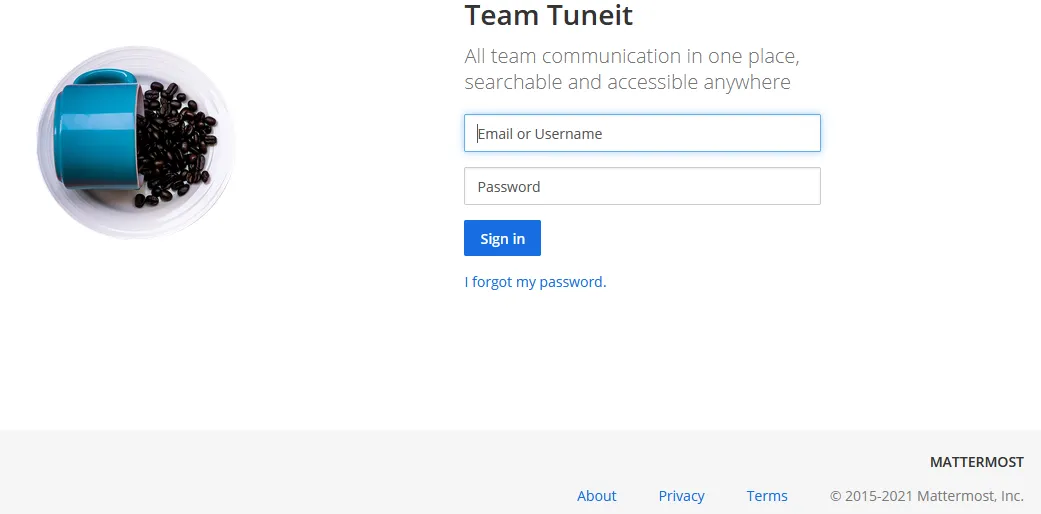
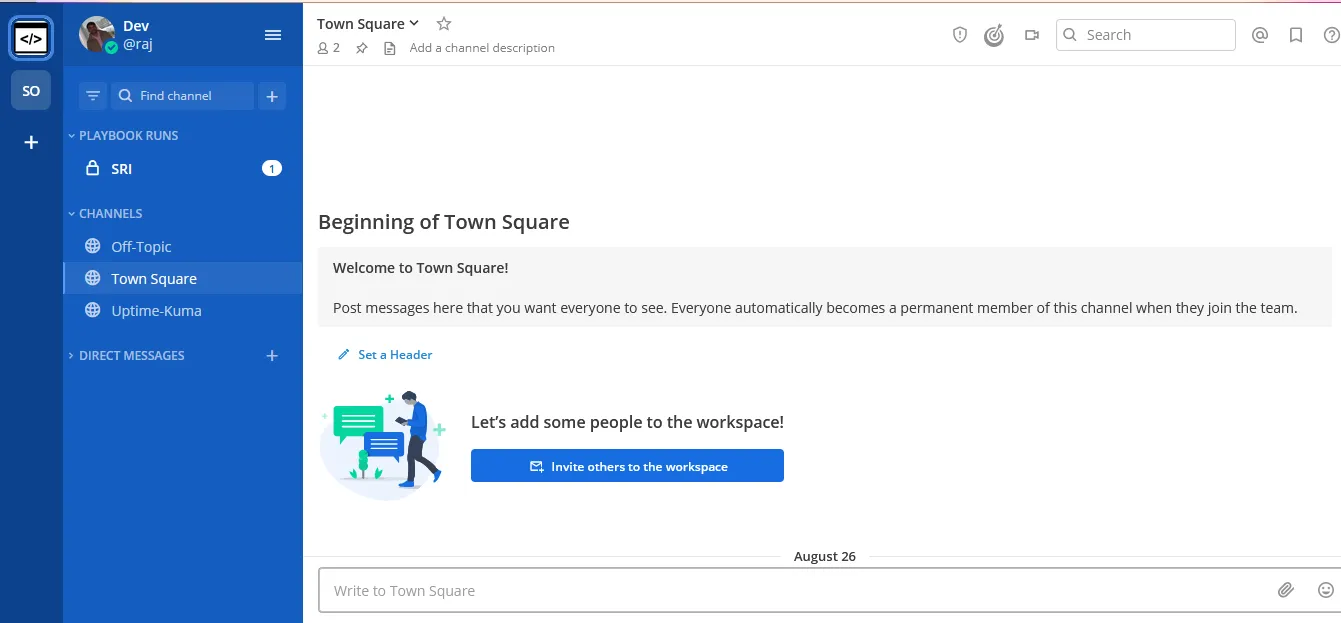
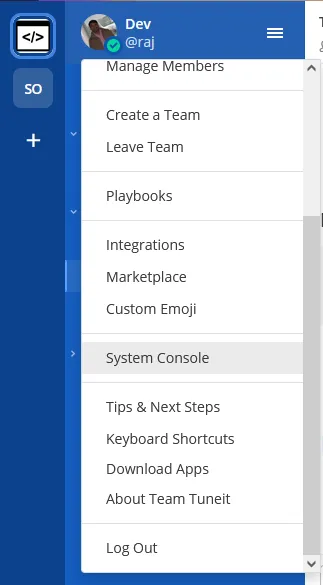
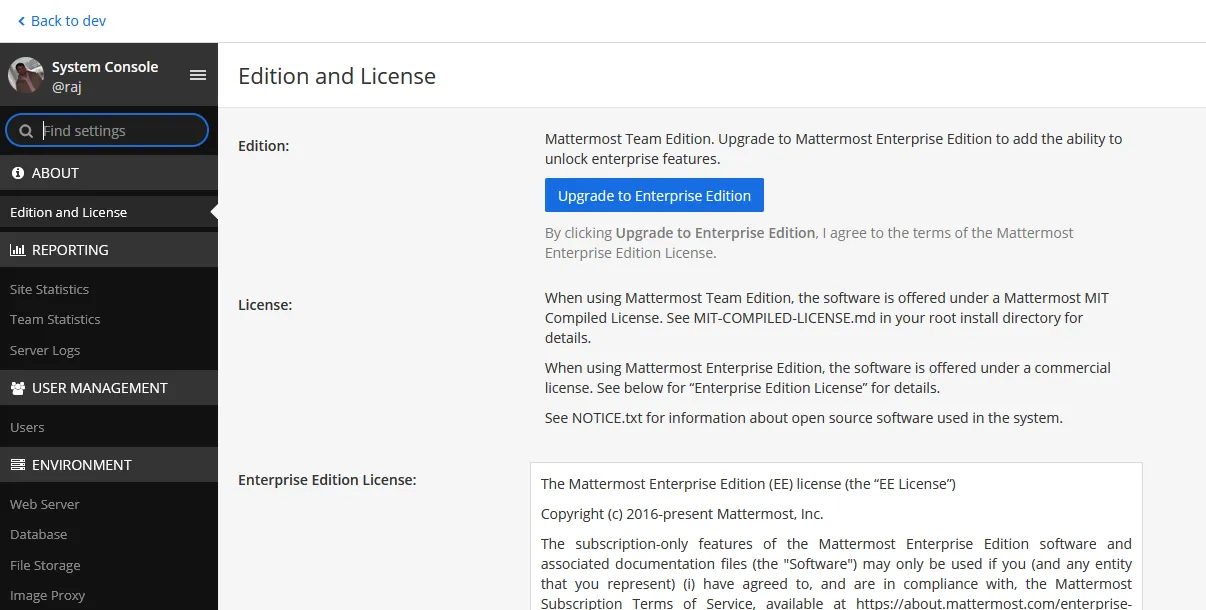
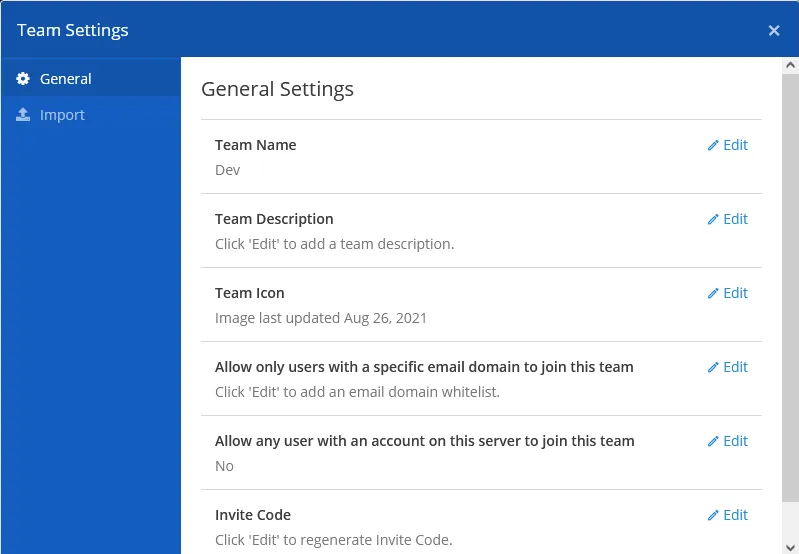
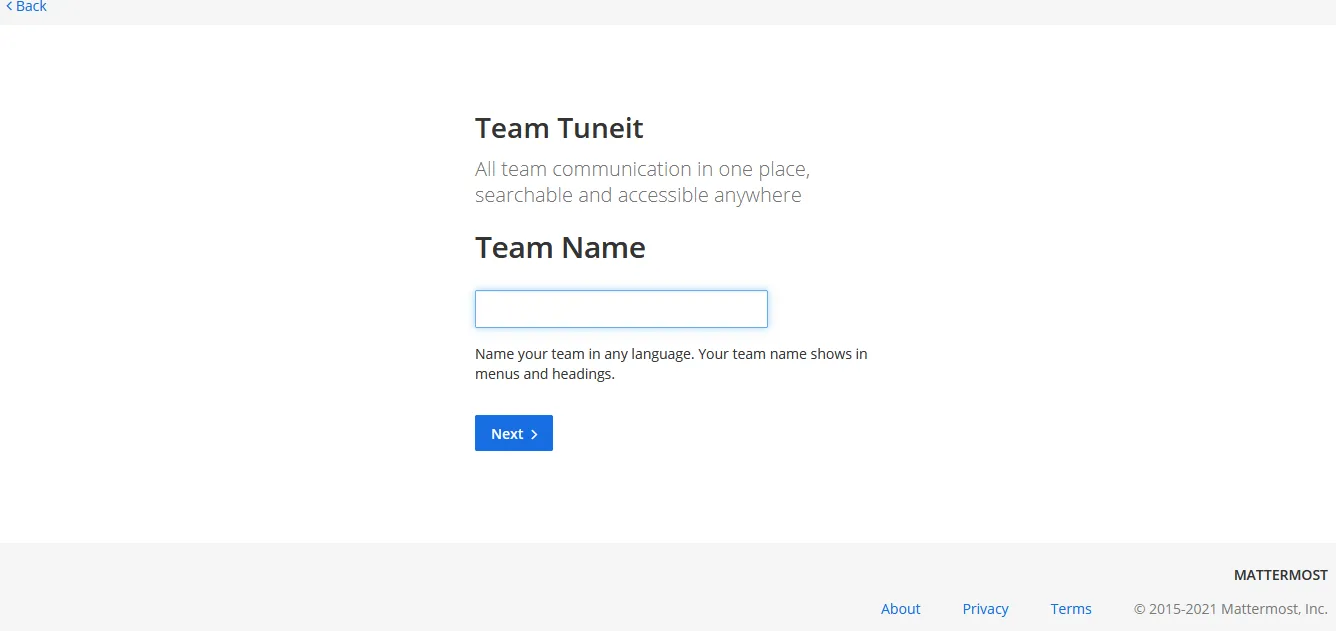
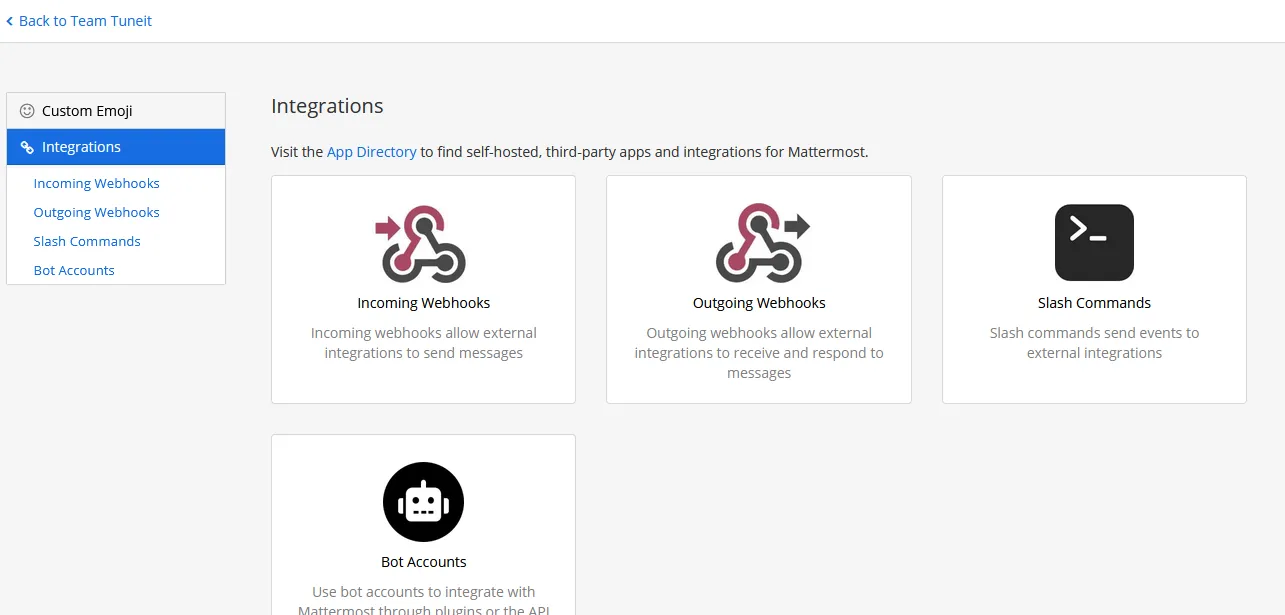
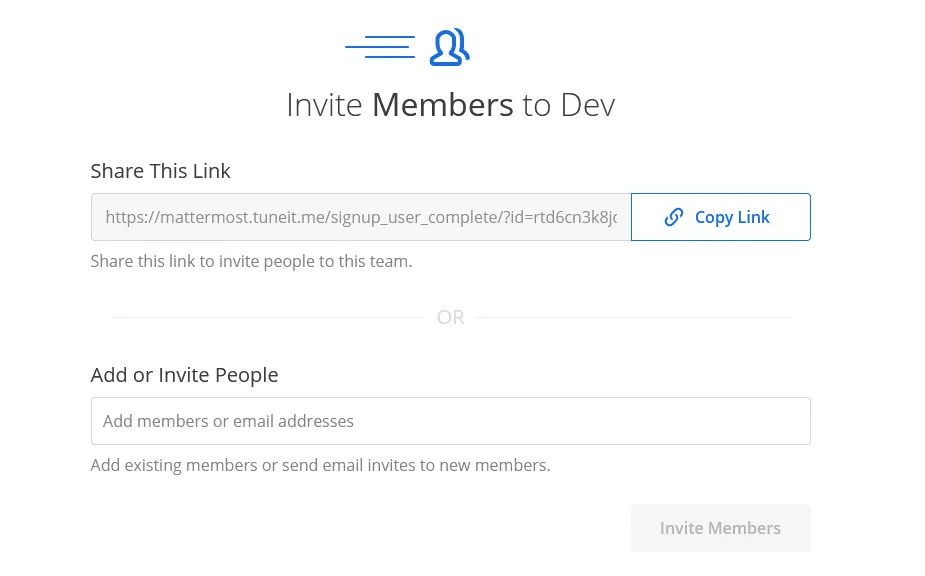
The deployment of Mattermost behind Caddy in our Docker Swarm cluster is complete!
If you enjoyed this tutorial, please share your thoughts in the comments below. It helps me bring more self-hosted open-source content to the community.
Stay tuned for more deployment guides!

Continue reading

How to Deploy Authelia Using Docker Compose Behind Caddy
Authelia is an open-source authentication and authorization server providing two-factor authentication and single sign-on (SSO) for applications via a web portal.
How to Self-Host Stalwart Mail Server Using Docker Compose Behind Caddy v2.8.4
Stalwart is an open-source mail server solution with JMAP, IMAP4, POP3 & SMTP support. It is written in Rust and aims to be secure, fast, robust, and scalable.
How to Deploy Elasticsearch 8.8.0 in Docker Swarm Behind Caddy v2.6.4
Elasticsearch is a distributed, RESTful search and analytics engine. Learn how to deploy Elasticsearch and Kibana in a Docker Swarm cluster with persistent storage.