How to Deploy Gitea 1.18.0 in Docker Swarm Behind Caddy v2.6.2
Git with a cup of tea. Learn how to deploy Gitea, a painless, self-hosted, lightweight code hosting solution written in Go, to a Docker Swarm cluster.

Gitea is a community-managed, lightweight code hosting solution written in Go. Published under the MIT license, it aims to provide the easiest, fastest, and most painless way to set up a self-hosted Git service.
In this post, I am going to show you how to deploy Gitea 1.18.0+rc1 in a Docker Swarm Cluster using Docker Compose, sitting securely behind a Caddy 2.6.2 reverse proxy.
Git with a cup of tea: A painless, self-hosted Git service.
If you want to learn more about Gitea, check out the resources below:
Let’s dive into the deployment.
Prerequisites
Please ensure you fulfill the following requirements before proceeding:
- A Docker Swarm Cluster configured with GlusterFS for persistent storage.
- Caddy deployed as the ingress reverse proxy to expose microservices externally.
Introduction to Gitea
Gitea is a robust alternative to GitHub, GitLab, and Bitbucket. Originally a fork of Gogs, the project’s goal is to make self-hosting your code repositories completely effortless.
Because it is compiled with Go, it can run independently across all major platforms and architectures, including Linux, macOS, and Windows, on x86, amd64, ARM, and PowerPC.
Core Features
Gitea stands out because of its simplicity and efficiency:
- Lightweight: Gitea has minimal system requirements. You can run it comfortably on an inexpensive Raspberry Pi, saving machine resources and energy.
- Cross-Platform: It runs anywhere Go compiles. Choose the operating system and architecture you love, and start using it immediately.
- Easy to Install: Simply run the binary for your platform, use the official Docker image, or install it via your OS package manager.
Persisting Gitea Data with GlusterFS
Containers deploy rapidly and use system resources efficiently. However, their filesystems are ephemeral. If a container crashes or gets rescheduled, local data is lost.
To ensure our repositories and database survive restarts and host outages, we will use GlusterFS. I previously set up a replicated GlusterFS volume to ensure data is mirrored across all nodes in the cluster.
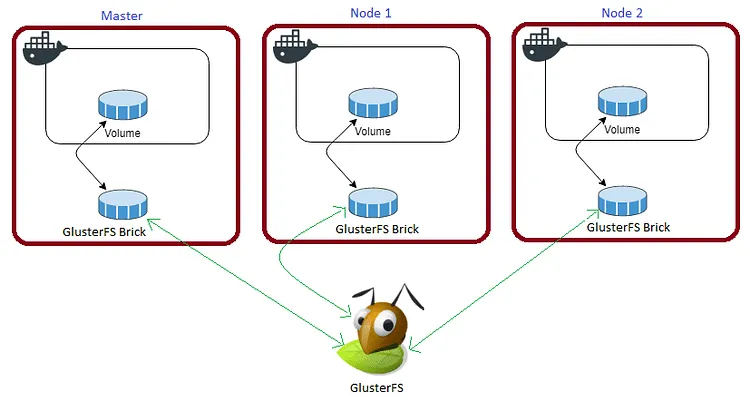
The volume is mounted across all nodes. When data is written to the
/mntpartition, it is instantly replicated to the other nodes in the cluster.
If any node fails, the application automatically restarts on another node without losing data.
For Gitea, we need to map the container’s /data volume to our persistent storage so that our SQLite database, configurations, and Git repositories are safely retained.
Create a folder named giteadata in the /mnt directory:
cd /mnt
sudo mkdir -p giteadata
Watch the video below for a complete guide on setting up a GlusterFS Replicated Volume.
Prepare the Deployment Environment
We will use Docker Compose to define our deployment environment.
Navigate to the /opt directory on your Swarm manager node and create the configuration directory for Gitea:
cd /opt
sudo mkdir -p gitea
cd gitea
sudo touch gitea.yml
Gitea Docker Compose Configuration
Open gitea.yml using your editor:
sudo nano gitea.ymlPaste the following Docker Compose configuration. For simplicity and low resource consumption, we are utilizing SQLite as the backend database.
version: "3.7"

services:
  gitea:
    image: gitea/gitea:latest
    volumes:
      - /mnt/giteadata:/data
      - /etc/timezone:/etc/timezone:ro
      - /etc/localtime:/etc/localtime:ro
    environment:
      - APP_NAME="Rajasekhar's Gitea"
      - RUN_MODE=prod
      - DOMAIN=gitea.example.com
      - SSH_DOMAIN=gitea.example.com
      - SSH_PORT=2222
      - SSH_LISTEN_PORT=22
      - DISABLE_SSH=false
      - HTTP_PORT=3000
      - ROOT_URL=[https://gitea.example.com](https://gitea.example.com)
      - LFS_START_SERVER=false
      - DB_TYPE=sqlite3
      - DISABLE_REGISTRATION=true
    networks:
      - caddy
    ports:
      - "3000:3000"
      - "2222:22"
    deploy:
      placement:
        constraints: [node.role == worker]
      replicas: 1
      update_config:
        parallelism: 2
        delay: 10s
      restart_policy:
        condition: on-failure

volumes:
  giteadata:
    driver: "local"

networks:
  caddy:
    external: true
Watch the video below to see a walkthrough of deploying Gitea to a Docker Swarm Cluster.
Caddyfile Configuration
The Caddyfile is a highly readable configuration format for the Caddy web server.
Caddyfile is easy to write, easy to understand, and expressive enough for almost all use cases.
Here is the production-ready Caddyfile block required to expose Gitea securely. Learn more about writing Caddyfiles here.
{
    email you@example.com
    cert_issuer acme
    acme_ca [https://acme-v02.api.letsencrypt.org/directory](https://acme-v02.api.letsencrypt.org/directory)

    servers {
        protocol {
            experimental_http3
            allow_h2c
            strict_sni_host
        }
        timeouts {
            read_body   10s
            read_header 10s
            write       10s
            idle        2m
        }
        max_header_size 16384
    }
}

gitea.example.com {
    log {
        output file /var/log/caddy/gitea.log {
            roll_size 20mb
            roll_keep 2
            roll_keep_for 6h
        }
        format console
        level error
    }
    encode gzip zstd
    reverse_proxy gitea:3000
}
If you want more insight into deploying Caddy in a Docker Swarm cluster, check out my previous post on Caddy.
Full Stack Deployment (Combined)
If you prefer to deploy Caddy and Gitea together in a single stack, here is the combined docker-compose.yml file.
Remember to map your site data directories (like
/mnt/giteadata:/data) exactly as specified.
version: "3.7"

services:
  caddy:
    image: tuneitme/caddy
    ports:
      - "80:80"
      - "443:443"
    networks:
      - caddy
    volumes:
      - ./Caddyfile:/etc/caddy/Caddyfile
      - /mnt/caddydata:/data
      - /mnt/caddyconfig:/config
      - /mnt/caddylogs:/var/log/caddy
      - /mnt/giteadata:/data
    deploy:
      placement:
        constraints:
          - node.role == manager
      replicas: 1
      update_config:
        parallelism: 2
        delay: 10s
      restart_policy:
        condition: on-failure

  gitea:
    image: gitea/gitea:latest
    volumes:
      - /mnt/giteadata:/data
      - /etc/timezone:/etc/timezone:ro
      - /etc/localtime:/etc/localtime:ro
    environment:
      - APP_NAME="Rajasekhar's Gitea"
      - RUN_MODE=prod
      - DOMAIN=gitea.example.com
      - SSH_DOMAIN=gitea.example.com
      - SSH_PORT=2222
      - SSH_LISTEN_PORT=22
      - DISABLE_SSH=false
      - HTTP_PORT=3000
      - ROOT_URL=[https://gitea.example.com](https://gitea.example.com)
      - LFS_START_SERVER=false
      - DB_TYPE=sqlite3
      - DISABLE_REGISTRATION=true
    networks:
      - caddy
    ports:
      - "3000:3000"
      - "2222:22"
    deploy:
      placement:
        constraints: [node.role == worker]
      replicas: 1
      update_config:
        parallelism: 2
        delay: 10s
      restart_policy:
        condition: on-failure

volumes:
  caddydata:
    driver: "local"
  caddyconfig:
    driver: "local"
  caddylogs:
    driver: "local"
  giteadata:
    driver: "local"

networks:
  caddy:
    external: true
I used a custom Caddy Docker image bundled with specific plugins (like Cloudflare DNS and Caddy Auth Portal) for my environment: Tuneit Caddy Docker Image
Deploy Gitea to Docker Swarm
Deploy the stack to your Swarm using the following command:
docker stack deploy --compose-file gitea.yml giteaIn Docker Swarm, whatever you deploy via compose is called a “stack,” and it contains multiple “services” as defined in your file.
Check the status of the deployment to ensure it scheduled properly:
docker stack ps giteaInspect the logs to ensure successful startup:
docker service logs gitea_giteaYou will notice that Caddy automatically intercepts the traffic, redirects it to HTTPS, and provisions Let’s Encrypt certificates on the fly.
Access and Install Gitea
Open your browser and navigate to gitea.example.com. It will automatically redirect securely to https://gitea.example.com (ensure you replace example.com with your actual domain).
Ensure you have configured a DNS A-Record or CNAME pointing gitea.example.com to your Swarm ingress load balancer.
Reference Images from the Deployment:
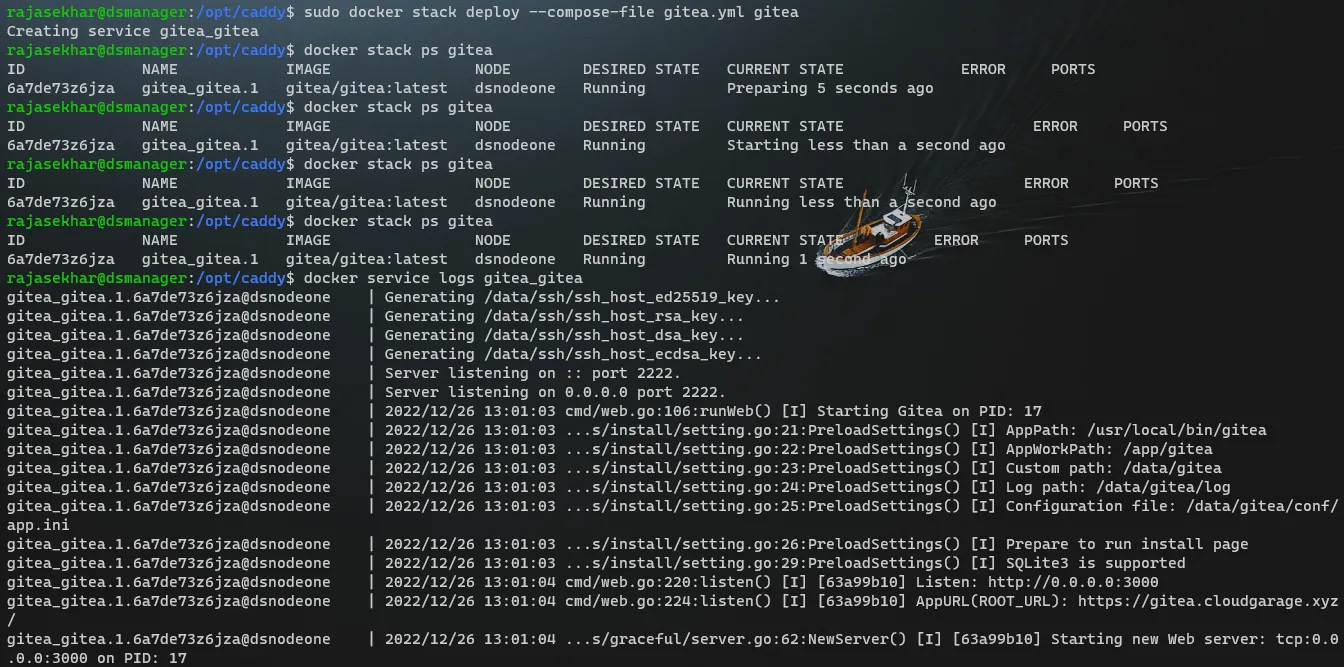
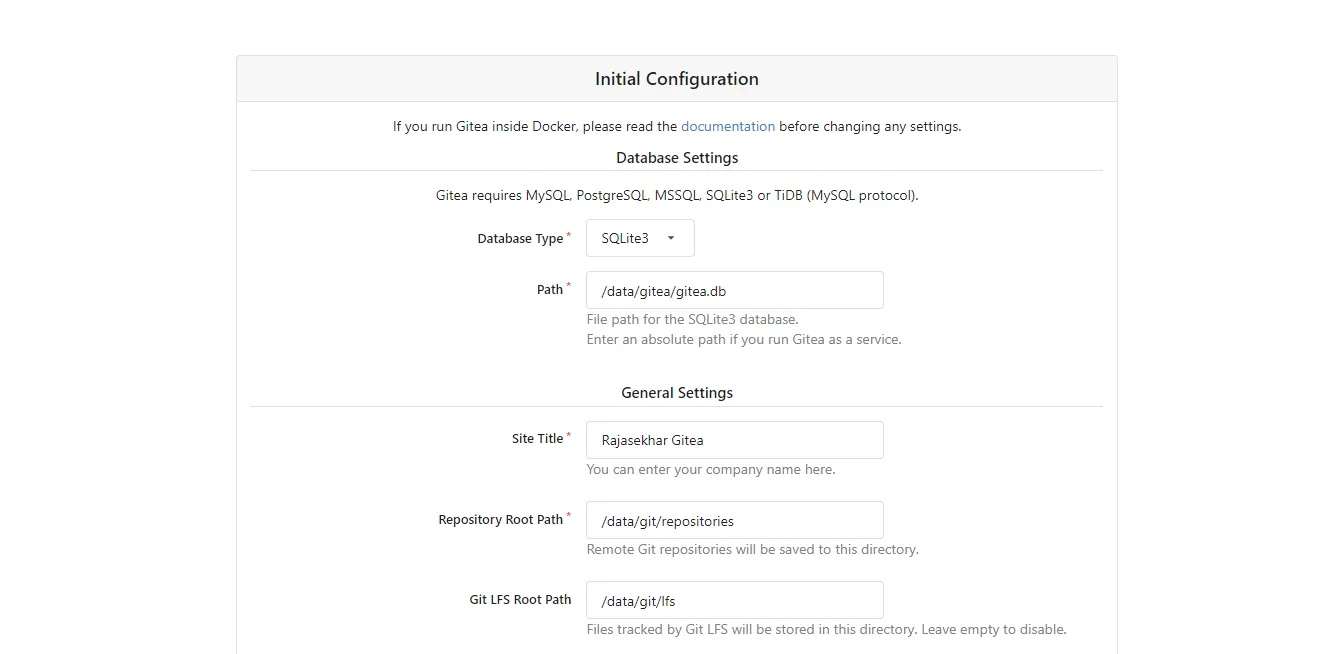
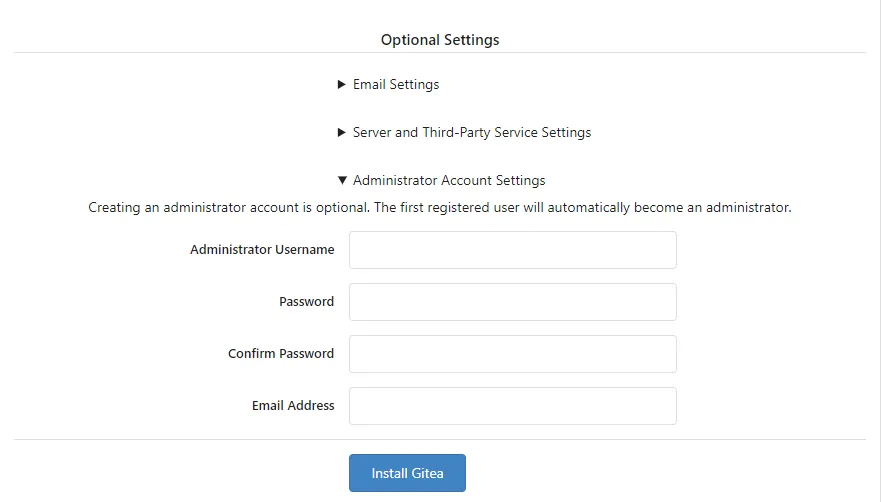
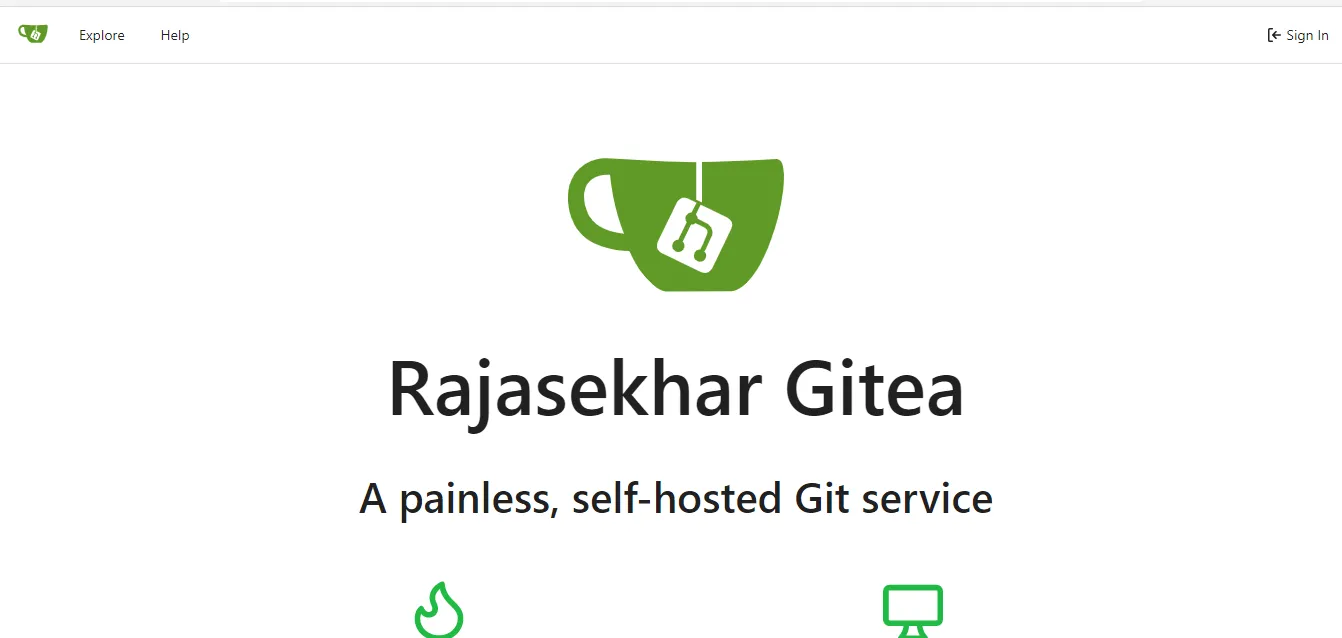
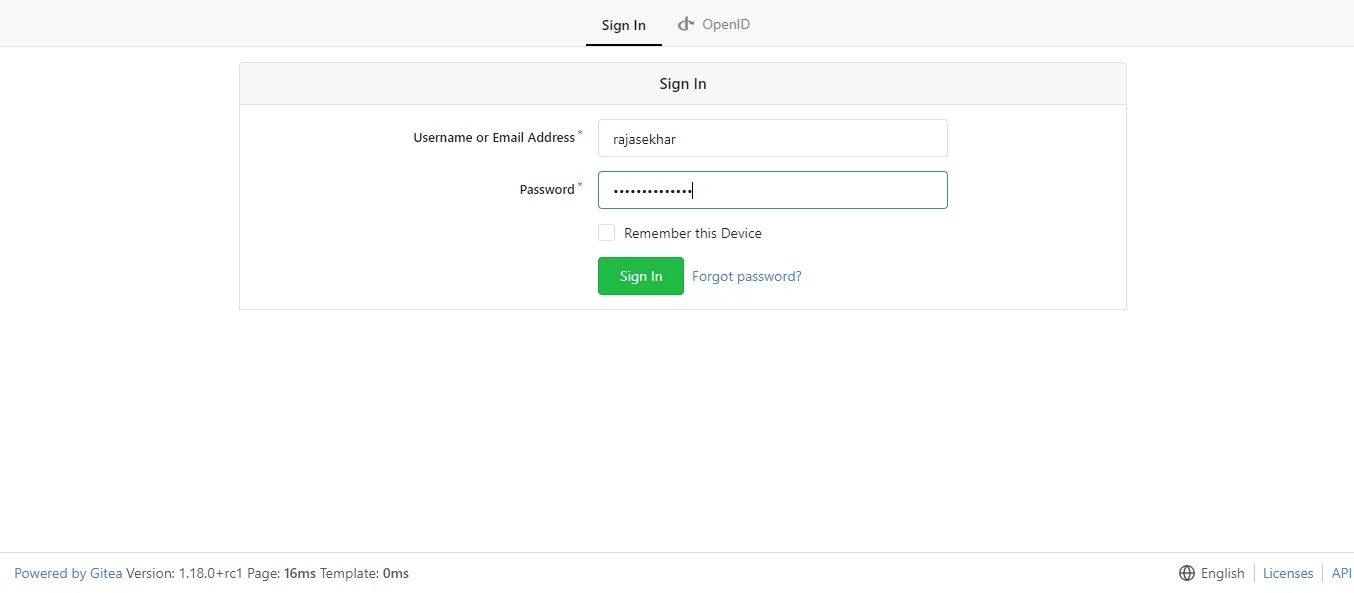
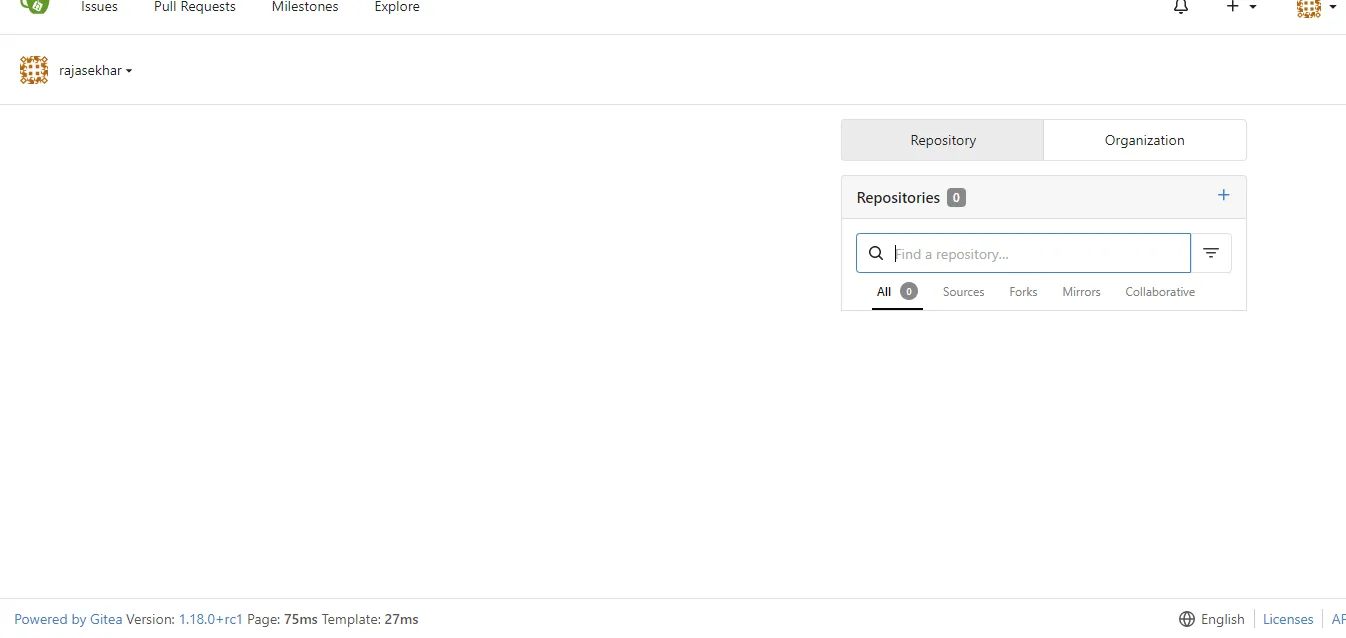
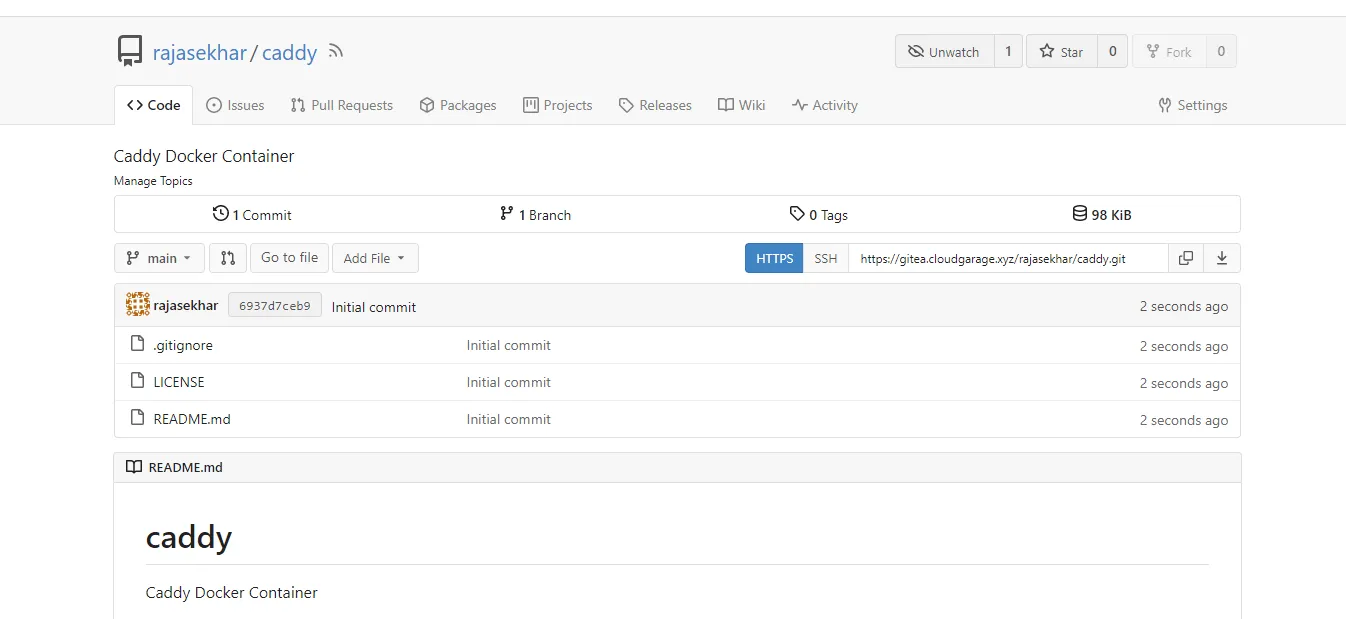
The deployment of Gitea behind Caddy in our Docker Swarm cluster is complete!
If you enjoyed this tutorial, please share your thoughts in the comments below. It helps me bring more self-hosted open-source content to the community.
Stay tuned for more deployment guides!

Continue reading

How to Deploy Woodpecker CI 1.0.3 in Docker Swarm Behind Caddy v2.7.5
Woodpecker is a simple, highly extensible CI engine. It focuses on executing pipelines inside containers. If you use containers in your daily workflow, you'll love Woodpecker.

How to Deploy Drone 2.16.0 in Docker Swarm Behind Caddy v2.6.4
Drone is a self-service, container-native Continuous Integration and Delivery platform designed for busy development teams.

How to Deploy Jenkins v2.426.2 in Docker Swarm Behind Caddy v2.7.6
Jenkins is a popular open-source automation server written in Java. Learn how to deploy a highly available CI/CD pipeline engine using Docker Swarm and Caddy.