How to Deploy Metabase 0.46.5 in Docker Swarm Behind Traefik v2.10.1
Metabase is the easy, open-source way for everyone in your company to ask questions and learn from data without knowing SQL. Learn how to deploy it in a Docker Swarm cluster.

Metabase is the easy, open-source way for everyone in your company to ask questions and learn from your data.
This post will show you how to deploy Metabase 0.46.5 to our Docker Swarm Cluster using Docker Compose, sitting securely behind a Traefik v2.10.1 reverse proxy.
You can learn more by visiting the official Metabase website and their GitHub repository.
Let’s start with the actual deployment.
Prerequisites
Please ensure you fulfill the following requirements before proceeding with the deployment:
- A Docker Swarm Cluster configured with GlusterFS for persistent storage.
- Traefik v2.10.1 deployed as the ingress reverse proxy to expose microservices externally.
- A running MariaDB database stack to host the application databases.
Introduction to Metabase
If you are looking for a tool to easily summarize and visualize your data without ever writing a single line of SQL or having to wait on a coworker, Metabase is the perfect solution.
When you need to dig into the complicated stuff, Metabase provides both a flexible GUI query builder and an elegant SQL interface. You can generate beautiful graphs and charts from your data with just a few clicks.
Why Choose Metabase?
Metabase is a simple and powerful analytics tool that lets anyone learn and make decisions from their company’s data. No technical knowledge is required!
Metabase allows you to browse or search through all tables in your databases, filter things down to find exactly what you need, and visualize the results using an intuitive interface.
Schedule and send charts or results to your team via email or Slack.
Let everyone on your team create, organize, and share beautiful collections of visualizations and dashboards.
Set up alerts to let everyone know when something needs attention or when you’ve finally met a specific goal.
Core Features
Metabase is built for accessibility:
- Let anyone on your team ask questions without knowing SQL.
- Create rich, beautiful dashboards with auto-refresh and full-screen modes.
- Native SQL Mode for analysts and data pros.
- Create canonical segments and metrics for everyone to use consistently.
- Send automated data reports to Slack or email on a schedule with Pulses.
- View data directly in Slack anytime with MetaBot.
- Humanize data for your team by renaming, annotating, and hiding raw database fields.
- Track changes in your data using intelligent alerts.
Supported Databases
Metabase supports connecting to most modern data sources, including:
- PostgreSQL
- MySQL / MariaDB
- Druid
- SQL Server
- Redshift
- MongoDB
- Google BigQuery
- SQLite
- H2
- Oracle
- Vertica
- Presto
- Snowflake
- SparkSQL
Persisting Metabase Data with GlusterFS
Containers are fast to deploy and make efficient use of system resources. However, their filesystems are ephemeral. If a container restarts or is rescheduled, local data is lost.
To overcome this, we use GlusterFS. I previously set up a replicated GlusterFS volume to ensure data is mirrored across all nodes in the cluster.
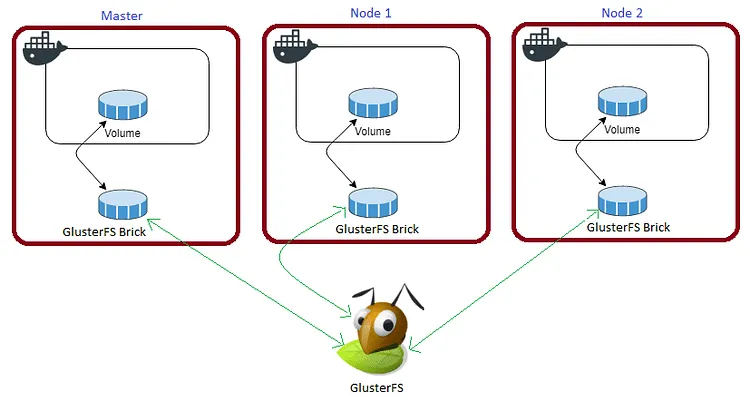
The volume is mounted across all nodes. When data is written to the
/mntpartition, it is instantly replicated to the other nodes in the cluster.
If any node fails, the application automatically restarts on another node without losing data.
For disaster recovery, we need to persist the /metabase-data/metabase.db directory.
Create a folder in the /mnt directory for the persistent Metabase data:
cd /mnt
sudo mkdir -p metabase
Watch the video below for a complete guide on setting up a GlusterFS Replicated Volume.
Prepare the Deployment Environment
We will use Docker Compose to define the deployment environment.
Navigate to the /opt directory on your Swarm manager node and create the configuration directory for Metabase:
cd /opt
sudo mkdir -p metabase
cd metabase
sudo touch metabase.yml
Metabase Docker Compose Configuration
Open metabase.yml using your editor:
sudo nano metabase.ymlPaste the following Docker Compose configuration. For production readiness, we connect Metabase to the internal maindb MariaDB database rather than using its default internal H2 database.
version: "3.7"

services:
  metabase:
    image: metabase/metabase:latest
    depends_on:
      - maindb
    ports:
      - '3000:3000'
    volumes:
      - /mnt/metabase:/metabase-data
    environment:
      - MB_DB_TYPE=mysql
      - MB_DB_DBNAME=metabase
      - MB_DB_PORT=3306
      - MB_DB_USER=root
      - MB_DB_PASS_FILE=/run/secrets/mysql_root_password
      - MB_DB_HOST=maindb
      - MB_DB_FILE=/metabase-data/metabase.db
    secrets:
      - mysql_root_password
    networks:
      - proxy
    deploy:
      placement:
        constraints: [node.role == worker]
      replicas: 1
      update_config:
        parallelism: 2
        delay: 10s
      restart_policy:
        condition: on-failure
      labels:
        - "traefik.enable=true"
        - "traefik.docker.network=proxy"
        - "traefik.http.routers.metabase.rule=Host(`metabase.example.com`)"
        - "traefik.http.routers.metabase.tls=true"
        - "traefik.http.routers.metabase.tls.certresolver=default"
        - "traefik.http.routers.metabase.entrypoints=websecure"
        - "traefik.http.services.metabase.loadbalancer.server.port=3000"

secrets:
  mysql_root_password:
    external: true

volumes:
  metabase:
    driver: "local"

networks:
  proxy:
    external: true
As mentioned in the prerequisites, I am using the MariaDB stack deployed earlier as the backend database for Metabase. Traefik labels handle routing and automatic SSL generation.
Deploy Metabase to Docker Swarm
Before deploying, ensure you have created the metabase database inside your maindb MariaDB instance.
Now, deploy the stack to your Swarm using the following command:
docker stack deploy --compose-file metabase.yml metabaseIn Docker Swarm, whatever you deploy via compose is called a “stack,” and it contains multiple “services.”
Check the status of the deployment to ensure it scheduled properly:
docker stack ps metabaseAccess and Install Metabase
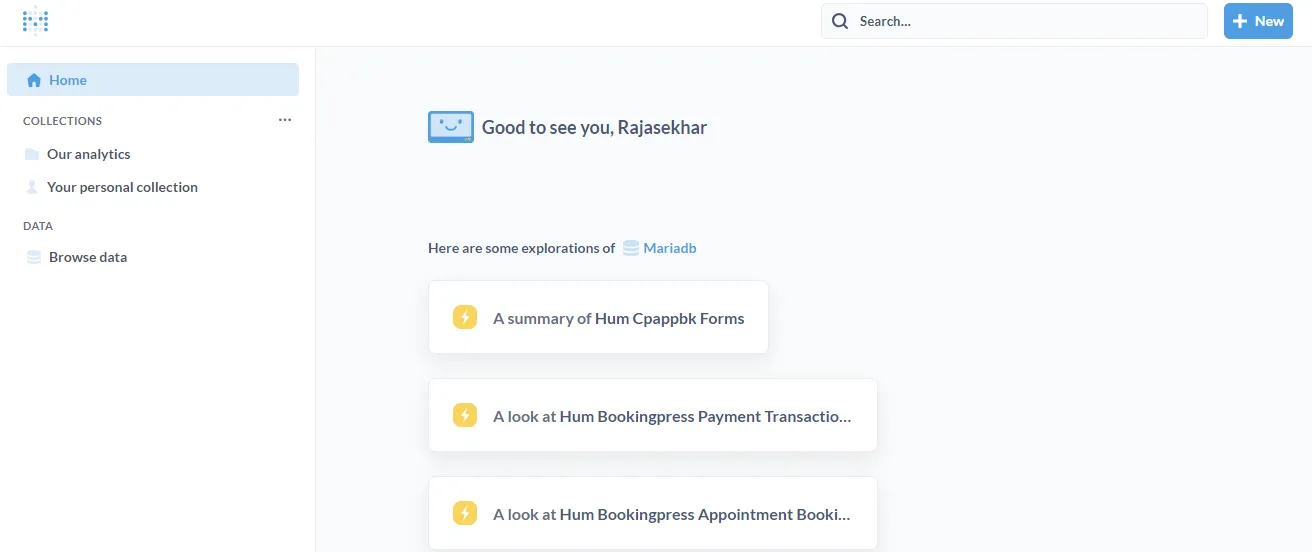
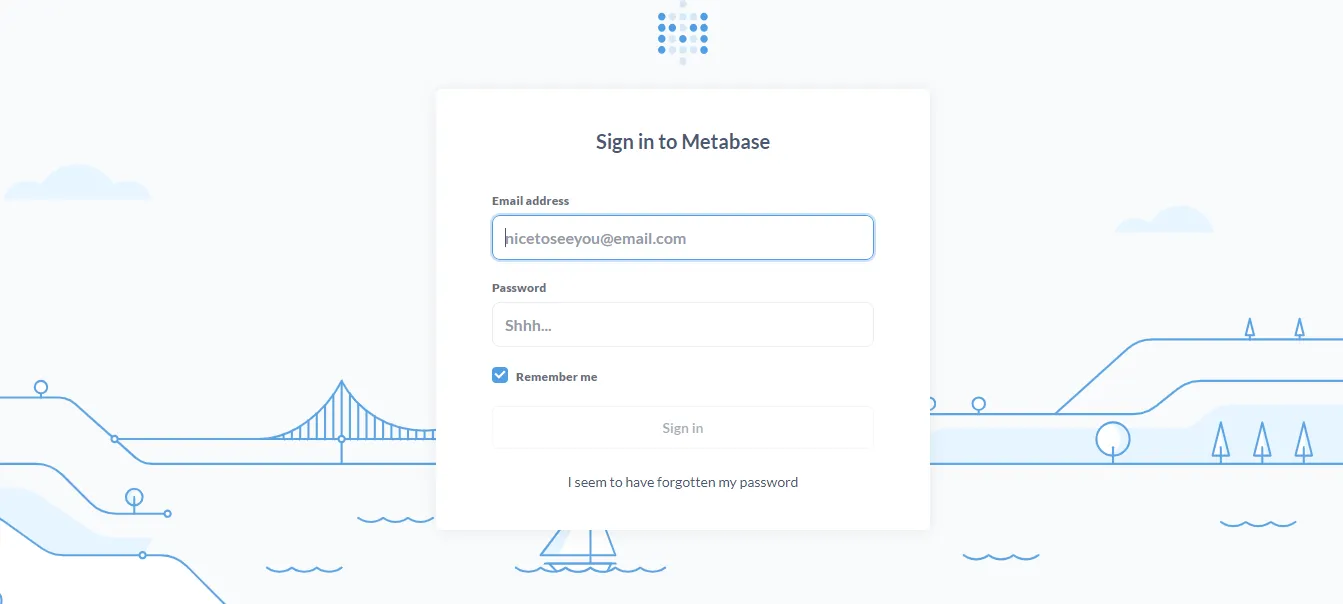
Open your browser and navigate to metabase.example.com. Traefik will automatically redirect you securely to HTTPS. (Ensure you replace example.com with your actual domain).
Ensure you have configured a DNS A-Record or CNAME pointing metabase.example.com to your Swarm ingress load balancer.
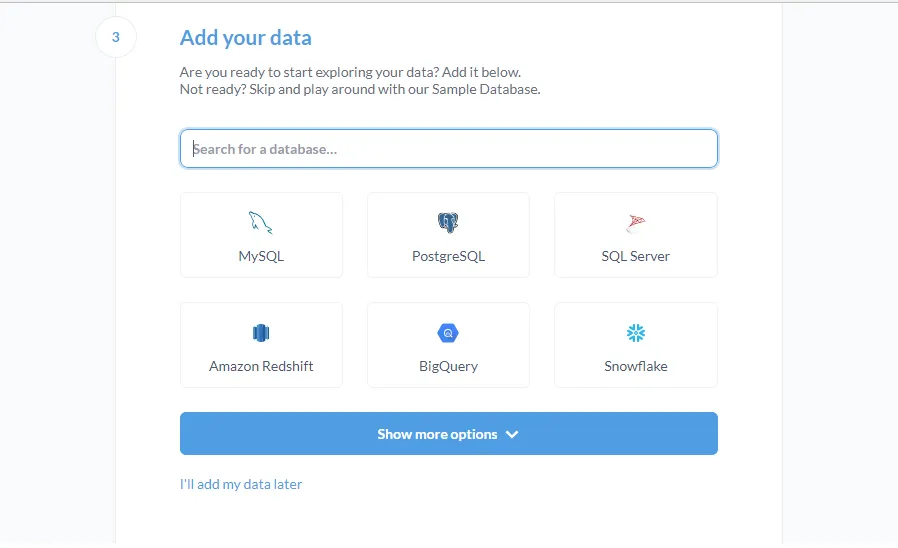
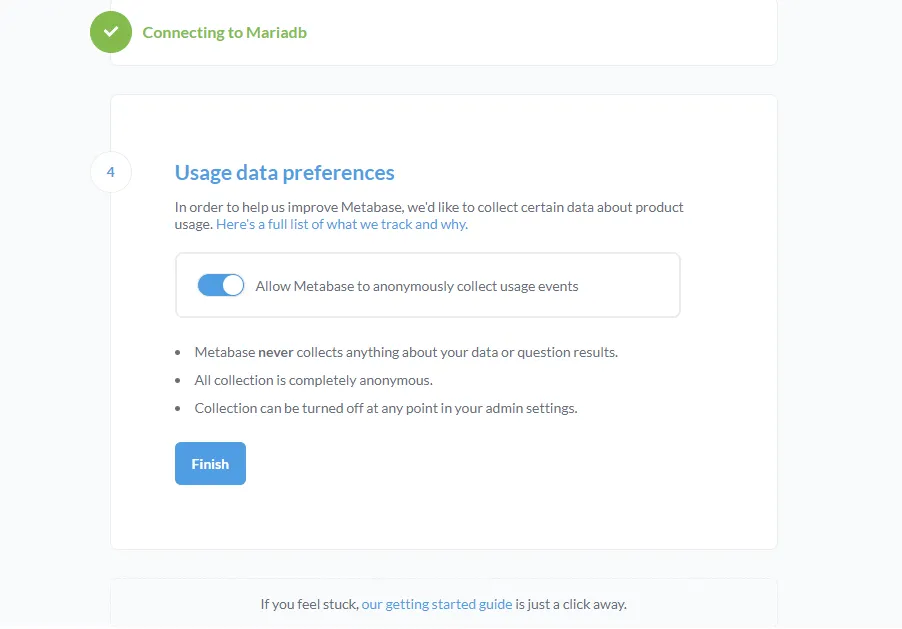
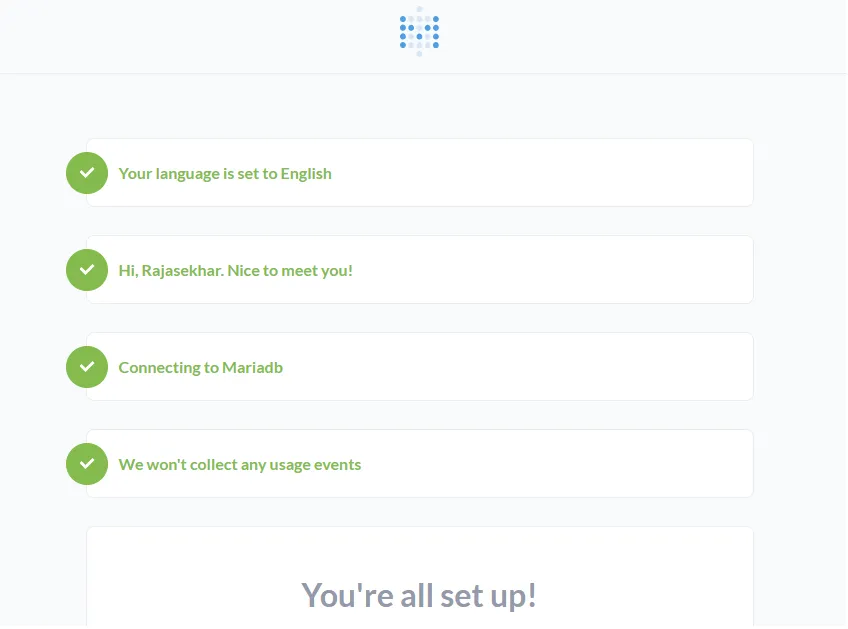
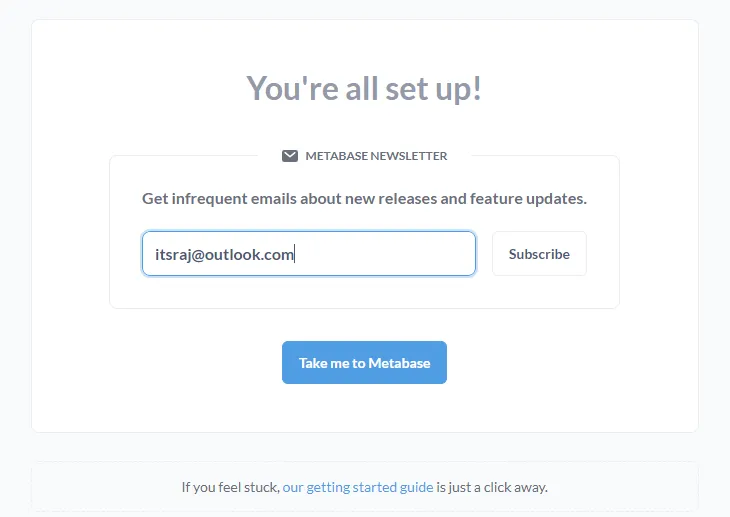
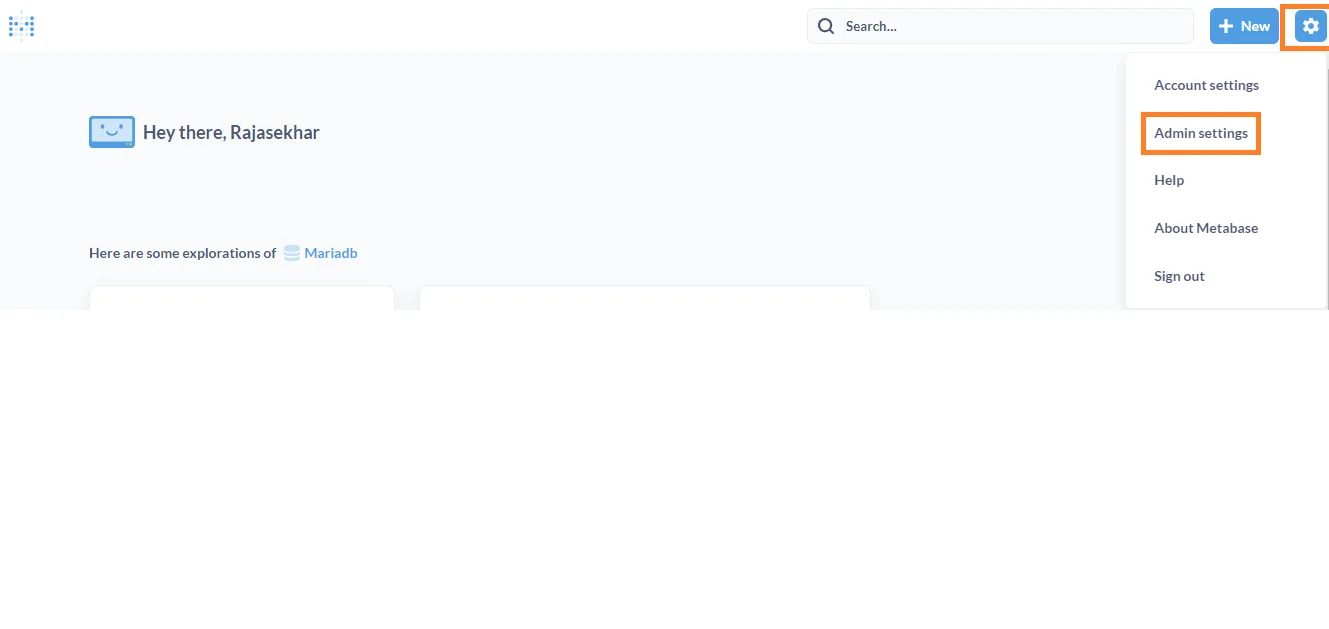
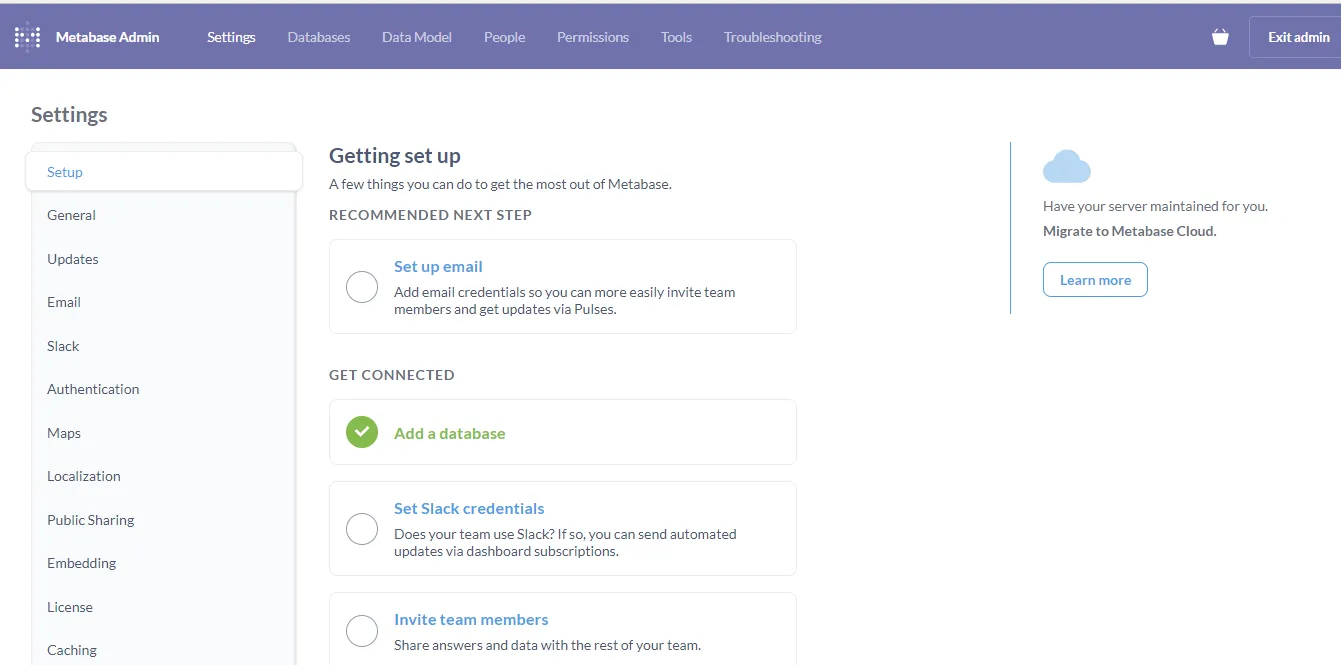
Follow the interactive setup wizard to complete the installation.
Reference Images from the Deployment:
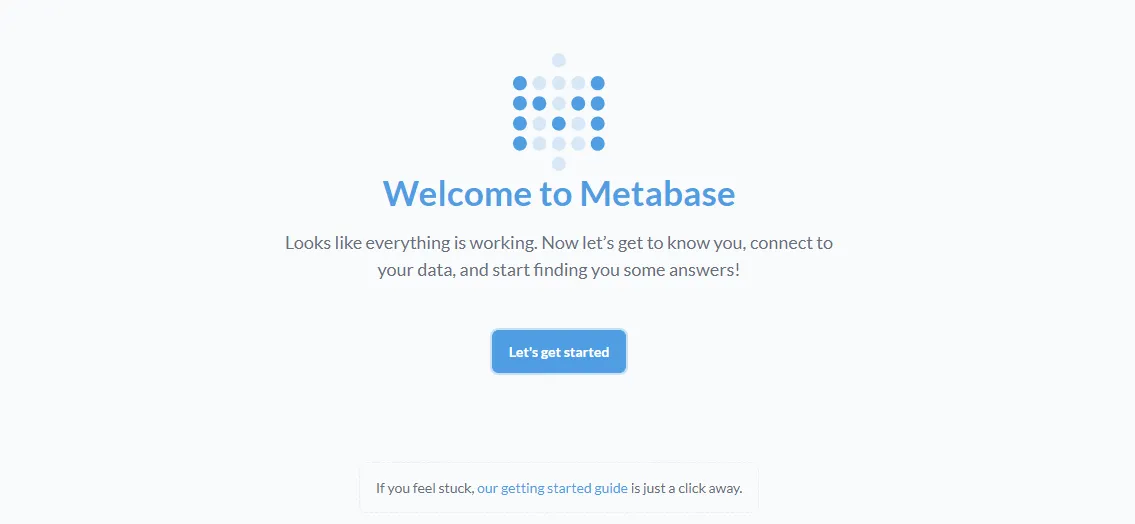
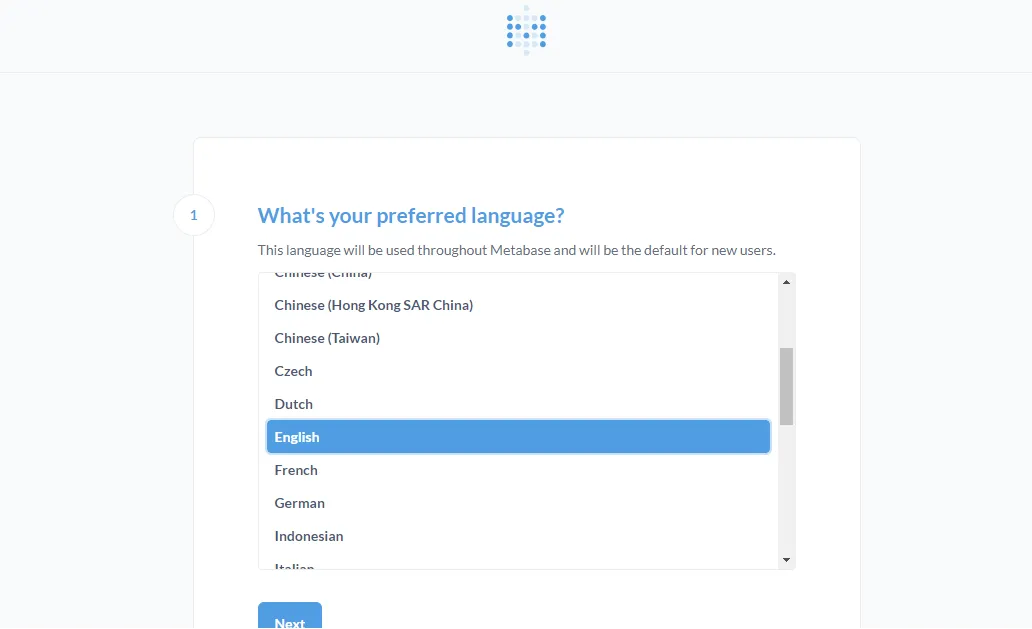
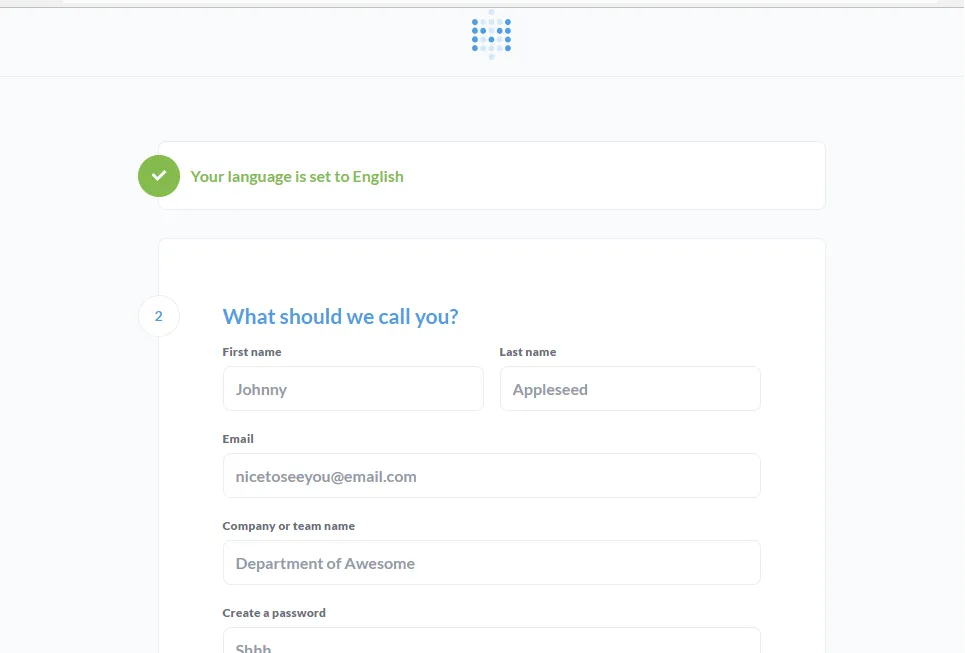
I hope you enjoyed this tutorial! Please share your thoughts or feedback in the comments below.
Stay tuned for more open-source self-hosting deployments!

Continue reading

How to Deploy Metabase 0.46.5 in Docker Swarm Behind Caddy v2.6.4
Metabase is the easy, open-source way for everyone in your company to ask questions and learn from data without knowing SQL. Learn how to deploy it in a Docker Swarm cluster.

How to Deploy MongoDB 4.4.22 in Docker Swarm Behind Traefik v2.0
MongoDB is a highly scalable NoSQL database program that uses JSON-like documents. Learn how to deploy it as a highly available service in Docker Swarm.

How to Deploy Adminer 4.8.1 Database Management Tool in Docker Swarm Behind Traefik v2.0
Adminer is a lightweight database management tool with a clean GUI, serving as a powerful alternative to phpMyAdmin and CLI administration.