How to Deploy Jenkins v2.426.2 in Docker Swarm Behind Caddy v2.7.6
Jenkins is a popular open-source automation server written in Java. Learn how to deploy a highly available CI/CD pipeline engine using Docker Swarm and Caddy.

Jenkins is the leading open-source automation server built with Java. With its massive plugin ecosystem, you can use it to automate virtually anything in your development workflow.
Today, I am going to show you how to deploy Jenkins v2.426.2 in a Docker Swarm Cluster using Docker Compose, sitting securely behind a Caddy v2.7.6 reverse proxy.
If you want to learn more about Jenkins, please check out the links below:
Let’s start with the actual deployment.
Prerequisites
Please ensure you fulfill the following requirements before proceeding with the deployment:
- A Docker Swarm Cluster configured with GlusterFS for persistent storage.
- Caddy deployed as the ingress reverse proxy to expose microservices externally.
Introduction to Jenkins
Jenkins is primarily used to automate continuous integration and continuous delivery (CI/CD) pipelines. It is commonly used for the following tasks:
- Building projects
- Running automated tests to detect bugs or issues
- Analyzing code quality
- Deploying or delivering software to production environments
Jenkins uses robust Pipeline functionality to achieve these tasks. You can create and configure a pipeline project using a Jenkinsfile, the modern Blue Ocean interface, the Classic UI, or directly through SCM polling.
Persisting Jenkins Data with GlusterFS
Containers deploy quickly and make efficient use of system resources. However, their filesystems are ephemeral. If a container restarts, local data is lost.
To overcome this, we use GlusterFS. I previously set up a replicated GlusterFS volume to ensure data is mirrored across all nodes in the cluster.
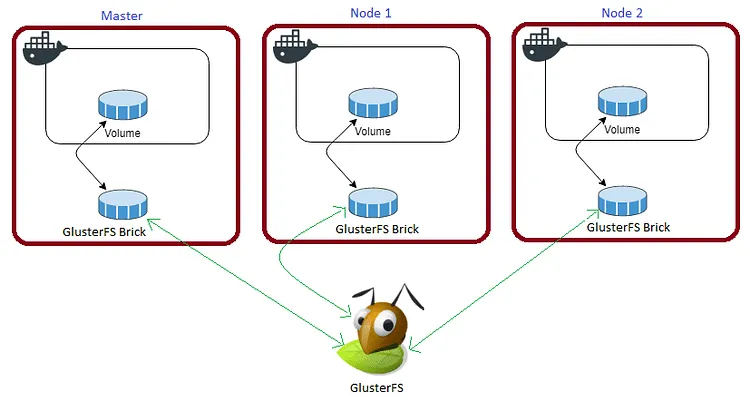
The volume is mounted across all nodes. When data is written to the
/mntpartition, it is instantly replicated.
If any node fails, the application automatically restarts on another node without losing data. This is the primary advantage of a replicated volume.
Persistent application state is critical for Jenkins so that you don’t lose your job configurations, plugin installations, and build history.
Create a persistent folder in the /mnt directory to map to the /var/jenkins_home container volume:
cd /mnt
sudo mkdir -p jenkins-data
Watch the video below for a complete guide on setting up a GlusterFS Replicated Volume.
Prepare the Deployment Environment
We will use Docker Compose to define the deployment environment.
Navigate to the /opt directory on your Swarm manager node and create the configuration directory for Jenkins:
cd /opt
sudo mkdir -p jenkins
cd jenkins
sudo touch jenkins.yml
Jenkins Docker Compose Configuration
Open jenkins.yml using your editor:
sudo nano jenkins.ymlPaste the following Docker Compose configuration. Notice that we are mapping /var/run/docker.sock so that Jenkins can spawn Docker containers for its build agents.
version: "3.7"

services:
  jenkins:
    image: tuneitme/jenkins:latest
    volumes:
      - /mnt/jenkins-data:/var/jenkins_home
      - /var/run/docker.sock:/var/run/docker.sock
    networks:
      - caddy
    deploy:
      placement:
        constraints: [node.role == worker]
      replicas: 1
      update_config:
        parallelism: 2
        delay: 10s
      restart_policy:
        condition: on-failure

volumes:
  jenkins-data:
    driver: "local"

networks:
  caddy:
    external: true
Caddyfile Configuration
Here is the production-ready Caddyfile required to expose Jenkins securely. Learn more about writing Caddyfiles here.
{
    email you@example.com
    default_sni jenkins
    cert_issuer acme
    acme_ca [https://acme-v02.api.letsencrypt.org/directory](https://acme-v02.api.letsencrypt.org/directory)

    servers {
        metrics
        protocols h1 h2c h3
        strict_sni_host on
        trusted_proxies cloudflare {
            interval 12h
            timeout 15s
        }
    }
}

jenkins.example.com {
    log {
        output file /var/log/caddy/jenkins.log {
            roll_size 20mb
            roll_keep 2
            roll_keep_for 6h
        }
        format console
        level error
    }
    encode gzip zstd
    reverse_proxy jenkins:8080
}
If you want more insight into deploying Caddy in a Docker Swarm cluster, check out my previous post on Caddy.
Full Stack Deployment (Combined)
If you prefer to deploy Caddy and Jenkins together in a single stack, here is the combined docker-compose.yml file.
version: "3.7"

services:
  caddy:
    image: tuneitme/caddy
    ports:
      - "80:80"
      - "443:443"
    networks:
      - caddy
    volumes:
      - ./Caddyfile:/etc/caddy/Caddyfile
      - /mnt/caddydata:/data
      - /mnt/caddyconfig:/config
      - /mnt/caddylogs:/var/log/caddy
    deploy:
      placement:
        constraints:
          - node.role == manager
      replicas: 1
      update_config:
        parallelism: 2
        delay: 10s
      restart_policy:
        condition: on-failure

  jenkins:
    image: tuneitme/jenkins
    volumes:
      - /mnt/jenkins-data:/var/jenkins_home
      - /var/run/docker.sock:/var/run/docker.sock
    networks:
      - caddy
    deploy:
      placement:
        constraints: [node.role == worker]
      replicas: 1
      update_config:
        parallelism: 2
        delay: 10s
      restart_policy:
        condition: on-failure

volumes:
  caddydata:
    driver: "local"
  caddyconfig:
    driver: "local"
  caddylogs:
    driver: "local"
  jenkins-data:
    driver: "local"

networks:
  caddy:
    external: true
I used a custom Caddy Docker image bundled with specific plugins (like Cloudflare DNS) for my environment, and a custom Jenkins container pre-bundled with the Blue Ocean plugin.
You can find the custom Docker images linked below:
Deploy Jenkins to Docker Swarm
Now it’s time to deploy our jenkins.yml using the following command:
docker stack deploy --compose-file jenkins.yml jenkinsIn Docker Swarm, whatever you deploy via compose is called a “stack,” and it contains multiple “services.”
Check the status of the deployment to ensure it scheduled properly:
docker stack ps jenkinsCheck the Jenkins server logs to retrieve your initial admin password:
docker service logs jenkins_jenkinsYou will notice that Caddy automatically intercepts the external traffic, redirects it to HTTPS, and provisions Let’s Encrypt certificates.
Access and Configure Jenkins
Open your browser and navigate to jenkins.example.com to access the site and complete the initial setup configuration.
Ensure you have configured a DNS A-Record or CNAME pointing jenkins.example.com to your Swarm ingress load balancer.
Reference Images from the Deployment:
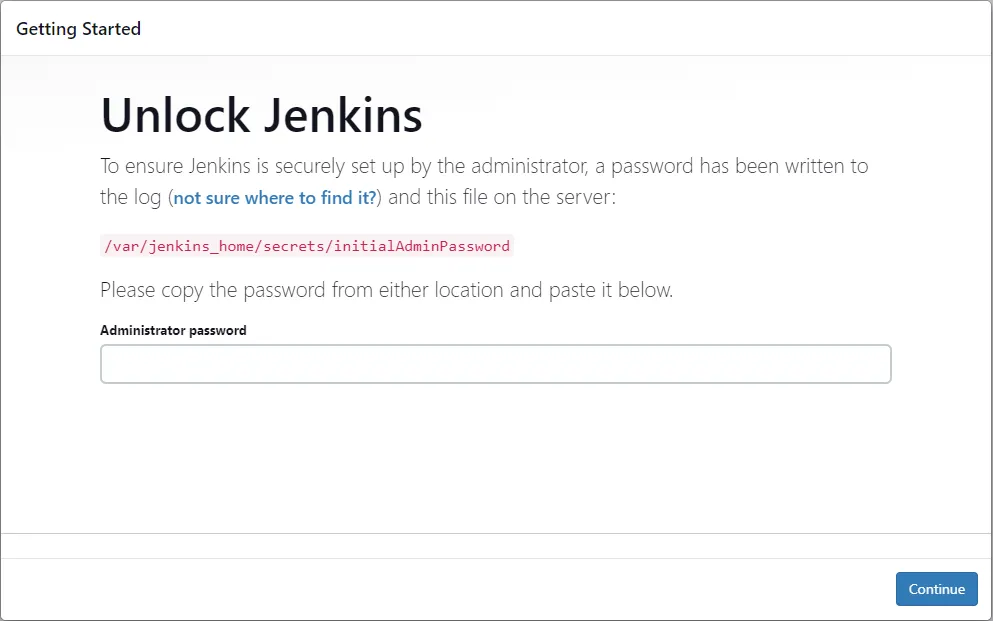
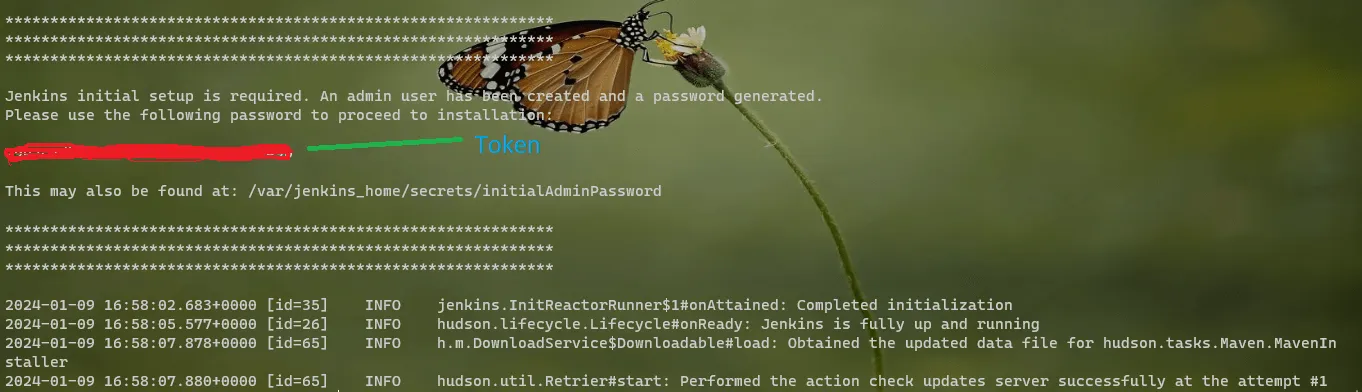
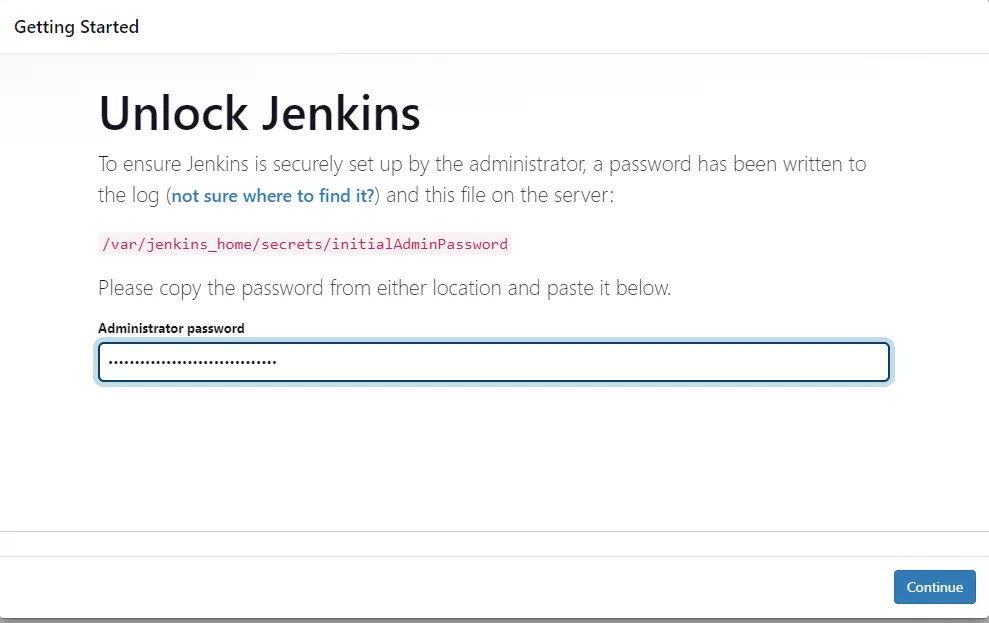
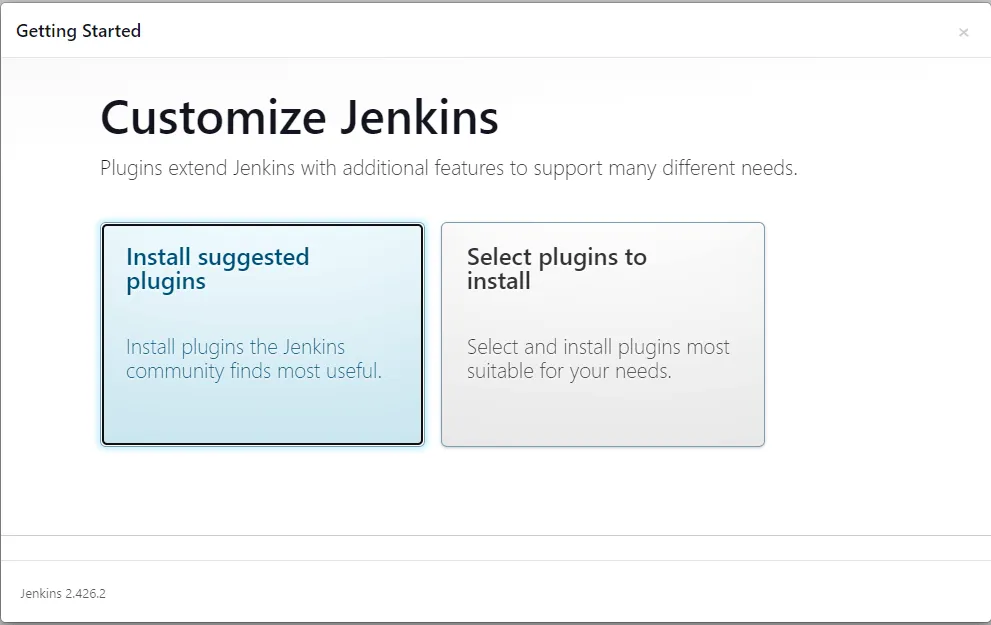
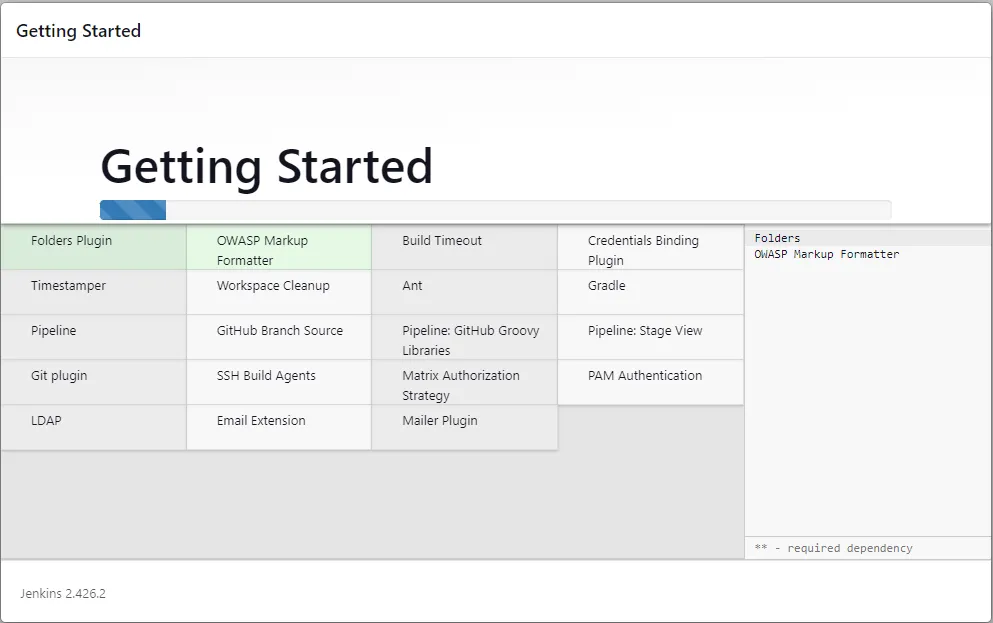
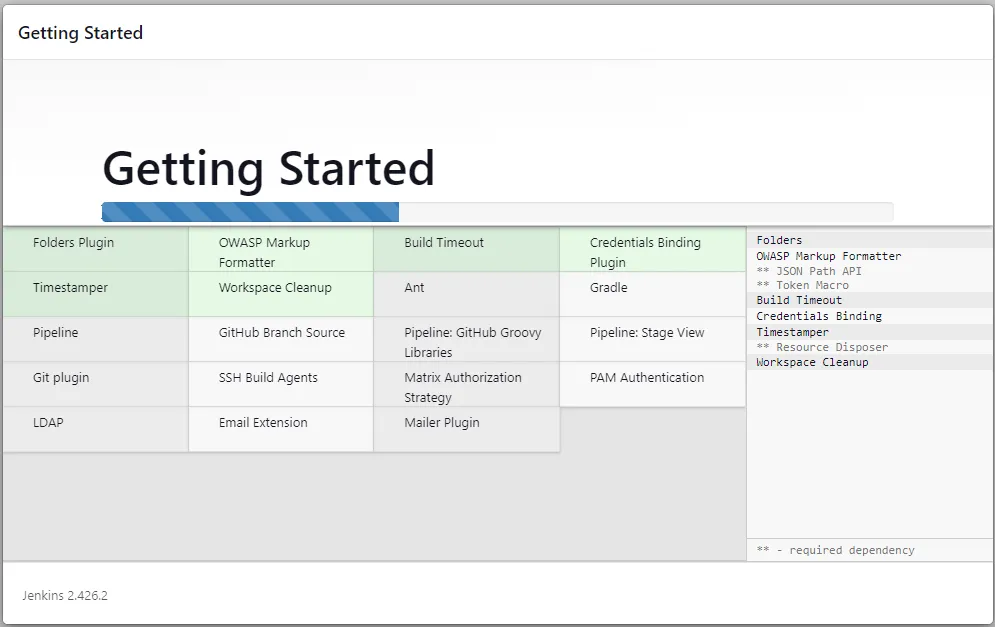
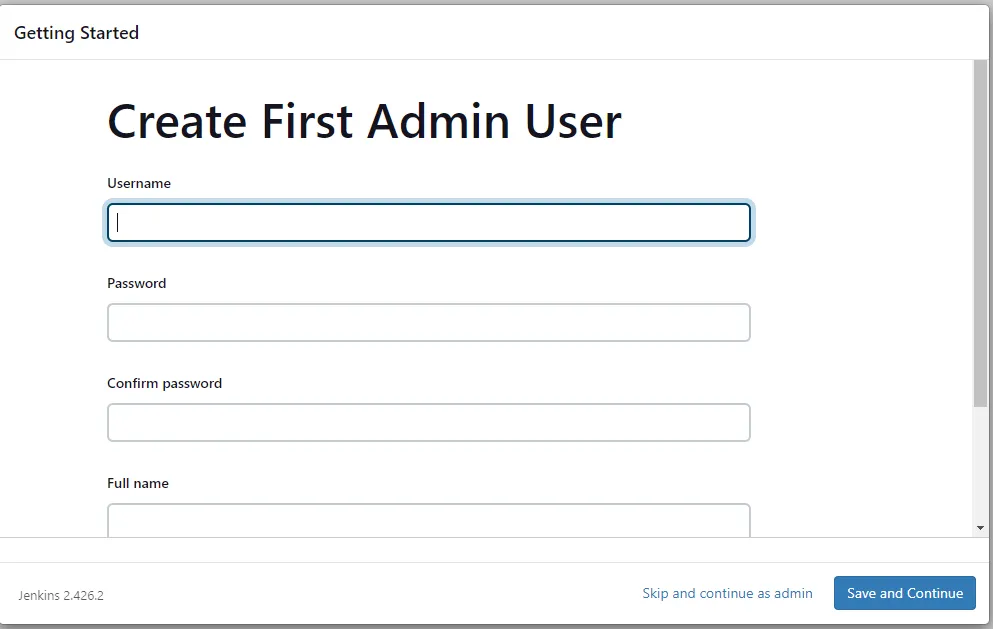
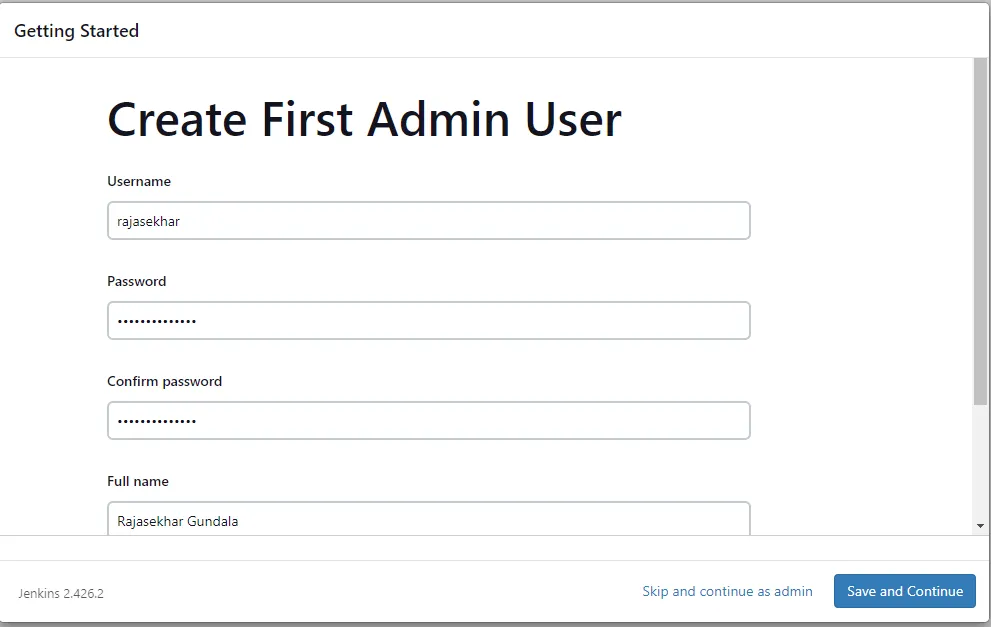
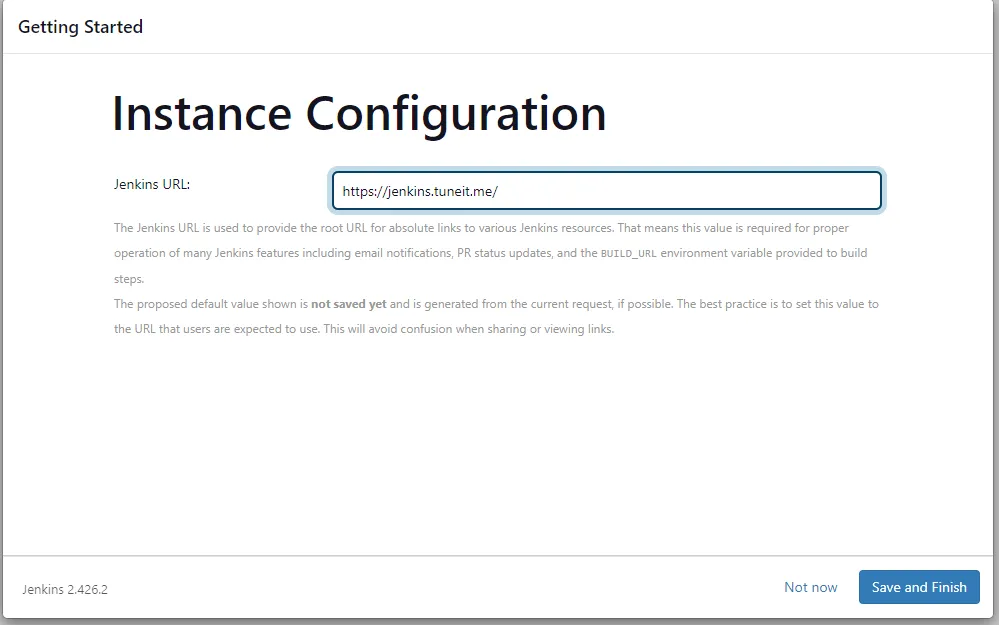
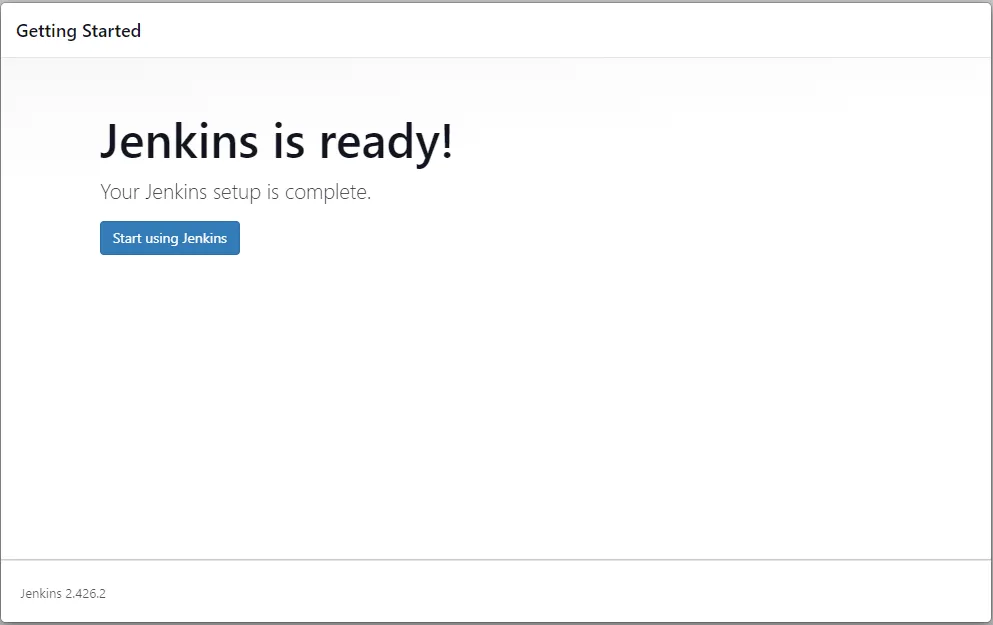
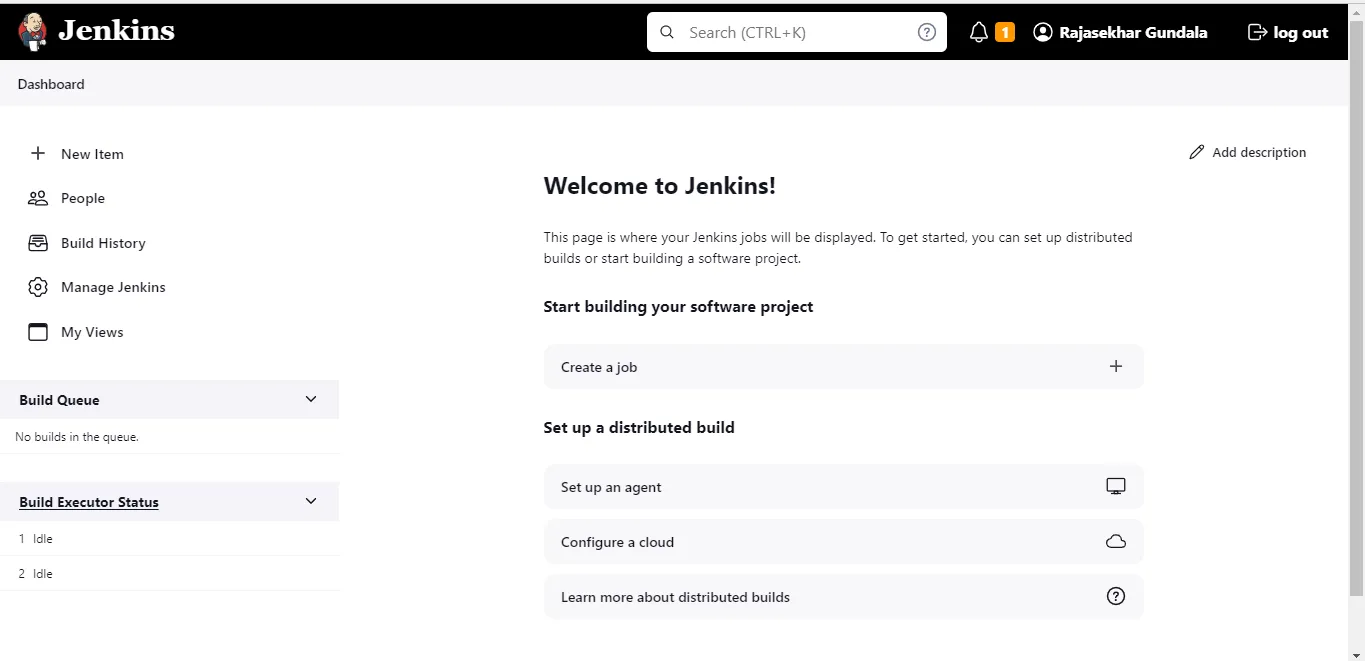
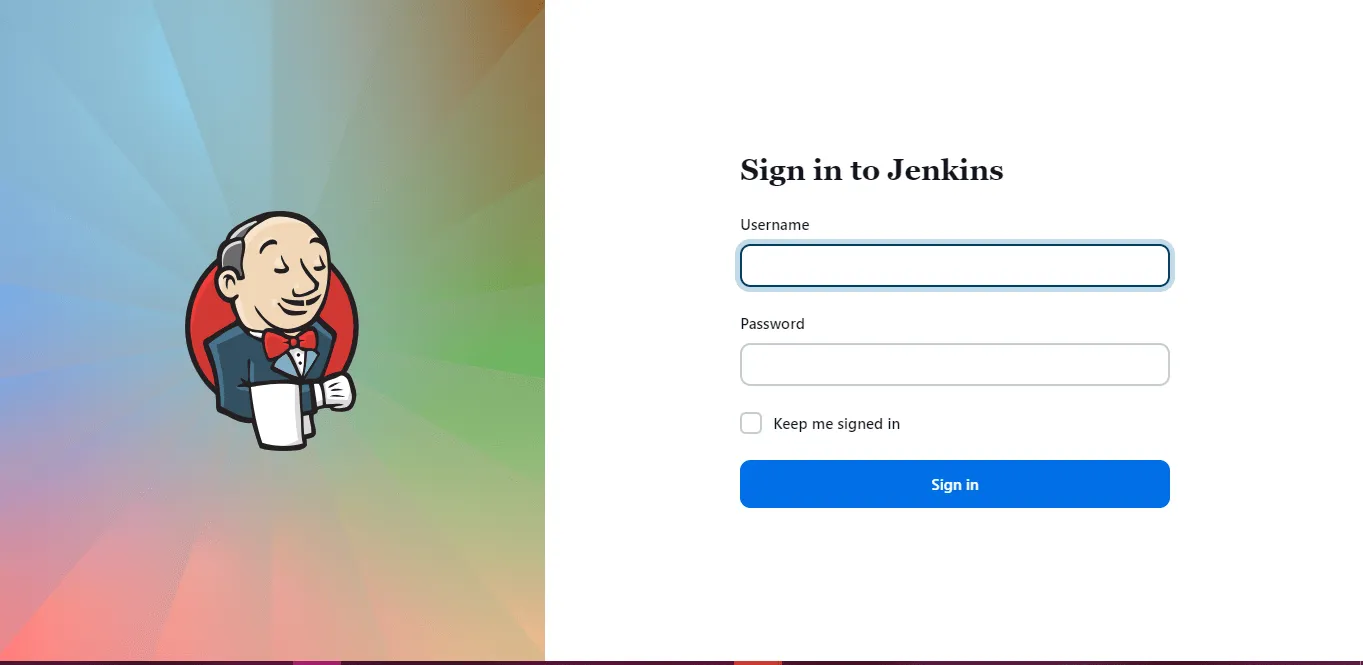
The deployment of Jenkins behind Caddy Reverse Proxy in our Docker Swarm is successful!
I hope you enjoyed reading this guide and gained some practical knowledge on how to install and persist Jenkins in a Docker Swarm environment.
If you enjoyed this tutorial, please share your thoughts by commenting below. It helps me bring more open-source self-hosting articles to the blog.
Stay tuned for more deployments in upcoming posts!

Continue reading

How to Deploy Woodpecker CI 1.0.3 in Docker Swarm Behind Caddy v2.7.5
Woodpecker is a simple, highly extensible CI engine. It focuses on executing pipelines inside containers. If you use containers in your daily workflow, you'll love Woodpecker.

How to Deploy Drone 2.16.0 in Docker Swarm Behind Caddy v2.6.4
Drone is a self-service, container-native Continuous Integration and Delivery platform designed for busy development teams.

How to Deploy Gitea 1.18.0 in Docker Swarm Behind Caddy v2.6.2
Git with a cup of tea. Learn how to deploy Gitea, a painless, self-hosted, lightweight code hosting solution written in Go, to a Docker Swarm cluster.