How to Deploy Wiki.js 2.5.299 in Docker Swarm Behind Traefik v2.0
Wiki.js is a modern, lightweight, and incredibly powerful open-source wiki application built on Node.js. Learn how to deploy it in a Docker Swarm cluster.

Wiki.js is one of the most powerful and extensible open-source Wiki software platforms available today. Running on Node.js and written entirely in JavaScript, Wiki.js is a modern, lightweight, and heavily optimized wiki application.
In this post, I am going to show you how to deploy Wiki.js 2.5.299 to our Docker Swarm Cluster using Docker Compose, sitting securely behind a Traefik v2.0 reverse proxy.
Make your documentation a joy to write using Wiki.js’s beautiful and intuitive interface!
Learn more by visiting the official Wiki.js website and its Wikipedia page.
Prerequisites
Please ensure you fulfill the following requirements before proceeding with the deployment:
- A Docker Swarm Cluster configured with GlusterFS for persistent storage.
- Traefik v2.0 deployed as the ingress reverse proxy to expose microservices externally.
- A running MariaDB database stack to host the application databases.
Introduction to Wiki.js
If you are looking to build documentation for your product to reduce the footprint of IT support tickets, manage project documentation for internal teams, or simply host a private repository of knowledge, Wiki.js is one of the best solutions to consider.
Wiki.js is a modern, lightweight, and powerful wiki app built on NodeJS, Git, and Markdown.
It features a persistent global navigation menu displayed across all pages, which usually consists of important links or external resources.
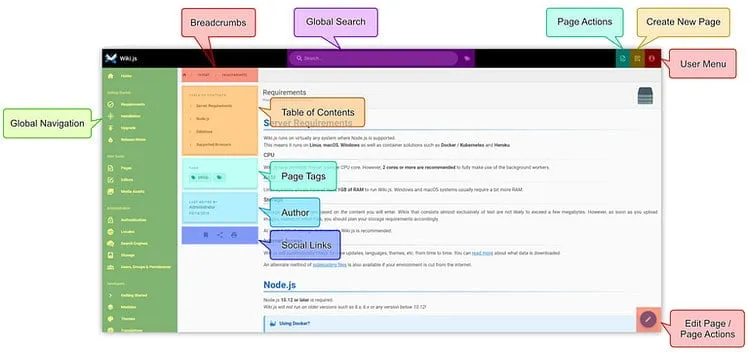
It also auto-generates a Table of Contents based on your headers, and provides breadcrumbs representing your folder structure.
Why Choose Wiki.js?
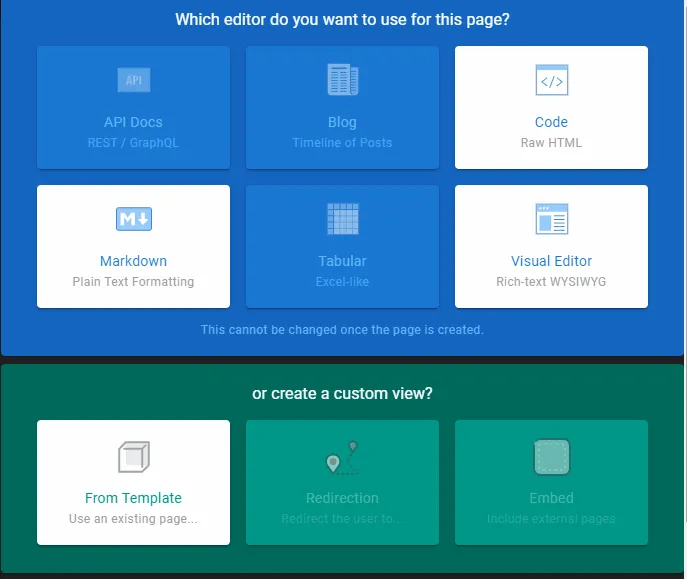
Wiki.js offers ultimate flexibility by providing built-in editors tailored to user preference. You can choose between a Code editor, a Markdown editor, or a rich Visual Editor. You can also import existing pages directly.
Wiki.js offers various editors depending on the type of content you want to write or simply user preference. Developers will usually go with the Markdown editor, while non-technical users may prefer the Visual Editor.
Wiki.js Features & Modules
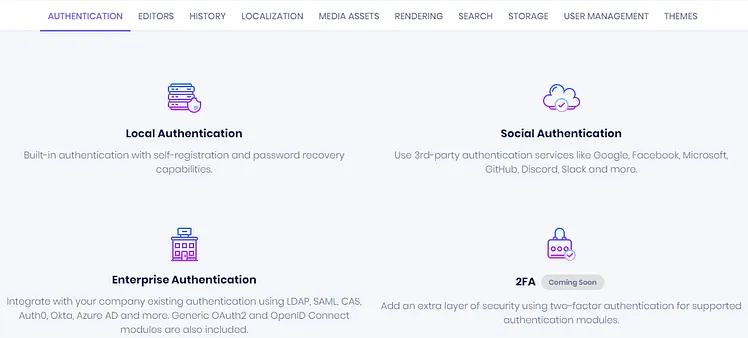
Wiki.js is bundled with a massive range of modules that can be turned on or off on demand. Not all teams need the same set of features. That’s why it has a wide set of modules to fulfill whatever requirement you have.
Database Support
For the best performance, feature support, and future compatibility, it’s highly recommended to use PostgreSQL (version 9.5 or later). However, Wiki.js 2.x is also compatible with:
- MySQL 8.0+
- MariaDB 10.2.7+
- MS SQL Server 2012+
- SQLite 3.9+ (Not recommended for production)
Note: These alternative engines may not be supported in the next major version of Wiki.js. Make sure you understand the implications of migrating your database to PostgreSQL if you plan on upgrading to 3.x+ in the coming years.
High Availability
Wiki.js supports high availability deployments (available from version 2.3 and up). When running Wiki.js with multiple replicas (e.g., in a Kubernetes cluster or Docker Swarm), you must enable High-Availability to ensure changes propagate to all instances.
- Set
HA_ACTIVEtotrue.
You must be using a PostgreSQL database to enable HA. It will not work with any other database engine!
Key Modules
Wiki.js features modules for Analytics, Authentication, Logging, Storage, and Search Engines.
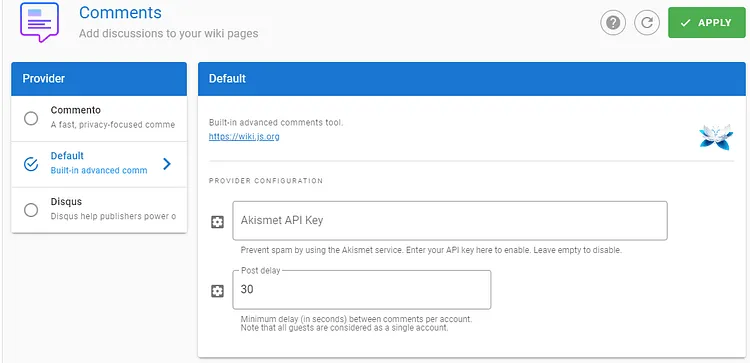
It also has an incredibly powerful built-in commenting module, alongside native integrations with external engines like Commento and Disqus.
Learn more about Wiki.js modules and features here.
Prepare the Deployment Environment
We will use Docker Compose to define the deployment environment.
Navigate to the /opt directory on your Swarm manager node and create the configuration directory for Wiki.js:
cd /opt
sudo mkdir -p wiki
cd wiki
sudo touch wiki.yml
Wiki.js Docker Compose Configuration
Open wiki.yml using your editor:
sudo nano wiki.ymlPaste the following Docker Compose configuration. I am using the MariaDB database service that was deployed earlier as the backend storage system.
version: "3.7"

services:
  wiki:
    image: requarks/wiki:latest
    secrets:
      - wiki_password
    environment:
      - DB_TYPE=mariadb
      - DB_HOST=db
      - DB_PORT=3306
      - DB_NAME=wiki
      - DB_USER=root
      - DB_PASS_FILE=/run/secrets/wiki_password
    ports:
      - "3000:3000"
    networks:
      - proxy
    deploy:
      placement:
        constraints: [node.role == worker]
      replicas: 1
      update_config:
        parallelism: 2
        delay: 10s
      restart_policy:
        condition: on-failure
      labels:
        - "traefik.enable=true"
        - "traefik.docker.network=proxy"
        - "traefik.http.routers.wiki.rule=Host(`wiki.example.com`)"
        - "traefik.http.routers.wiki.tls=true"
        - "traefik.http.routers.wiki.tls.certresolver=default"
        - "traefik.http.routers.wiki.entrypoints=websecure"
        - "traefik.http.services.wiki.loadbalancer.server.port=3000"

secrets:
  wiki_password:
    external: true

networks:
  proxy:
    external: true
Deploy Wiki.js to Docker Swarm
Ensure you have created the wiki database inside your MariaDB instance before deploying this stack!
Now, deploy the stack to your Swarm using the following command:
docker stack deploy --compose-file wiki.yml wikiIn Docker Swarm, whatever you deploy via compose is called a “stack,” and it contains multiple “services.”
Check the status of the deployment to ensure it scheduled properly:
docker stack ps wiki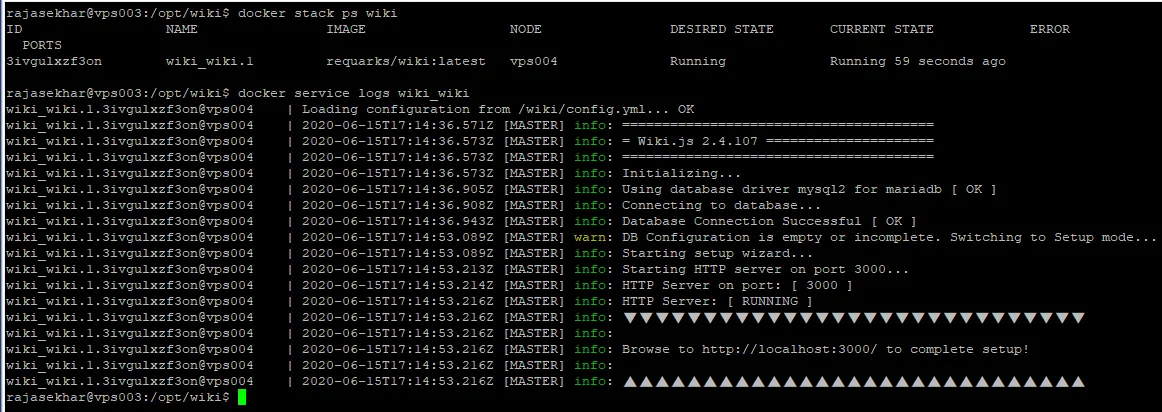
Access and Configure Wiki.js
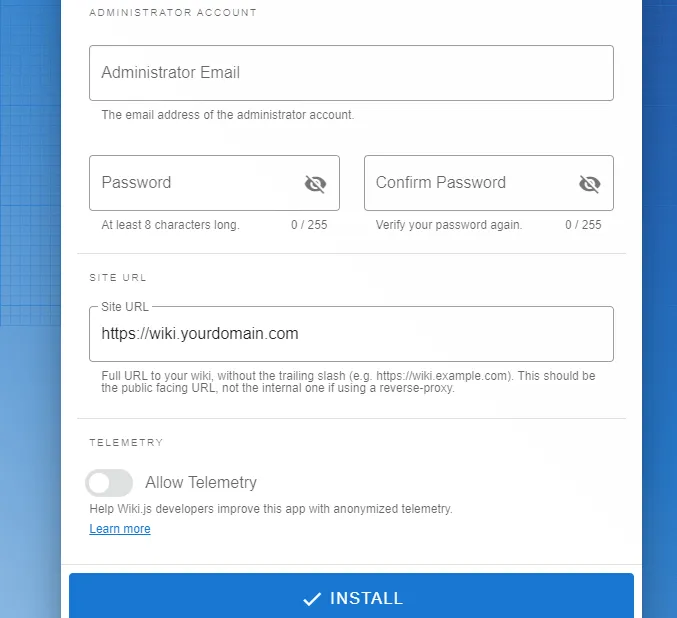
Open your browser and navigate to wiki.example.com (ensure you replace example.com with your actual domain). Traefik will secure the connection and route you to the initial setup screen.
Ensure you have configured a DNS A-Record or CNAME pointing wiki.example.com to your Swarm ingress load balancer.
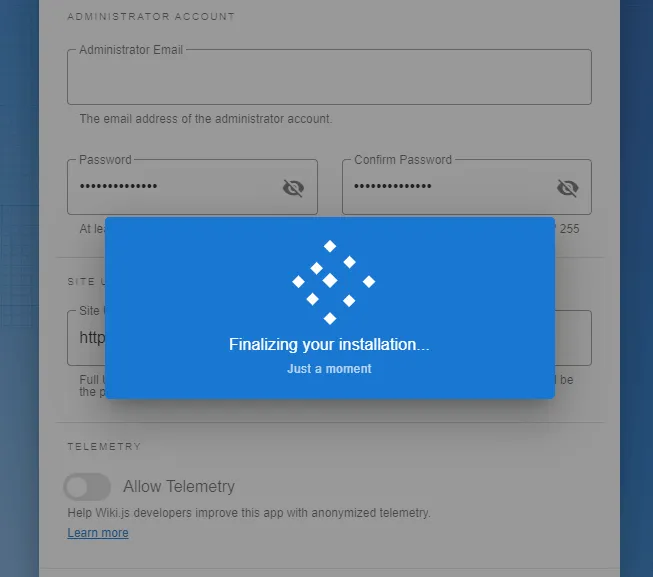
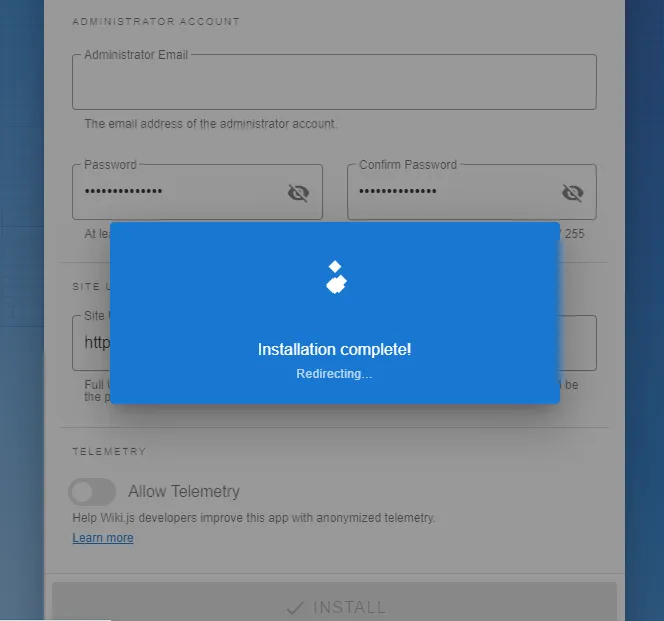
Follow the on-screen prompts to complete the administrator setup.
Reference Images from the Deployment:
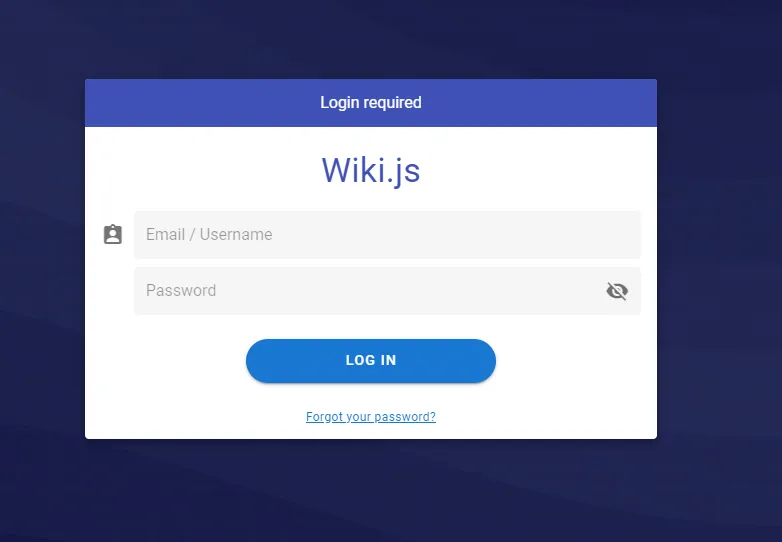
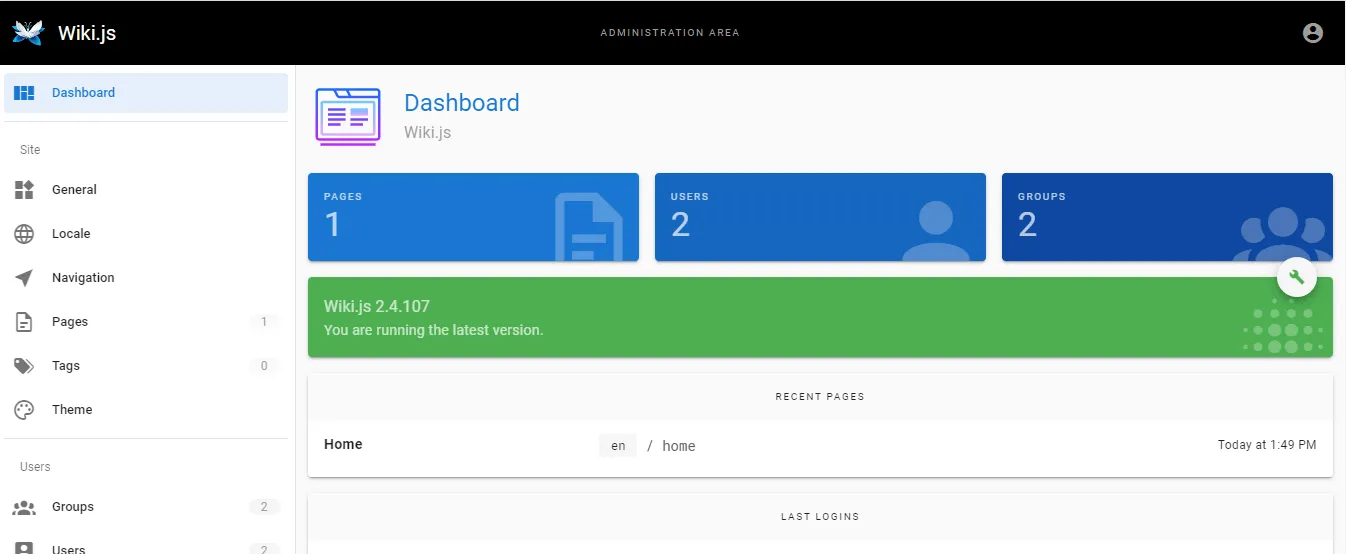
Check out the Wiki.js documentation to learn more about advanced configurations.
I hope you enjoyed this tutorial! Please share your thoughts or feedback in the comments below. It helps me bring more open-source self-hosting articles to the blog.
Stay tuned for more deployments in upcoming posts!

Continue reading

How to Deploy BookStack 0.29.3 in Docker Swarm Behind Traefik v2.0
BookStack is a simple, self-hosted platform for organizing and storing information, allowing you to structure documentation into books, chapters, and pages.

How to Deploy Metabase 0.46.5 in Docker Swarm Behind Traefik v2.10.1
Metabase is the easy, open-source way for everyone in your company to ask questions and learn from data without knowing SQL. Learn how to deploy it in a Docker Swarm cluster.

How to Deploy Jekyll 4.2.0 in Docker Swarm Behind Traefik v2.0
Jekyll is a highly customizable static site generator. Transform plain text written in your favorite markup language into beautiful, static websites.