How to Deploy Wekan 3.71 – Open Source Kanban Tool in Docker Swarm Behind Traefik v2.0
Wekan is an open-source kanban board that allows for card-based task and to-do management. Learn how to self-host it in a Docker Swarm cluster.

Wekan is an open-source kanban board that allows for highly visual, card-based task and to-do management.
As I mentioned in my previous Rocket.Chat post, today I am going to show you how to deploy Wekan to our Docker Swarm Cluster using Docker Compose.
Prerequisites
Please ensure you fulfill the following requirements before proceeding with the deployment:
- A Docker Swarm Cluster configured with GlusterFS for persistent storage.
- Traefik v2.0 deployed as the ingress reverse proxy to expose microservices externally.
- A running MongoDB database stack to serve as the backend database for Wekan.
Introduction to Wekan
Wekan is a robust, open-source kanban board. It allows you to create Boards, on which Cards can be moved around between a number of Columns (or Lists).
Boards can have many members. You can assign colored Labels to cards to facilitate grouping and filtering, and you can add members to a card to officially assign a task to someone.
Why Choose Wekan?
Wekan is distributed under the MIT License, which means you can use it entirely for free and modify the source code if needed.
It is perfect for anyone that needs a slick, responsive kanban board but doesn’t want to rely on paid third-party services (like Trello), which take your data out of your control. Wekan can be hosted on your own server with very little effort, guaranteeing that you have full custody of your data. As long as you maintain backups, your workflow management will never just vanish overnight.
Core Features
- Boards: A central list of all your public and private boards, complete with quick shortcuts at the top of the page.
- Lists & Cards: The foundational elements for tracking granular tasks.
- WIP Limits: Set a strict limit for the maximum number of tasks allowed in a specific list to prevent bottlenecking.
- Trello Import: Seamlessly migrate your existing workflow directly from Trello.
- Attachments & Checklists: Keep relevant files and sub-tasks attached directly to the overarching card.
- Swimlanes: Separate boards horizontally to categorize workflows across different teams or priorities.
- Rules (IFTTT): Automate actions similarly to Trello’s Butler (e.g., “If a card is moved here, assign to X”).
- Custom Fields & Templates: Standardize your task creation.
You can view the full list of features on the Wekan GitHub Wiki.
Prepare the Deployment Environment
We will use Docker Compose to define the deployment environment.
Navigate to the /opt directory on your Swarm manager node and create the configuration directory for Wekan:
cd /opt
sudo mkdir -p wekan
cd wekan
sudo touch wekan.yml
Wekan Docker Compose Configuration
Open wekan.yml using your editor:
sudo nano wekan.ymlPaste the following Docker Compose configuration. I am using the mongo MongoDB service that was deployed earlier to our Swarm cluster as the backend storage system.
version: "3.7"

services:
  wekan:
    image: wekanteam/wekan:latest
    depends_on:
      - mongo
    environment:
      - PORT=9001
      - ROOT_URL=[https://kanban.example.com](https://kanban.example.com)
      - MONGO_URL=mongodb://mongo/wekan
      - MAIL_URL=smtp://[webmail.example.com:25/?ignoreTLS=true&tls=](https://webmail.example.com:25/?ignoreTLS=true&tls=){rejectUnauthorized:false}
      - MAIL_FROM=Wekan Notifications <noreply.wekan@example.com>
    networks:
      - proxy
    ports:
      - "9001:9001"
    deploy:
      placement:
        constraints: [node.role == worker]
      replicas: 1
      update_config:
        parallelism: 2
        delay: 10s
      restart_policy:
        condition: on-failure
      labels:
        - "traefik.enable=true"
        - "traefik.docker.network=proxy"
        - "traefik.http.routers.wekan.rule=Host(`kanban.example.com`)"
        - "traefik.http.routers.wekan.tls=true"
        - "traefik.http.routers.wekan.tls.certresolver=default"
        - "traefik.http.routers.wekan.entrypoints=websecure"
        - "traefik.http.services.wekan.loadbalancer.server.port=9001"

networks:
  proxy:
    external: true
I attached this service to the
proxyDocker overlay network so it can be routed securely by the Traefik load balancer. Traefik will automatically handle the Let’s Encrypt SSL certificate.
Deploy Wekan to Docker Swarm
Deploy the stack to your Swarm using the following command:
docker stack deploy --compose-file wekan.yml wekanIn Docker Swarm, whatever you deploy via compose is called a “stack,” and it contains multiple “services.”
Check the status of the deployment to ensure it scheduled properly:
docker stack ps wekanAccess and Configure Wekan
Open your browser and navigate to kanban.example.com (ensure you replace example.com with your actual domain). Traefik will secure the connection and route you to the Wekan dashboard.
Ensure you have configured a DNS A-Record or CNAME pointing kanban.example.com to your Swarm ingress load balancer.
You will be greeted with the Admin account creation screen. Create an admin account by entering your desired username, email, and password. Once created, log in using those credentials.
Reference Images from the Deployment:

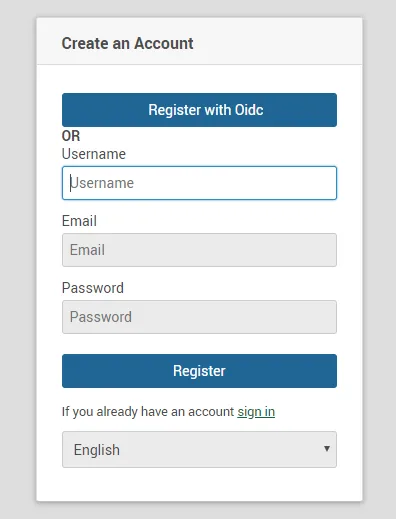
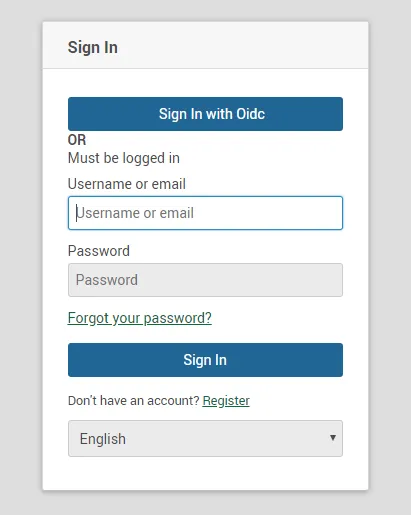
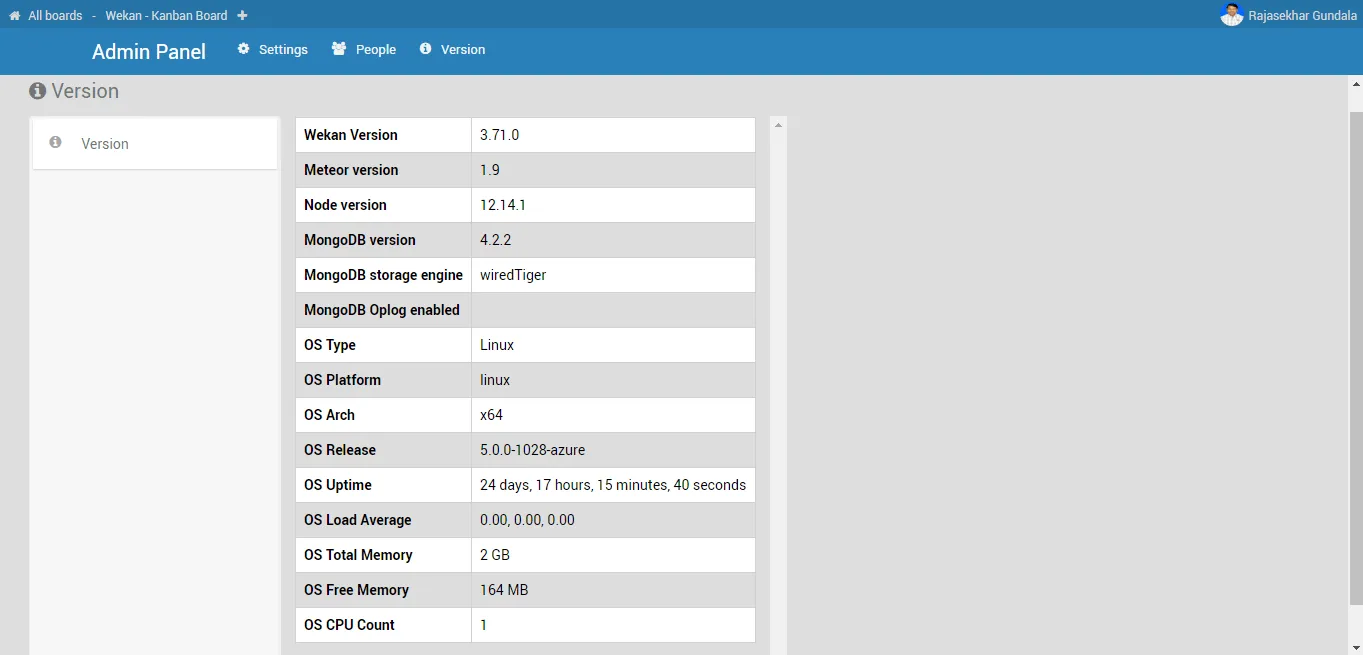
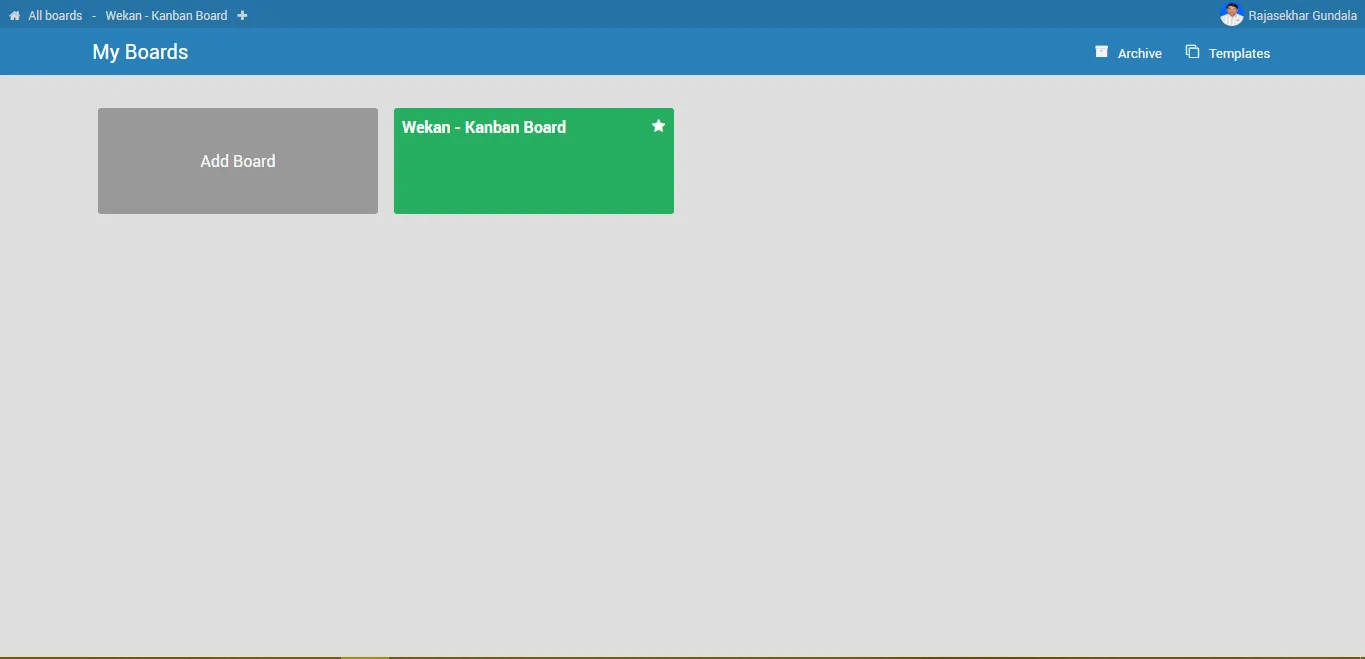
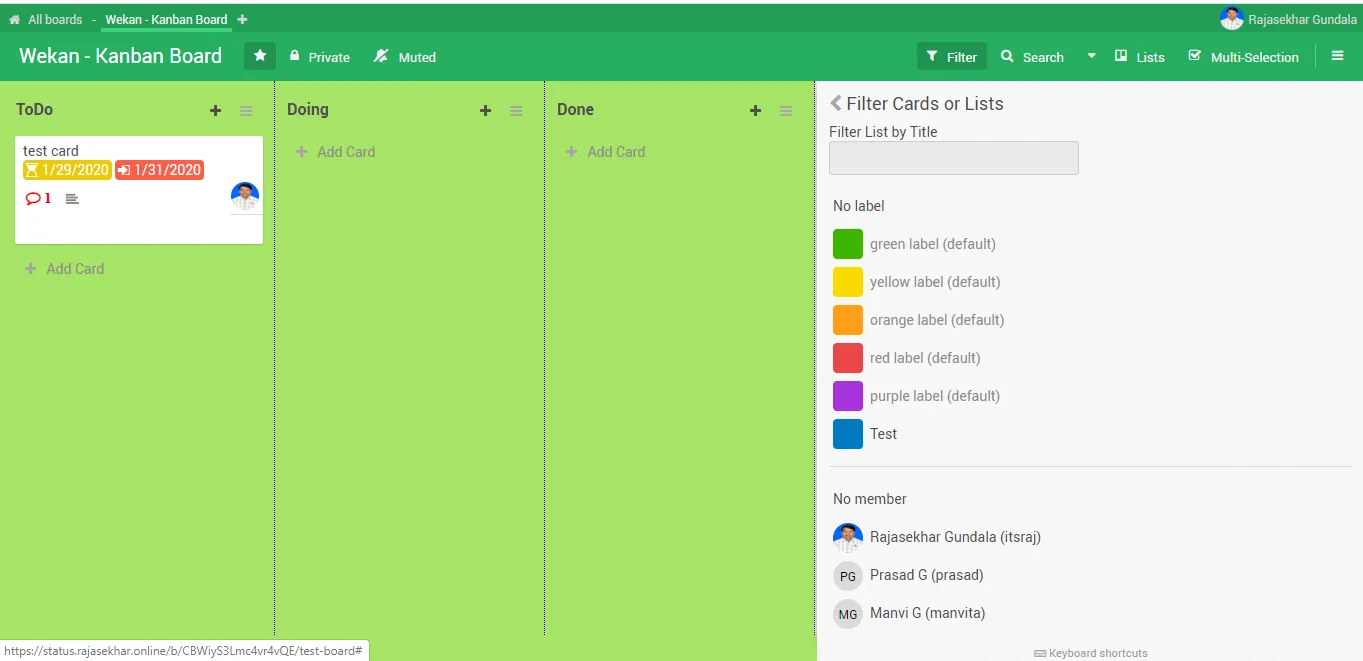
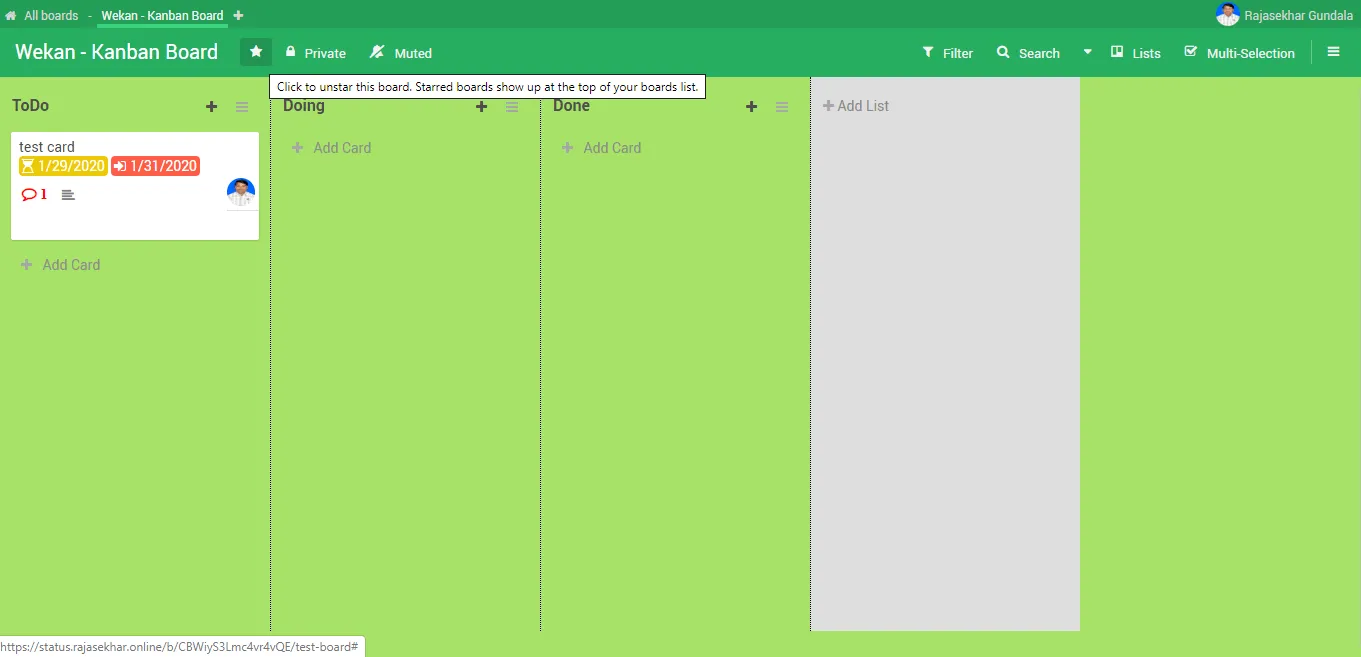
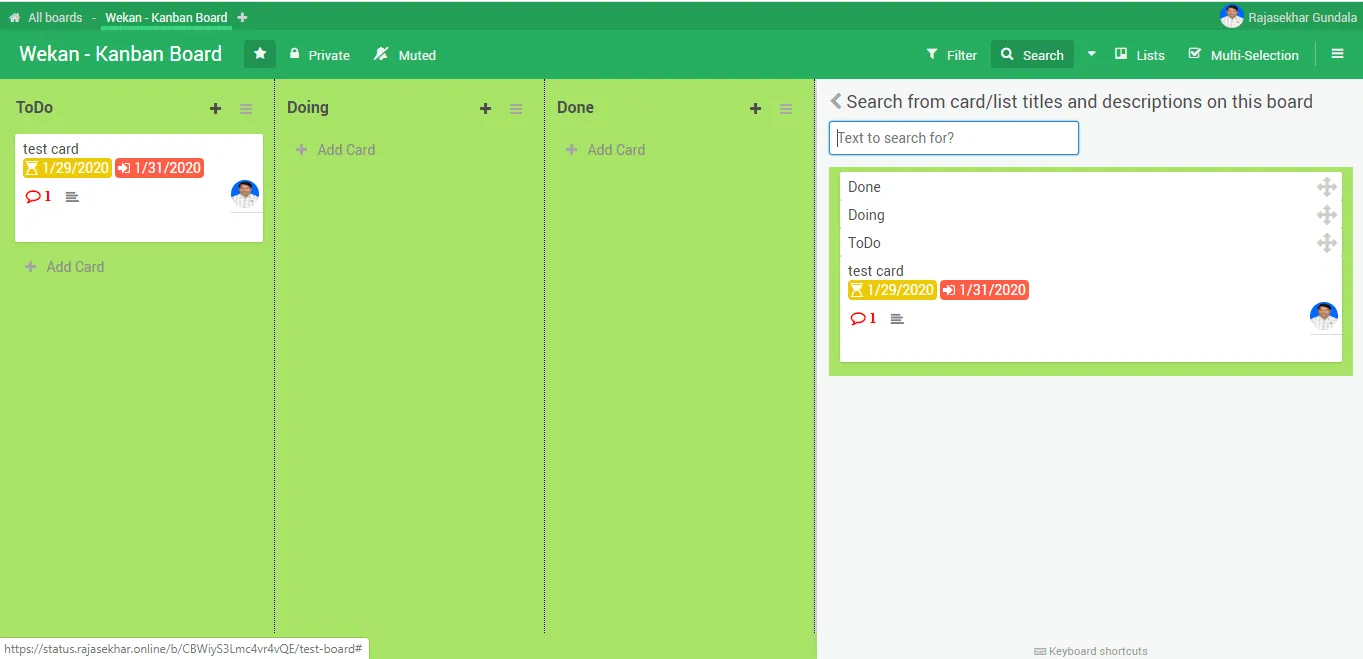
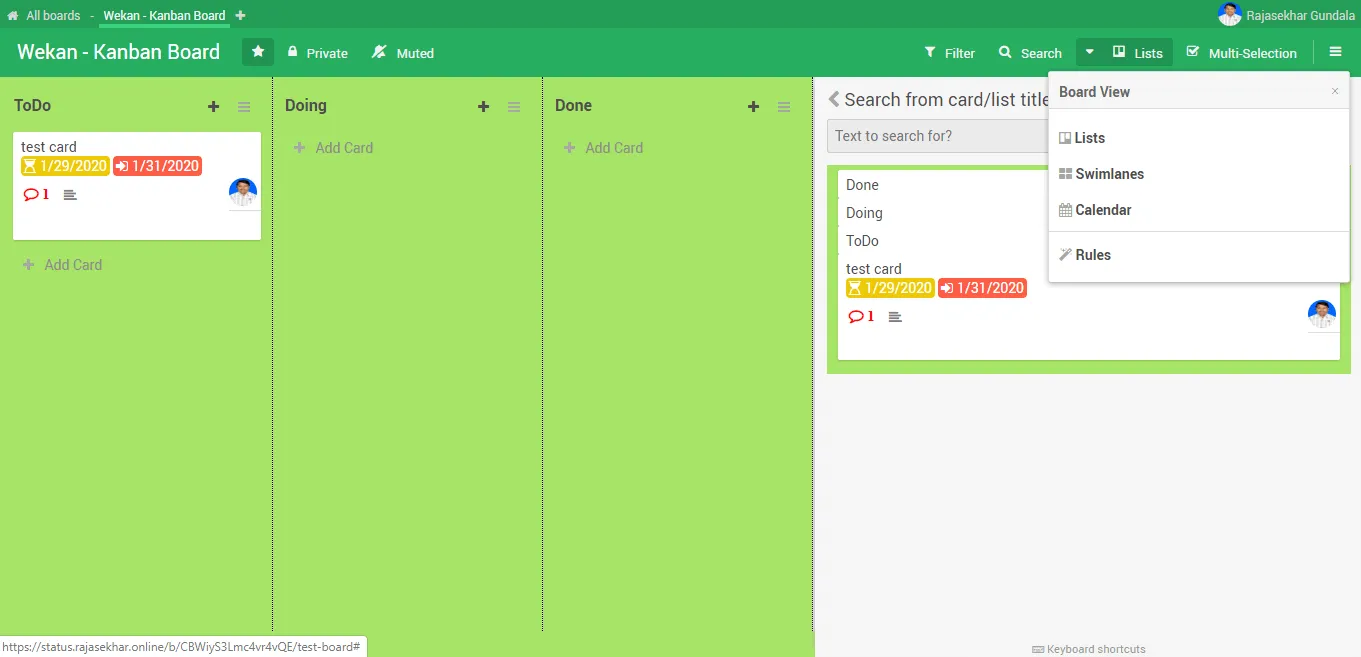
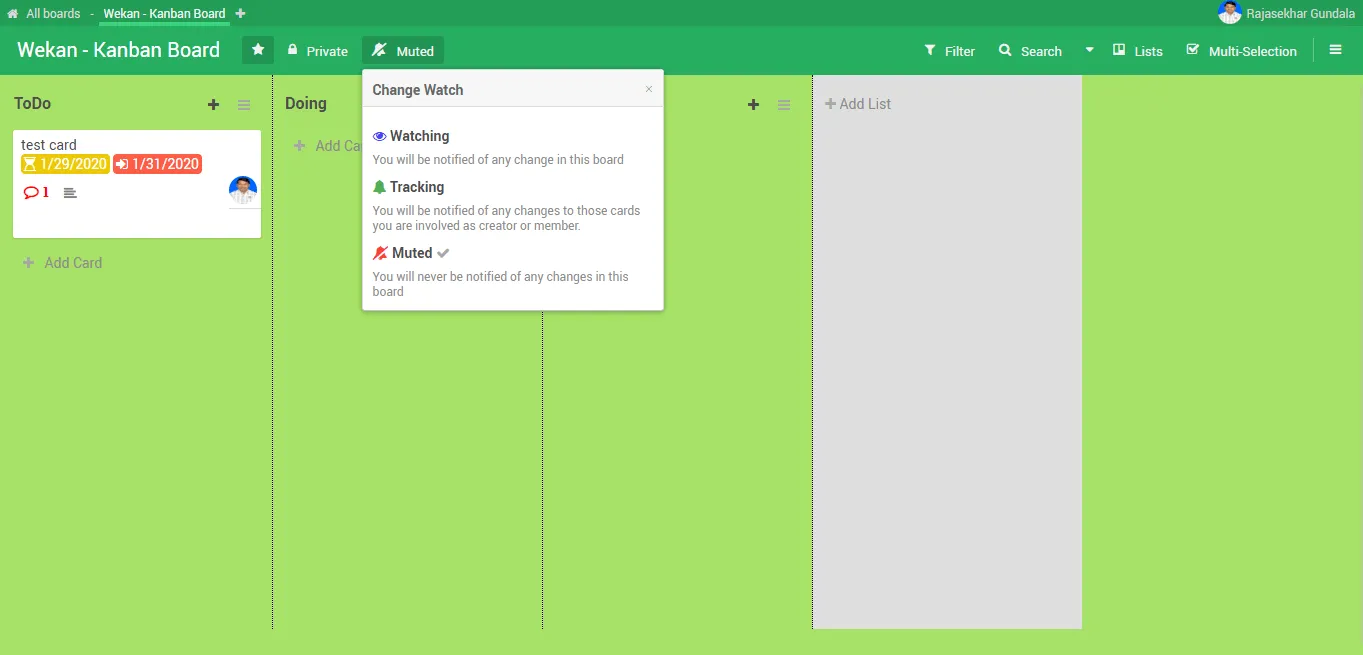
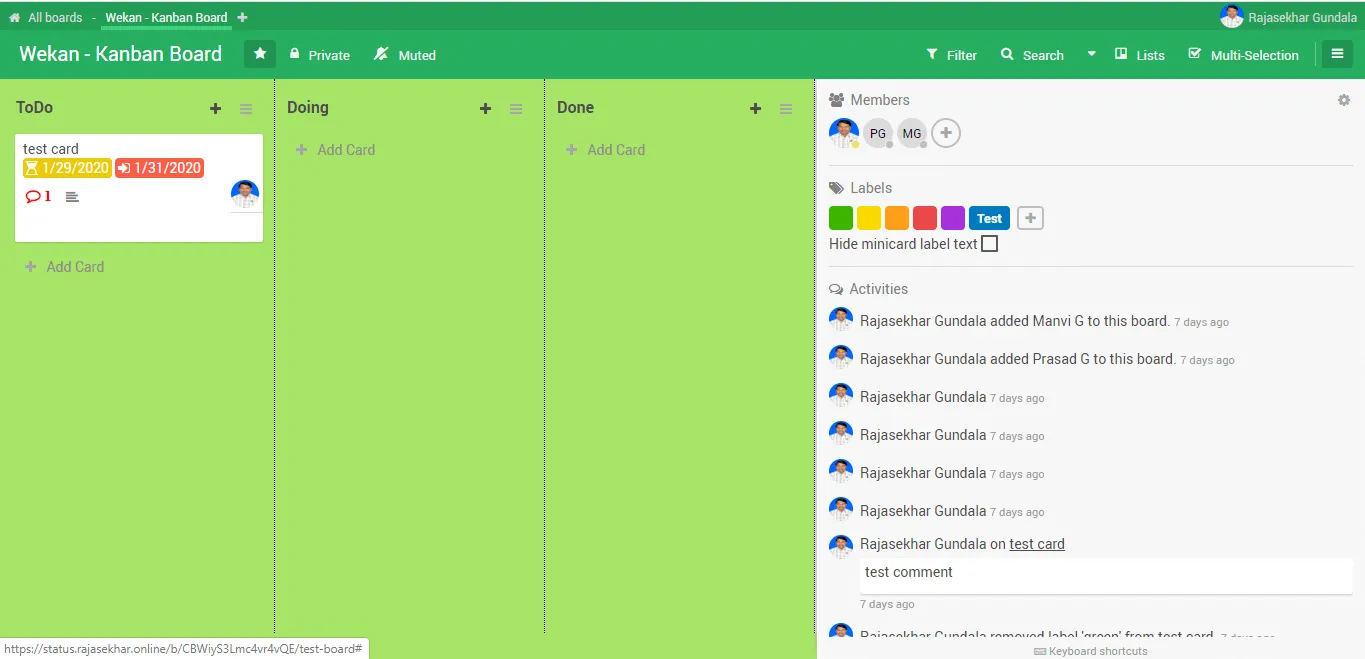
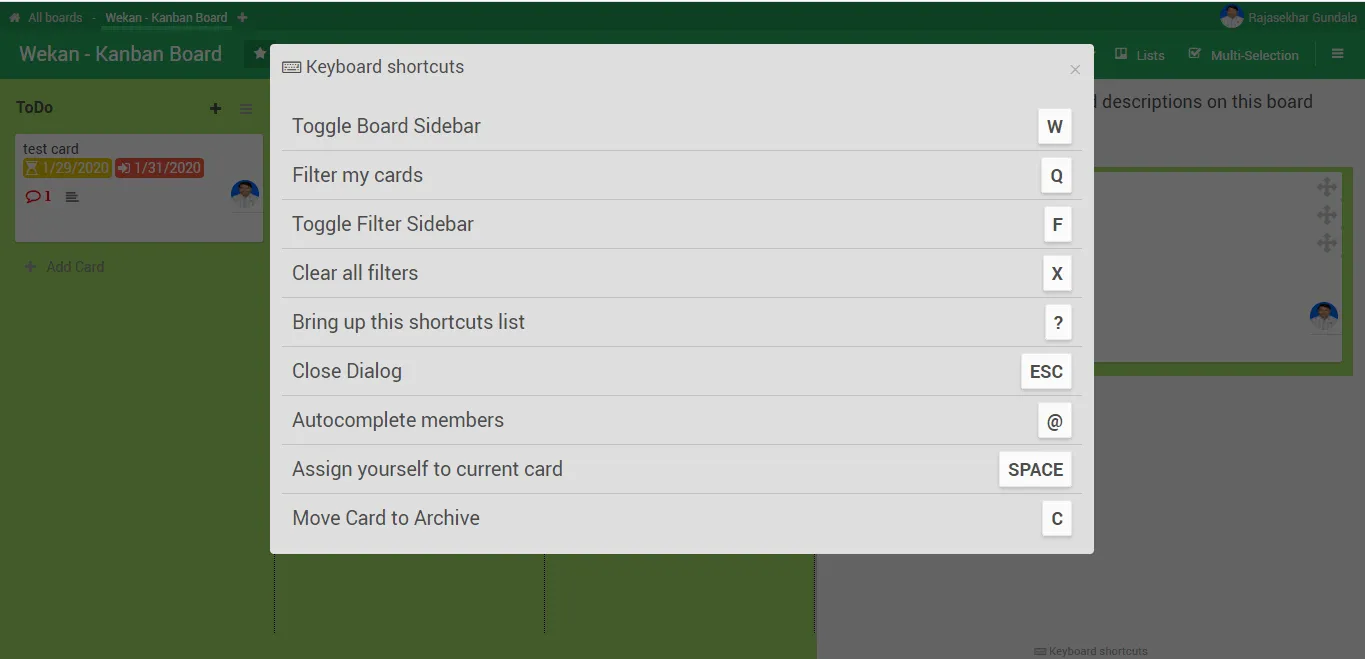
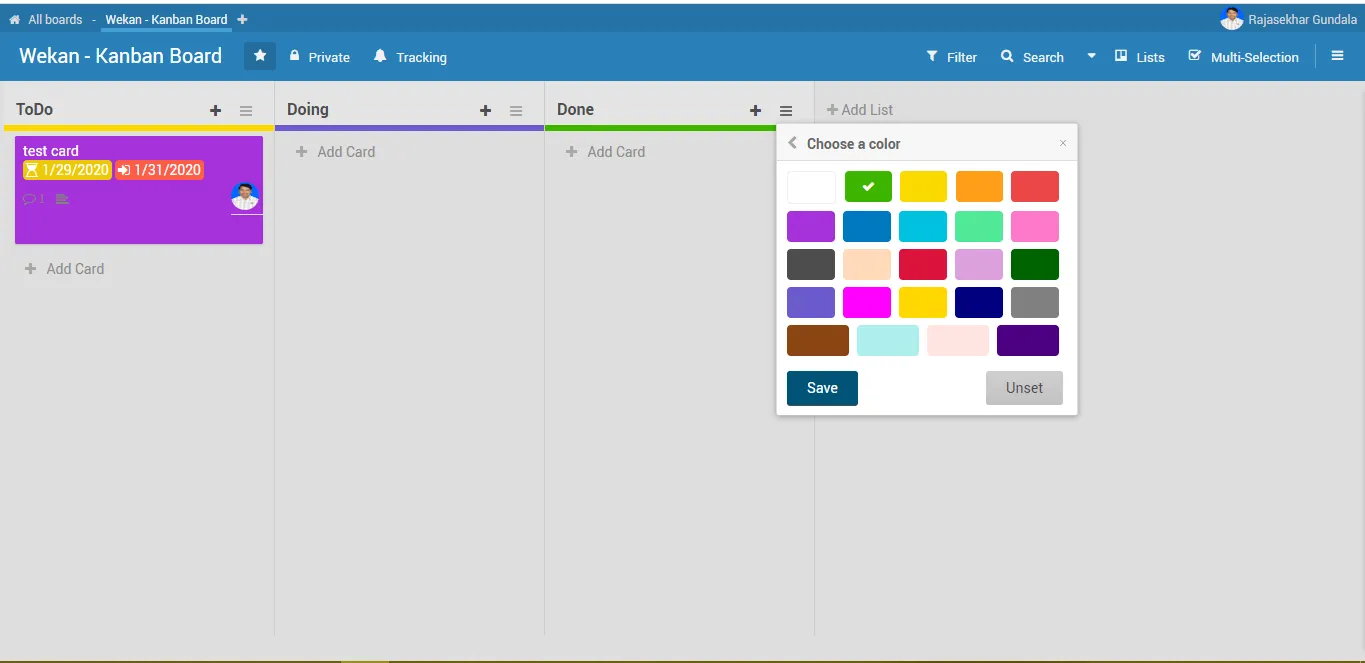
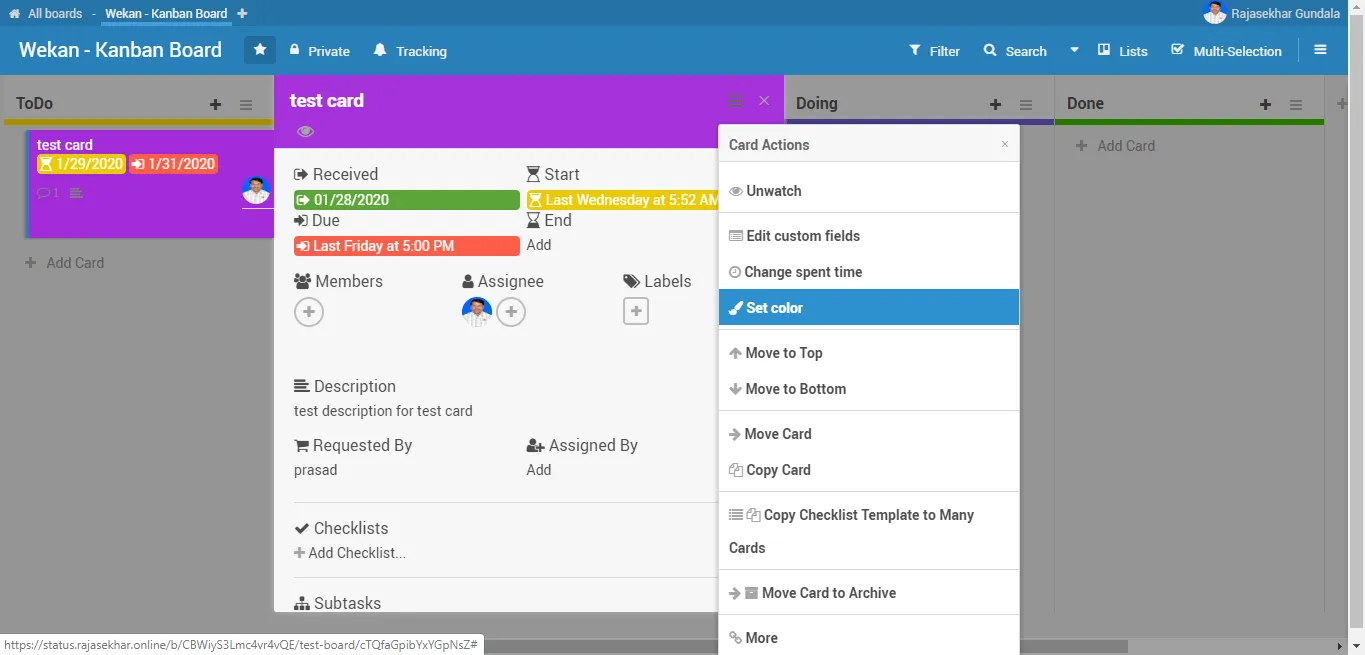
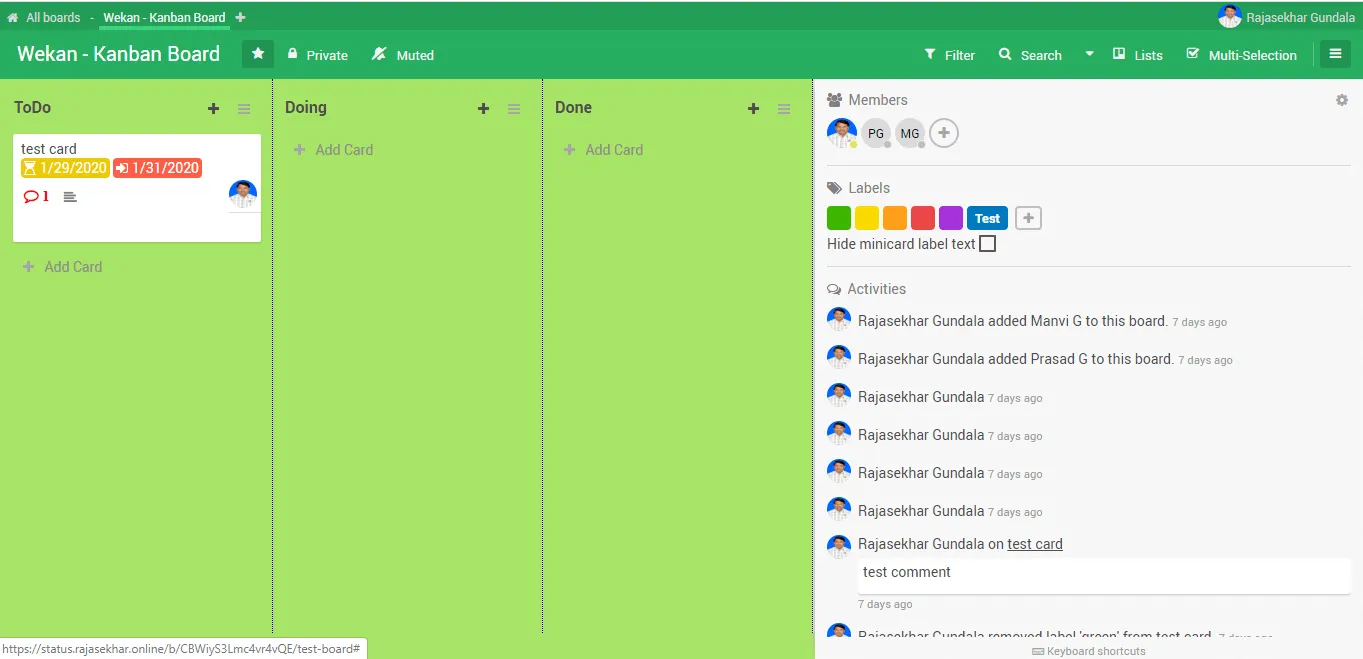
We have successfully deployed a collaborative Kanban board to our Docker Swarm environment!
In the coming posts, I will show you how to deploy Flarum – an elegant open-source forum software. Stay tuned!

Continue reading

How to Deploy ProjectSend r1070 in Docker Swarm Behind Traefik v2.0
ProjectSend is a free, secure, and user-friendly file-sharing software. Learn how to self-host this client-oriented tool in a Docker Swarm cluster.

How to Deploy Nextcloud 18.0.1 in Docker Swarm Behind Traefik v2.0
Nextcloud is an industry-leading, open-source, on-premises collaboration platform. Learn how to deploy a secure, self-hosted cloud storage solution in a Docker Swarm cluster.

How to Deploy Rocket.Chat 6.2.6 in Docker Swarm Behind Traefik v2.0
Rocket.Chat is a highly customizable, open-source team collaboration platform designed to replace Slack and Microsoft Teams. Learn how to self-host it in a Docker Swarm cluster.