How to Deploy Flarum 1.8.1 - Open Source Forum in Docker Swarm Behind Traefik v2.0
Flarum is the next-generation forum software that makes online discussion fun. It is delightfully simple, lightning-fast, and highly extensible.

Flarum is the next-generation forum software that makes online discussion fun. It’s simple, fast, and free.
In this post, I am going to show you how to deploy Flarum 1.8.1—an open-source forum software—into our Docker Swarm Cluster.
Internet forums continue to play a key role in our day-to-day digital lives. They provide a centralized place to connect, share common interests, cater to niche audiences, gather referrals, and attract targeted visitors.
An Internet forum or message board is an online discussion site where people can hold conversations in the form of posted messages. They differ from chat rooms in that messages are typically longer, structured, and archived. Depending on the forum’s access levels, posted messages might also need moderator approval before becoming publicly visible.
Discussions are hierarchical: a forum can contain sub-forums, which contain topics. Within a topic, each new discussion is called a “thread,” which can be replied to by community members.
Prerequisites
Please ensure you fulfill the following requirements before proceeding with the deployment:
- A Docker Swarm Cluster configured with GlusterFS for persistent storage.
- Traefik v2.0 deployed as the ingress reverse proxy to expose microservices externally.
- A running MariaDB database stack to host the application database.
Introduction to Flarum 1.8.1
Flarum is designed to be a delightfully simple discussion platform for modern websites. It is fast, easy to use, and includes all the features you need to run a successful community.
It is designed to be:
- Fast and simple: No clutter, no bloat, and no complex dependencies. Flarum is built with PHP, making it quick to deploy. The frontend interface is powered by Mithril, a highly performant JavaScript framework with a tiny footprint.
- Beautiful and responsive: This is forum software built for humans. Flarum is carefully designed to be consistent and intuitive across all platforms right out of the box.
- Powerful and extensible: Customize, extend, and integrate Flarum to suit your community’s specific needs using its incredibly flexible Extension API.
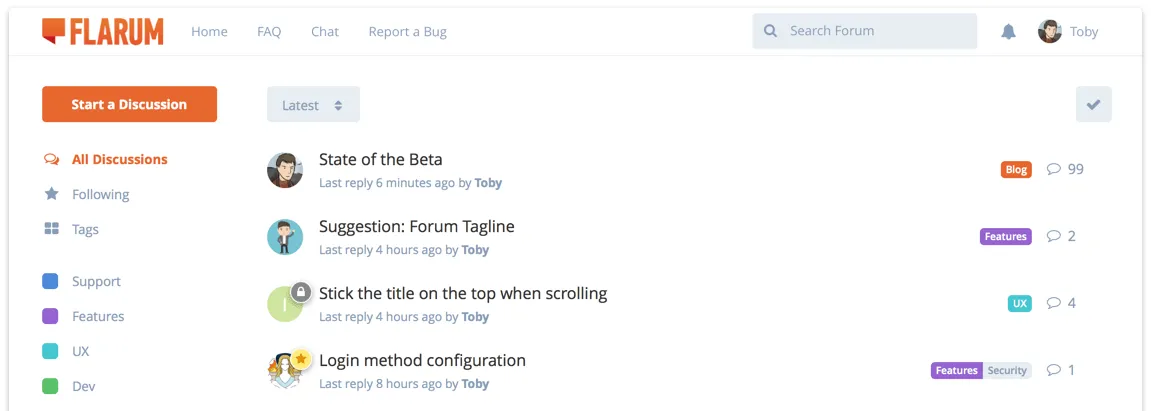
Flarum is packed full of innovation, all wrapped up in a beautiful design. This isn’t just a nice skin. It’s forum software re-imagined.
Flarum Core Features
Most traditional forums rely on a rigid hierarchy of categories, forums, and sub-forums, with tags tacked on as an afterthought. Flarum does away with this complexity and uses a powerful tag system. Tags can have colors, positions, and hierarchies.
Flarum puts the tag list front-and-center when you start a discussion, allowing you to focus on picking the right topics instantly.
Fast to Load and Performance You Can Trust
Built by the developers of esoTalk and FluxBB—two of the fastest and lightest forum platforms ever created—Flarum takes performance seriously.

Not everyone has access to a speedy internet connection. Flarum’s asset footprint is microscopic, ensuring users aren’t turned away by long load times.
Other modern features include:
- 2-Pane View: Quickly work your way through unread discussions without returning to the main list. Bring your mouse to the left side of the screen, and the discussion list conveniently slides in.
- Infinite Scrolling: Scrub anywhere in a discussion quickly and easily without waiting for pagination to load. Flarum remembers your exact read position if you navigate away.
- Floating Composer: Read while you write. Flarum’s reply form slides up from the bottom of the page, allowing you to scroll up, read posts, and even visit other discussions while drafting your reply.
- Touch-Optimized: Fully responsive with an interface optimized for touch displays, featuring big buttons, smooth animations, and intuitive gestures.
- Powerful Permissions: Take control of your forum with fine-grained permission controls, assignable per-tag for maximum flexibility.
Persisting Flarum Data with GlusterFS
Containers deploy rapidly and use system resources efficiently, but their filesystems are ephemeral. If a container crashes, local data is lost.
To ensure our forum data survives restarts and host outages, we will use GlusterFS.
I previously set up a replicated GlusterFS volume to ensure data is mirrored across all nodes in the cluster.
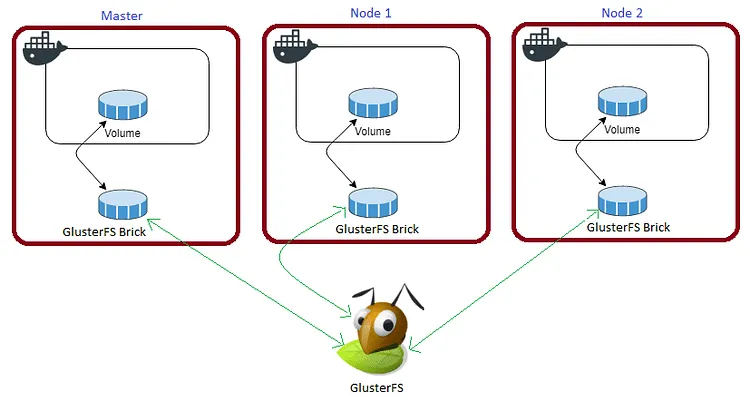
The volume is mounted across all nodes. When data is written to the
/mntpartition, it is instantly replicated to the other nodes in the cluster.
If any node fails, the application automatically restarts on another node without losing data.
For Flarum, we need to persist the /flarum/app/public/assets (for avatars and uploaded media) and /flarum/app/extensions (for third-party plugins) directories.
Create the necessary persistent folders in your /mnt directory:
cd /mnt
sudo mkdir -p fassets
sudo mkdir -p fextensions
Watch the video below for a complete guide on setting up a GlusterFS Replicated Volume.
Prepare the Deployment Environment
We will use Docker Compose to define the environment.
Navigate to the /opt directory on your Swarm manager node and create the configuration directory for Flarum:
cd /opt
sudo mkdir -p flarum
cd flarum
sudo touch flarum.yml
Flarum Docker Compose Configuration
Open flarum.yml using your editor:
sudo nano flarum.ymlPaste the following Docker Compose configuration. I am linking this directly to the maindb MariaDB service that was deployed to the cluster previously.
version: "3.7"

services:
  flarum:
    image: mondedie/flarum:latest
    depends_on:
      - maindb
    ports:
      - '8888:80'
    environment:
      - FORUM_URL=[https://flarum.example.com](https://flarum.example.com)
      - DB_HOST=maindb
      - DB_NAME=mydiscuss
      - DB_USER=root
      - DB_PASS_FILE=/run/secrets/flarum_db_password
      - DB_PREF=disc_
      - DB_PORT=3306
      - FLARUM_ADMIN_USER=admin
      - FLARUM_ADMIN_PASS_FILE=/run/secrets/flarum_admin_password
      - FLARUM_ADMIN_MAIL=rajasekhar@rajasekhar.online
      - FLARUM_TITLE=Let's Discuss
    volumes:
      - /mnt/fassets:/flarum/app/public/assets
      - /mnt/fextensions:/flarum/app/extensions
    secrets:
      - flarum_db_password
      - flarum_admin_password
    networks:
      - proxy
    deploy:
      placement:
        constraints: [node.role == worker]
      replicas: 1
      update_config:
        parallelism: 2
        delay: 10s
      restart_policy:
        condition: on-failure
      labels:
        - "traefik.enable=true"
        - "traefik.docker.network=proxy"
        - "traefik.http.routers.flarum.rule=Host(`flarum.example.com`)"
        - "traefik.http.routers.flarum.tls=true"
        - "traefik.http.routers.flarum.tls.certresolver=default"
        - "traefik.http.routers.flarum.entrypoints=websecure"
        - "traefik.http.services.flarum.loadbalancer.server.port=8888"

volumes:
  fassets:
    driver: "local"
  fextensions:
    driver: "local"

networks:
  proxy:
    external: true

secrets:
  flarum_db_password:
    external: true
  flarum_admin_password:
    external: true
Deploy Flarum to Docker Swarm
Deploy the stack to your Swarm using the following command:
docker stack deploy --compose-file flarum.yml flarumCheck the status of the deployment to ensure it schedules properly on a worker node:
docker stack ps flarumIf you need to troubleshoot the initialization, inspect the container logs:
docker service logs flarum_flarumAccessing Your New Forum
Once the container is healthy and Traefik has provisioned your Let’s Encrypt certificates, open your browser and navigate to https://flarum.example.com (ensure you replace example.com with your actual domain name).
Ensure you have created a DNS A-Record or CNAME pointing flarum.example.com to your Swarm ingress load balancer.
Log in by clicking the Log In button in the top right corner. Use the admin username and the password securely passed via your Docker secrets.
Reference Images from the Deployment:


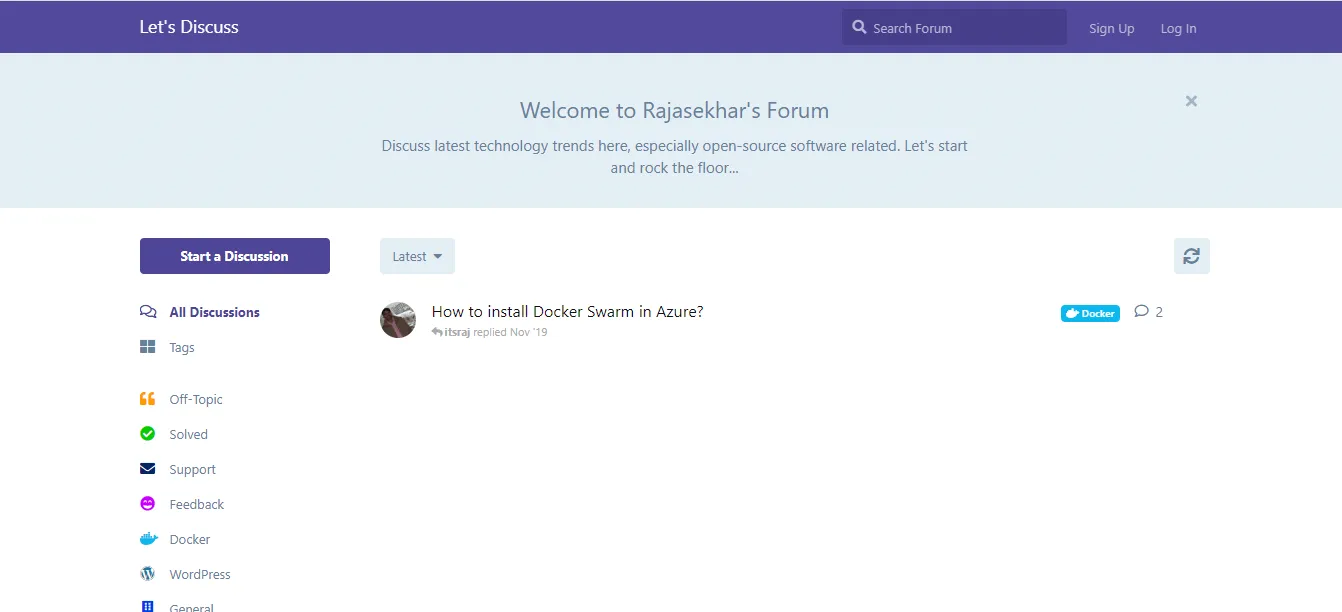
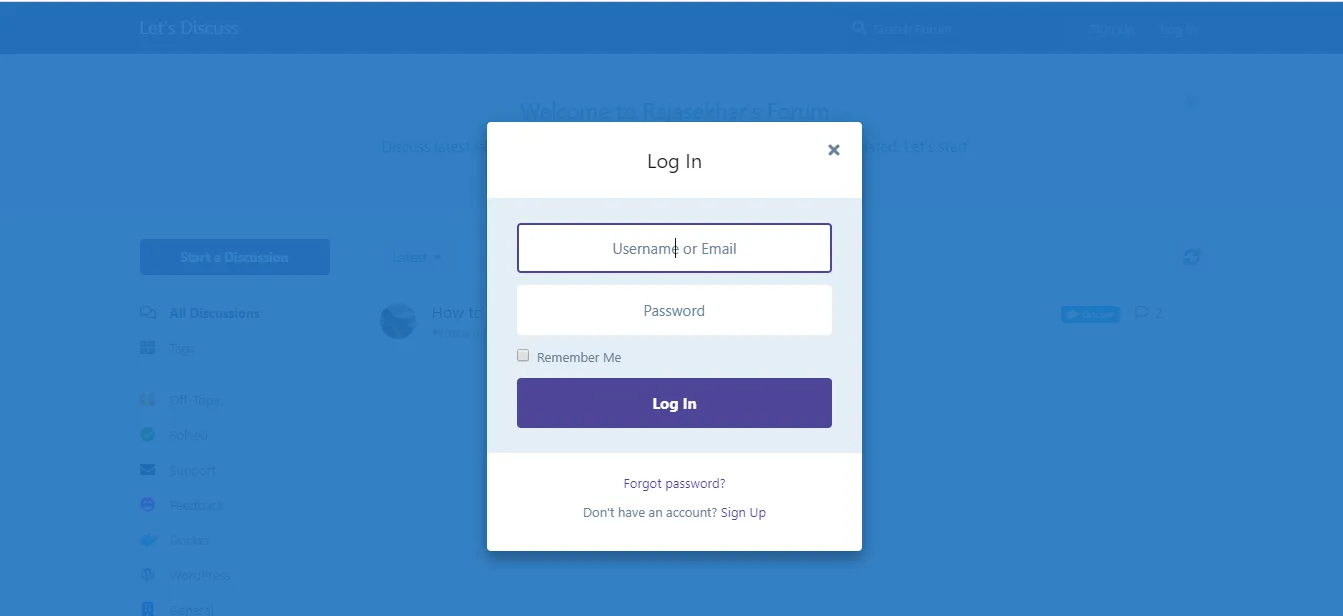
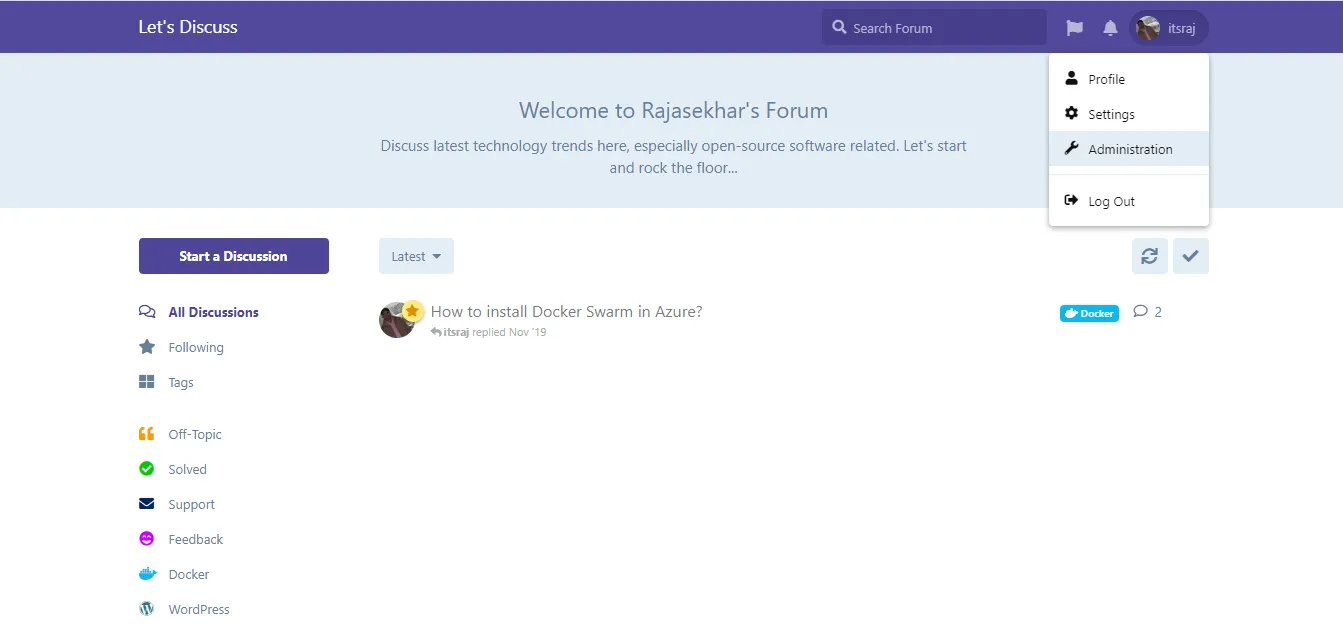
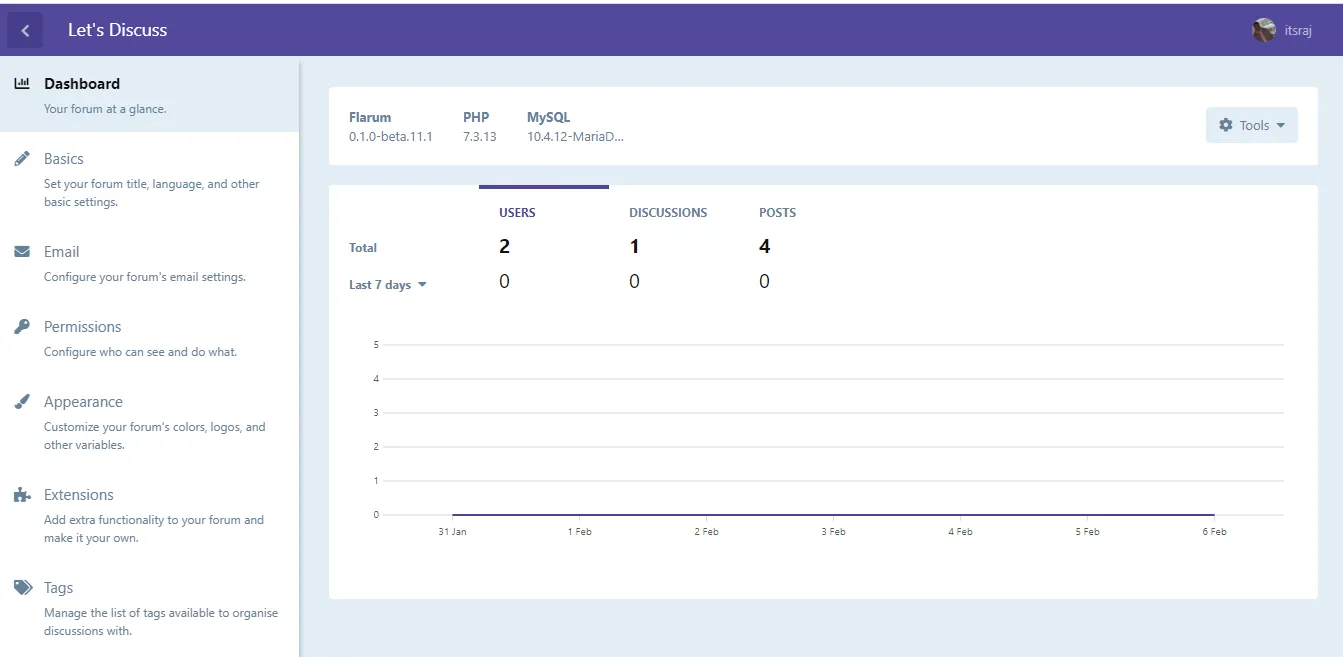
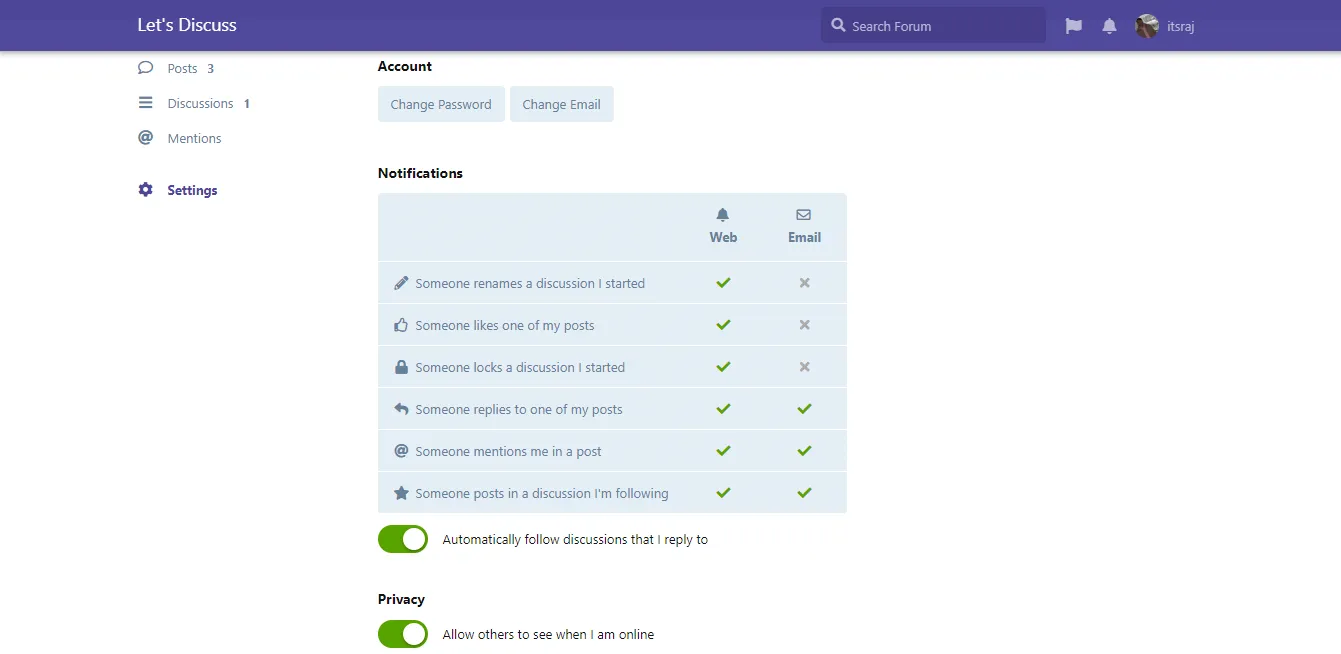
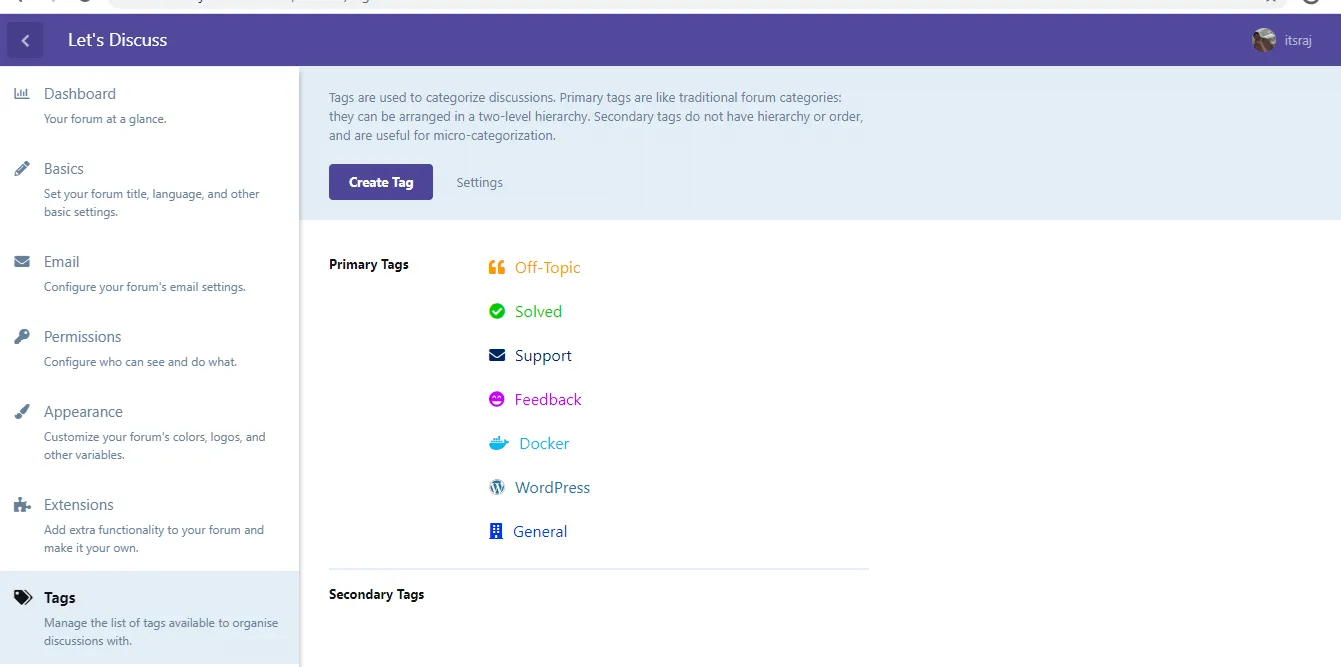
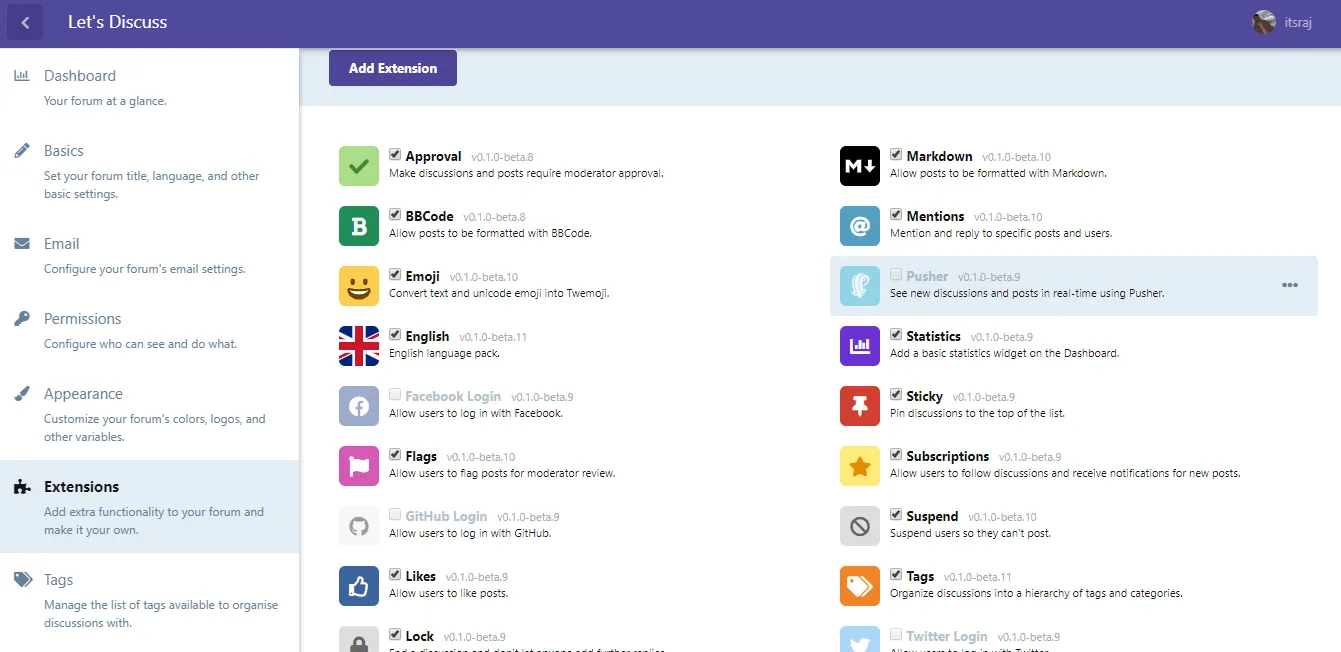
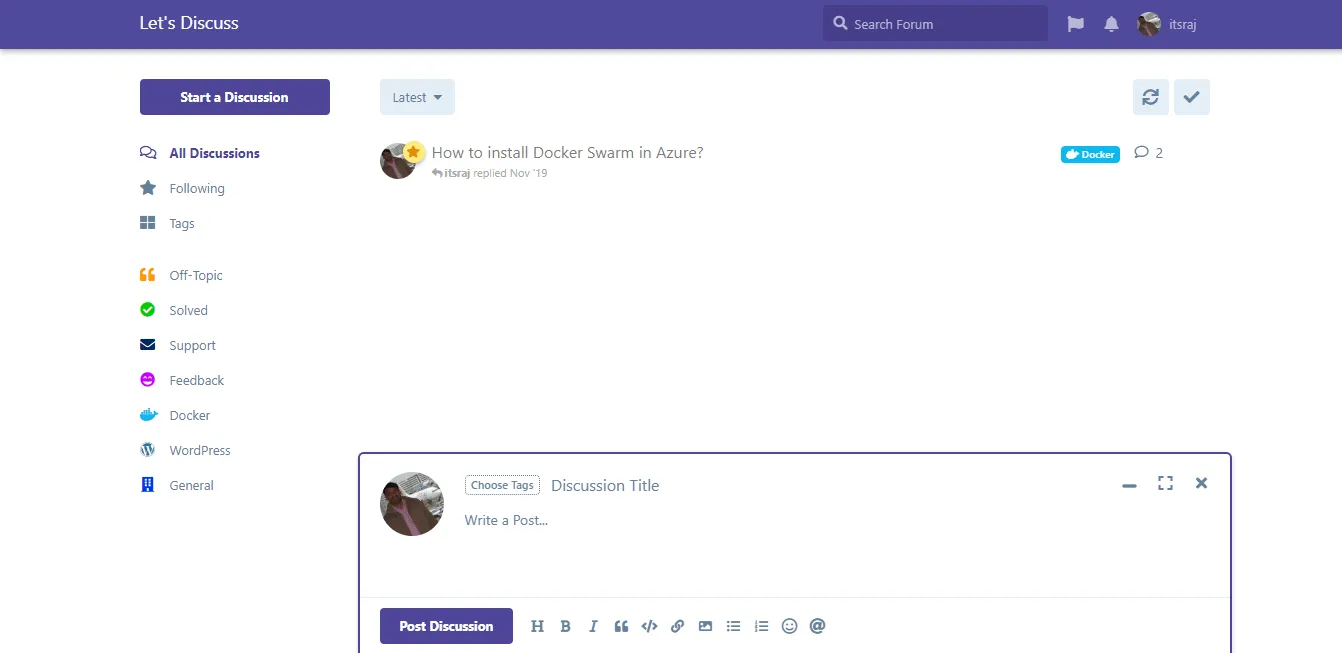
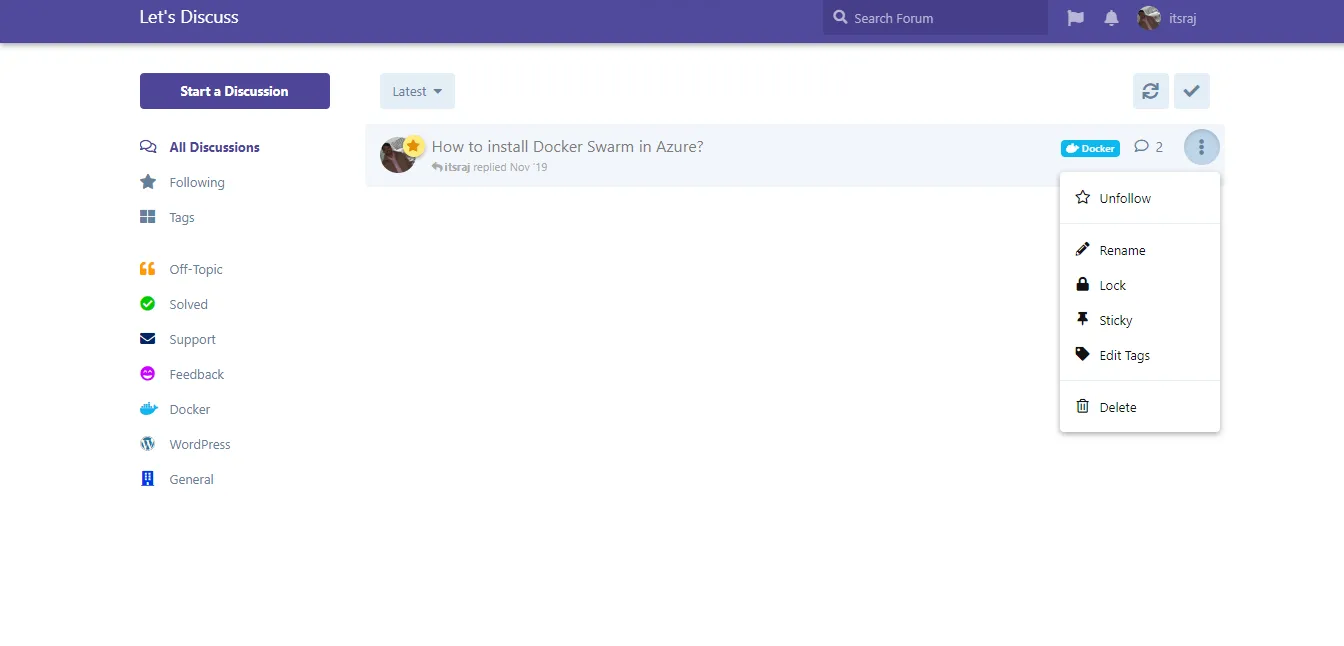
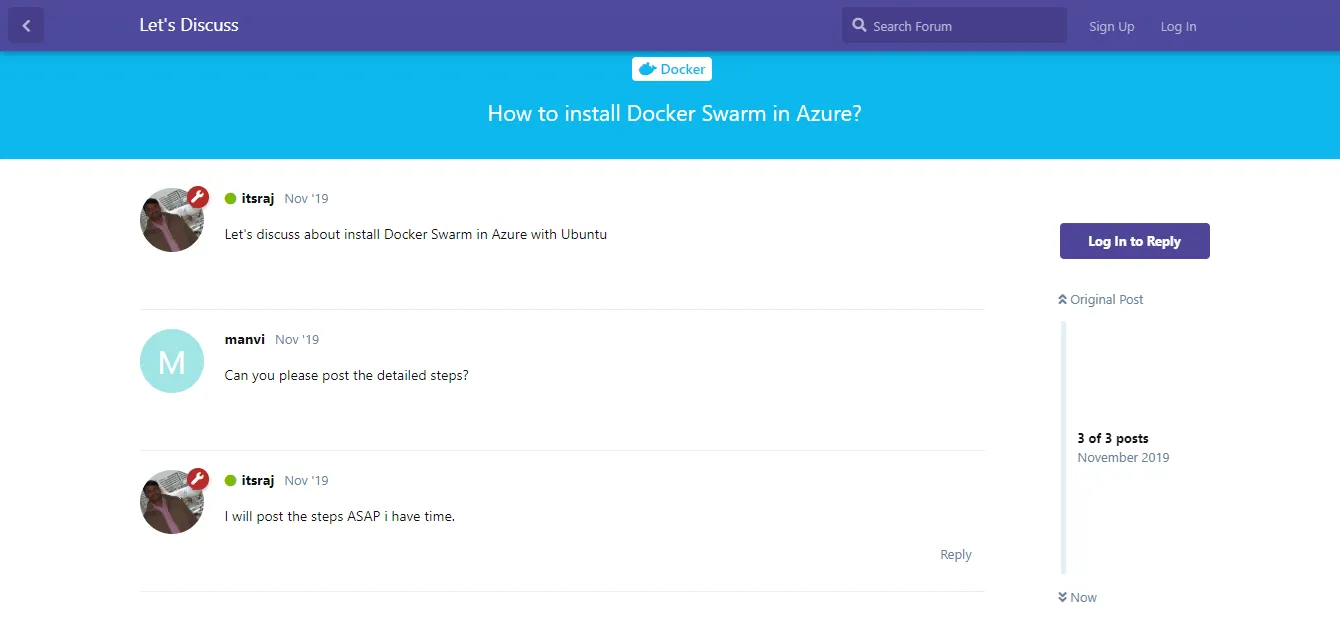
We have successfully deployed a modern, highly performant Flarum discussion board to our Docker Swarm!
Let me know your feedback or thoughts by commenting below. Stay tuned for more deployments in the next post.

Continue reading

How to Deploy Highly Available WordPress in Docker Swarm Behind Traefik v2.0
WordPress is a powerful Content Management System (CMS) based on PHP and MySQL. Learn how to deploy a highly available instance in a Docker Swarm cluster using Traefik.

How to Setup Docker Swarm Cluster on Ubuntu 18.04 in Azure VPS
Docker Swarm is native clustering for Docker. It turns a pool of Docker hosts into a single, virtual host. Learn how to deploy a resilient cluster using GlusterFS for storage.

How to Deploy Metabase 0.46.5 in Docker Swarm Behind Traefik v2.10.1
Metabase is the easy, open-source way for everyone in your company to ask questions and learn from data without knowing SQL. Learn how to deploy it in a Docker Swarm cluster.