How to Deploy Dolibarr ERP 11.0.3 in Docker Swarm Behind Traefik v2.0
Dolibarr is a versatile, open-source ERP and CRM suite. Learn how to deploy it on a Docker Swarm cluster using GlusterFS and Traefik with automatic SSL.

Dolibarr is a feature-rich, open-source ERP and CRM software suite designed for businesses of all sizes, non-profits, and freelancers. It provides an intuitive web platform to manage operations ranging from sales and invoicing to inventory and human resources.
In this guide, we walk through deploying Dolibarr ERP 11.0.3 to a Docker Swarm Cluster using Docker Compose, backed by persistent shared storage and exposed via Traefik v2.0.
Dolibarr — One powerful suite to manage all your business operations.
Prerequisites
Ensure the following requirements are met before proceeding:
- A functional Docker Swarm Cluster with GlusterFS configured as persistent storage.
- Traefik v2.0 deployed as the ingress reverse proxy on the
proxyoverlay network. - A running MariaDB database stack reachable across the Swarm cluster.
What is Dolibarr?
Dolibarr is an open-source Enterprise Resource Planning (ERP) and Customer Relationship Management (CRM) platform licensed under the GNU General Public License (GPL) 3.0. It is modular by design, allowing organizations to activate only the features they need while keeping the interface lightweight and user-friendly.
Because Dolibarr is entirely web-based and runs on top of standard PHP and MySQL/MariaDB architectures, it is accessible from any modern browser and straightforward to maintain on self-hosted infrastructure.
Key Capabilities
- Modular Architecture: Enable or disable modules based on operational needs without breaking system continuity.
- Built-in Seamless Upgrades: Upgrading between releases is supported by design without schema data loss.
- Zero Lock-in: Host the entire suite on your private infrastructure to maintain full custody and ownership of business data.
- Extensible Marketplace: Access hundreds of third-party add-ons or use the integrated Module Builder assistant to build custom functionality.
Core Modules
Dolibarr covers essential enterprise management workflows out of the box:
- Human Resources (HR): Employee records, leave requests, and expense reports.
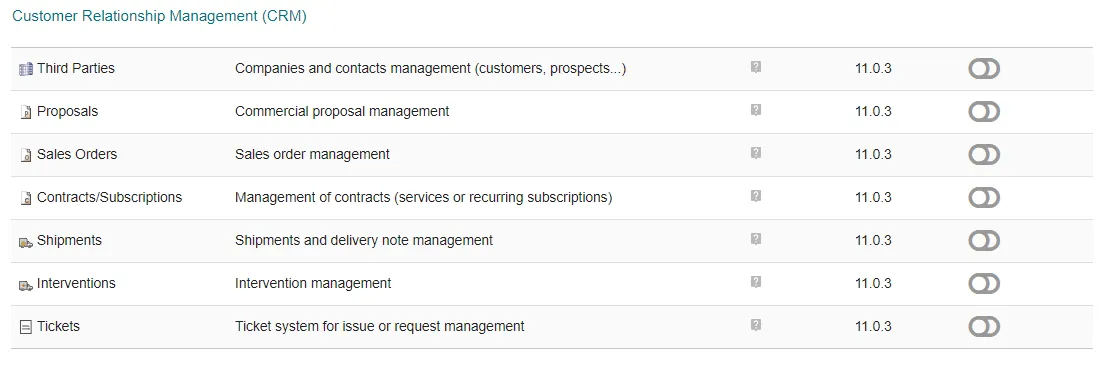
- CRM & Sales: Leads, commercial proposals, sales orders, and customer accounts.
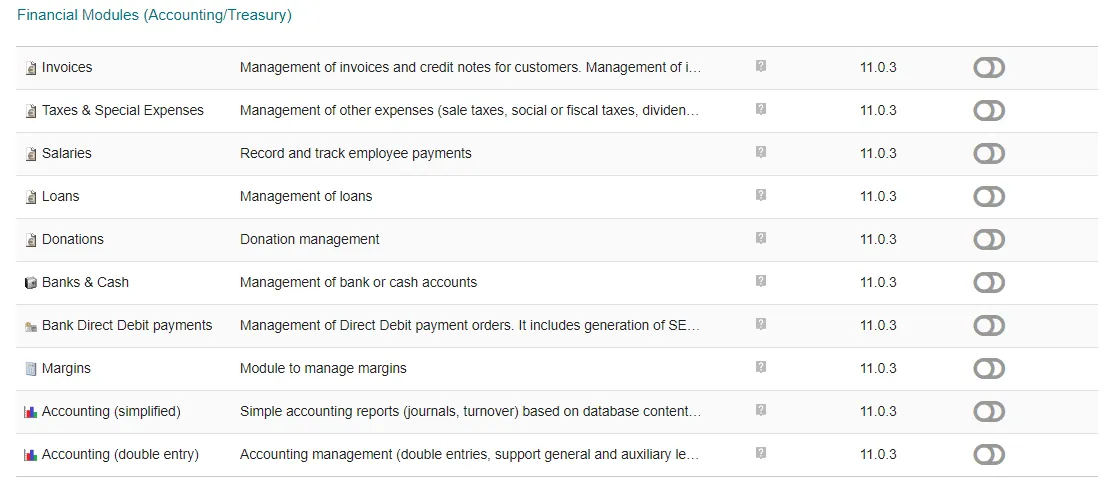
- Finance & Invoicing: Billing, payments, bank account reconciliation, and reporting.
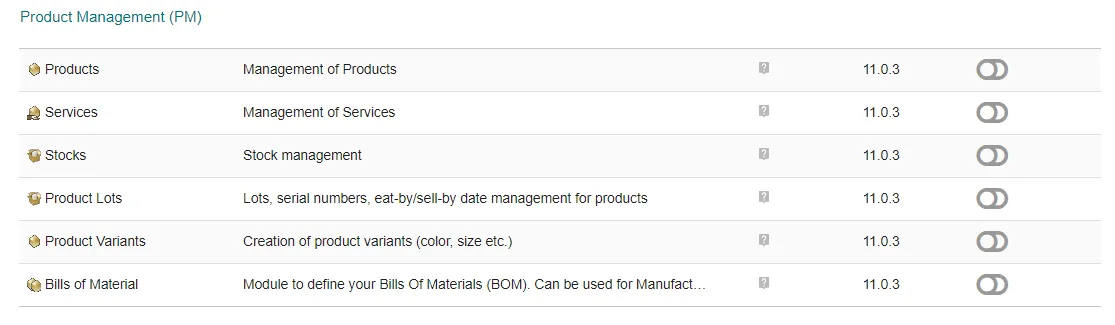
- Product & Stock Management: Warehousing, inventory tracking, and bill of materials.
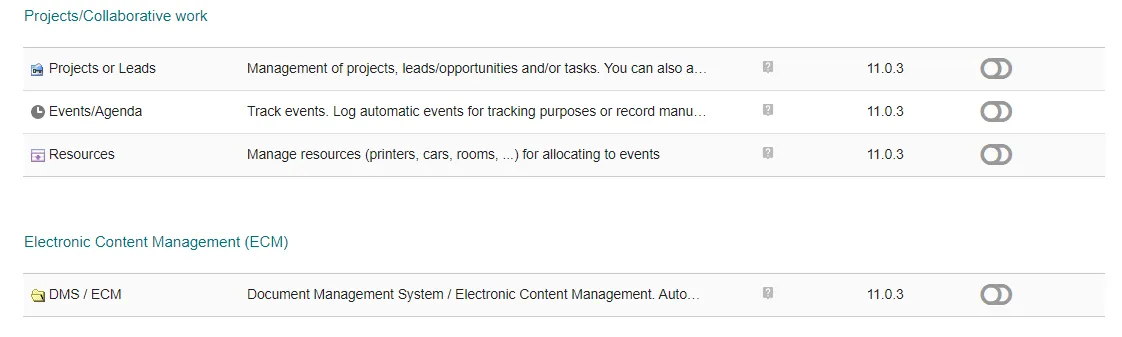
- Productivity: Collaborative agenda/calendar, project management, and task boards.
Persisting Dolibarr Data with GlusterFS
Docker Swarm containers are ephemeral by nature. If a container crashes or is rescheduled to another worker node, local changes within the container layer are discarded.
To ensure business continuity, we utilize GlusterFS as a distributed, replicated network filesystem mounted across our Swarm nodes:
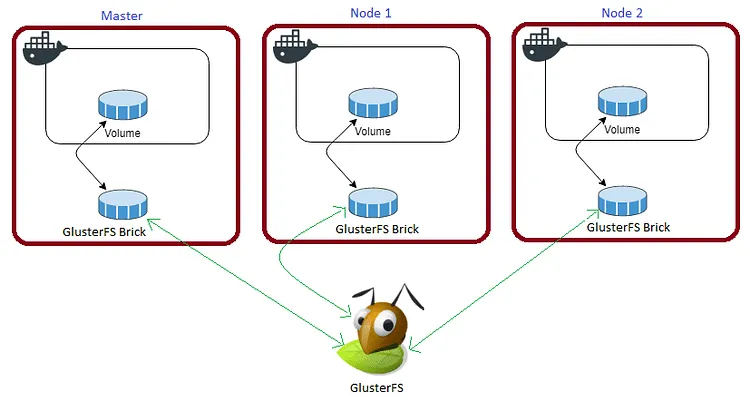
The volume is mounted on all nodes under
/mnt. Any file written to this mount point replicates automatically across all nodes in the cluster.
If any node fails, the Dolibarr task is automatically restarted on an available node by Docker Swarm without losing state.
For Dolibarr, we must persist three directories:
/var/www/html: Application codebase and core components./var/www/documents: Uploaded business files, invoices, receipts, and user attachments./var/www/html/conf: Core configuration files including database connection parameters.
Create the required persistent directories on your shared storage mount:
cd /mnt
sudo mkdir -p dolibarr-html dolibarr-doc dolibarr-config
For a step-by-step setup of GlusterFS on Ubuntu, refer to the tutorial video below.
Prepare the Deployment Environment
Create a dedicated directory under /opt on the Docker Swarm manager node:
cd /opt
sudo mkdir -p dolibarr
cd dolibarr
sudo touch dolibarr.yml
Docker Compose Stack Definition
Open dolibarr.yml using your editor:
sudo nano dolibarr.ymlAdd the following stack specification:
version: "3.7"

services:
  dolibarr:
    image: monogramm/docker-dolibarr:11.0.3
    secrets:
      - mysql_root_password
    environment:
      - DOLI_DB_HOST=db
      - DOLI_DB_PORT=3306
      - DOLI_DB_NAME=dolitest
      - DOLI_DB_USER=root
      - DOLI_DB_PASSWORD_FILE=/run/secrets/mysql_root_password
      - DOLI_URL_ROOT=[https://erp.example.com](https://erp.example.com)
    volumes:
      - /mnt/dolibarr-html:/var/www/html
      - /mnt/dolibarr-doc:/var/www/documents
      - /mnt/dolibarr-config:/var/www/html/conf
    networks:
      - proxy
    deploy:
      replicas: 1
      placement:
        constraints:
          - node.role == worker
      update_config:
        parallelism: 2
        delay: 10s
      restart_policy:
        condition: on-failure
      labels:
        - "traefik.enable=true"
        - "traefik.docker.network=proxy"
        - "traefik.http.routers.dolibarr.rule=Host(`erp.example.com`)"
        - "traefik.http.routers.dolibarr.entrypoints=websecure"
        - "traefik.http.routers.dolibarr.tls=true"
        - "traefik.http.routers.dolibarr.tls.certresolver=default"
        - "traefik.http.services.dolibarr.loadbalancer.server.port=80"

secrets:
  mysql_root_password:
    external: true

volumes:
  dolibarr-html:
    driver: "local"
  dolibarr-doc:
    driver: "local"
  dolibarr-config:
    driver: "local"

networks:
  proxy:
    external: true
Configuration Breakdown:
DOLI_URL_ROOT: Set this tohttps://erp.example.comto ensure all asset paths and redirects use secure HTTPS under Traefik.- Volume Mounts: Mapped directly to the replicated GlusterFS mounts under
/mntto preserve uploaded documents and configuration changes. - Traefik Labels: Automates container discovery, routing rules for
erp.example.com, and ACME TLS certificate acquisition via thedefaultcert resolver.
Deploy Dolibarr to Docker Swarm
Deploy the stack using the Docker CLI:
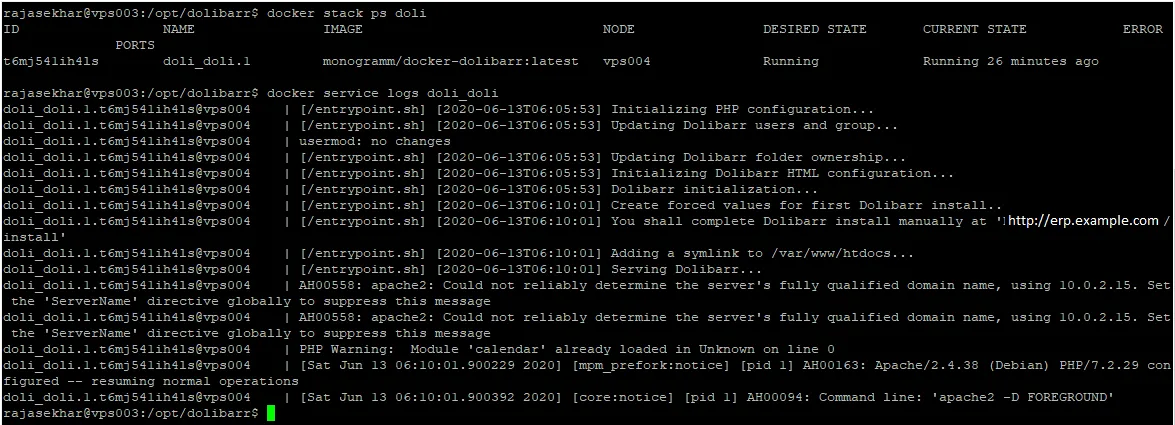
docker stack deploy --compose-file dolibarr.yml doliCheck the health and runtime placement of your service:
docker stack ps doliEnsure an active DNS A or CNAME record routes erp.example.com to the public ingress IP address of your Swarm load balancer.
Completing the Web-Based Installation
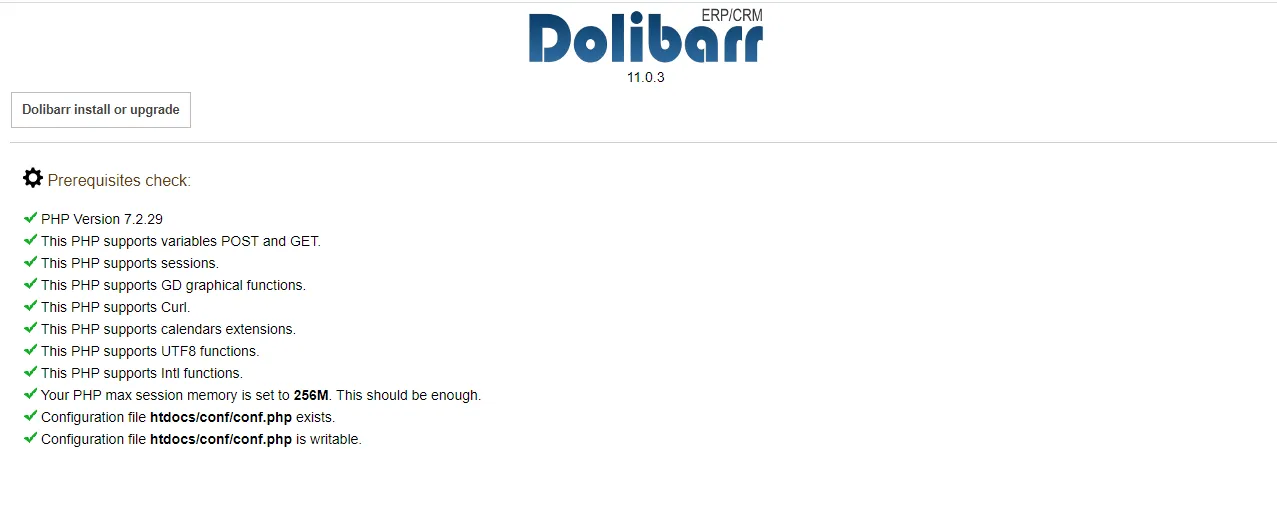
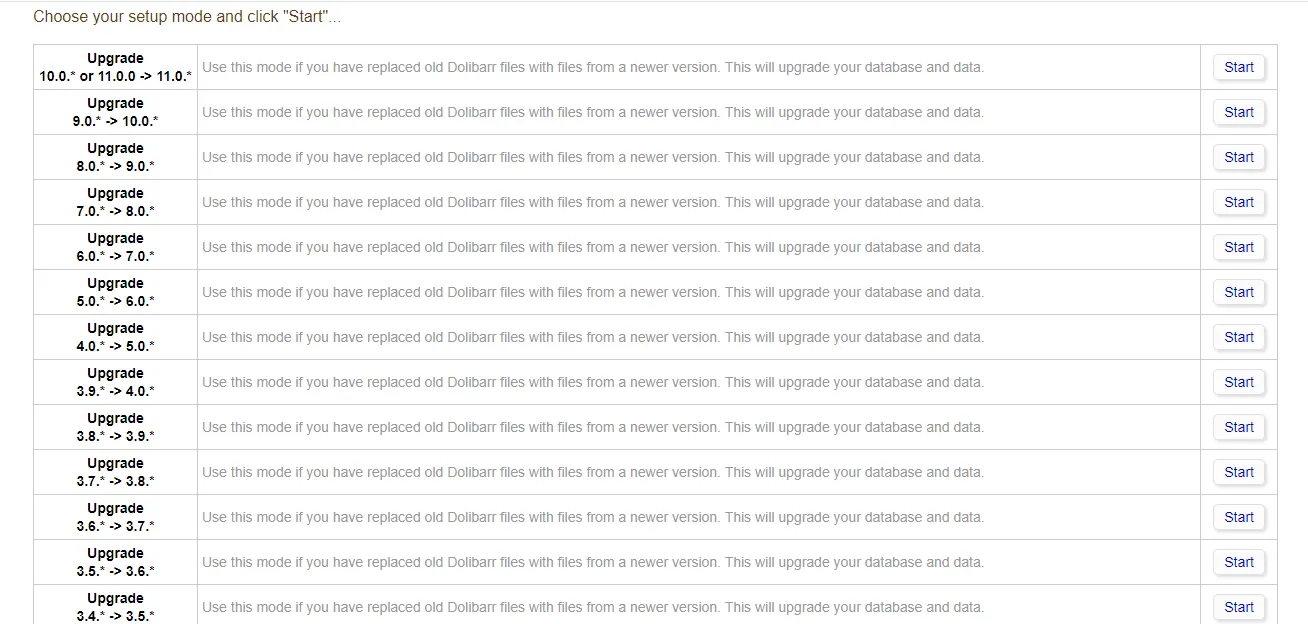
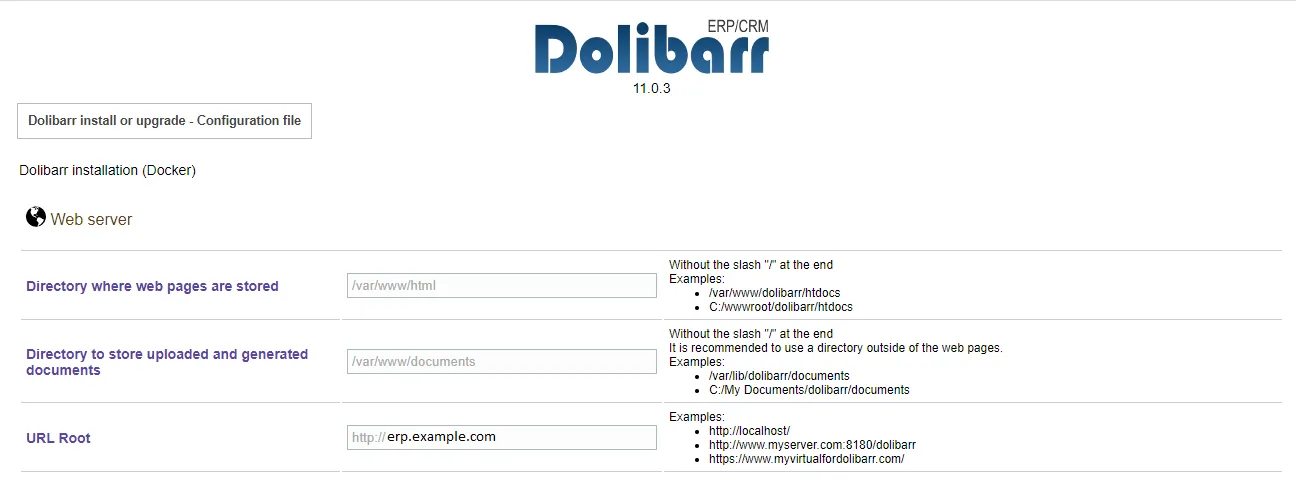
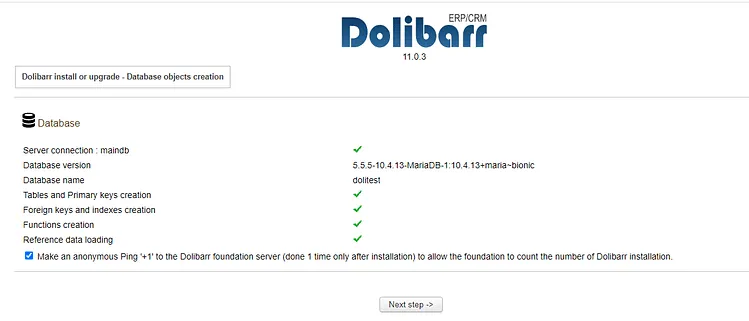
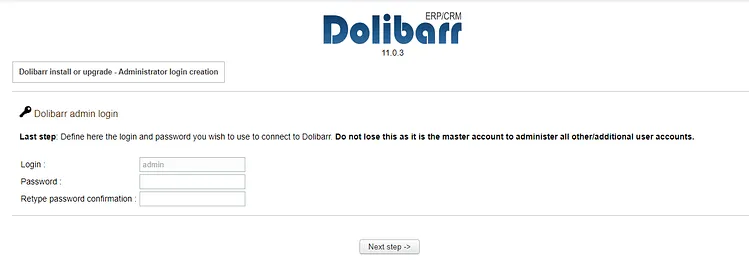
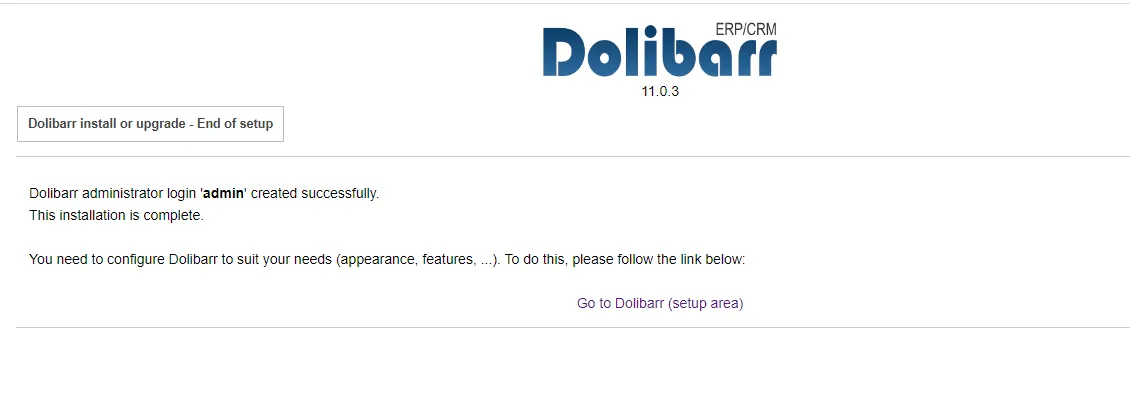
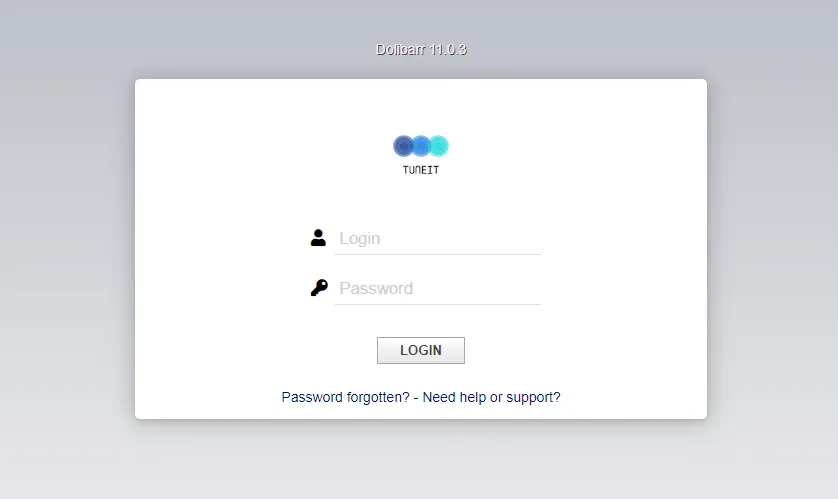
Once the container is healthy, navigate to https://erp.example.com/install in your browser to run the initial Dolibarr installation wizard:
- Verify Prerequisites: Dolibarr checks file permissions and required PHP extensions.
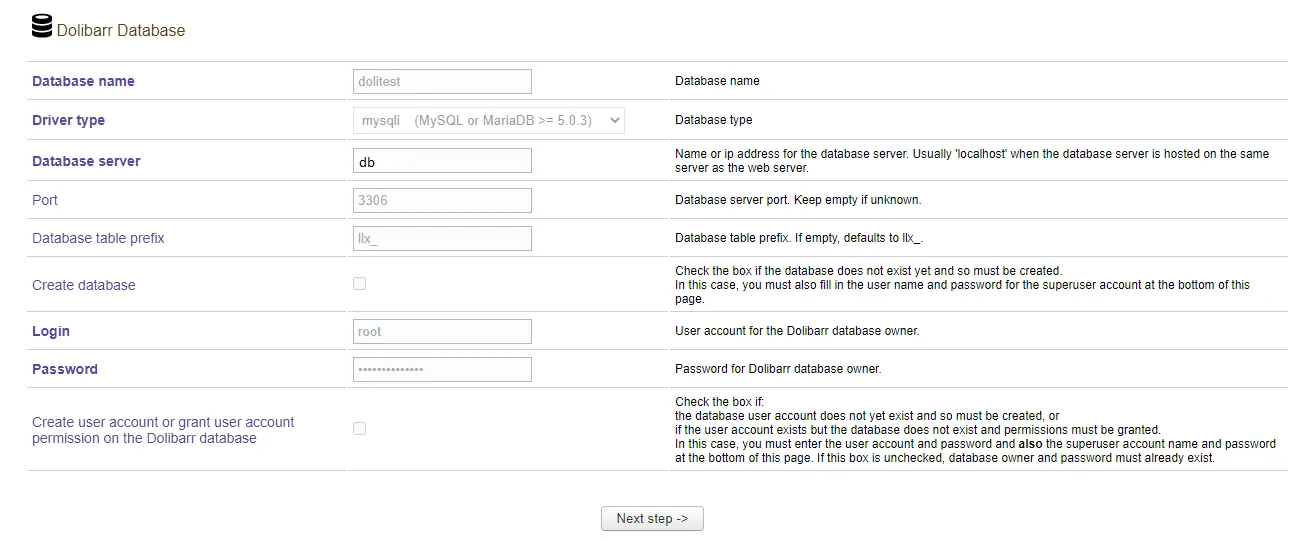
- Database Configuration: Provide the database credentials (
db:3306, user, database namedolitest, and the root/app password). - Admin User Setup: Define your primary administrative username and password.
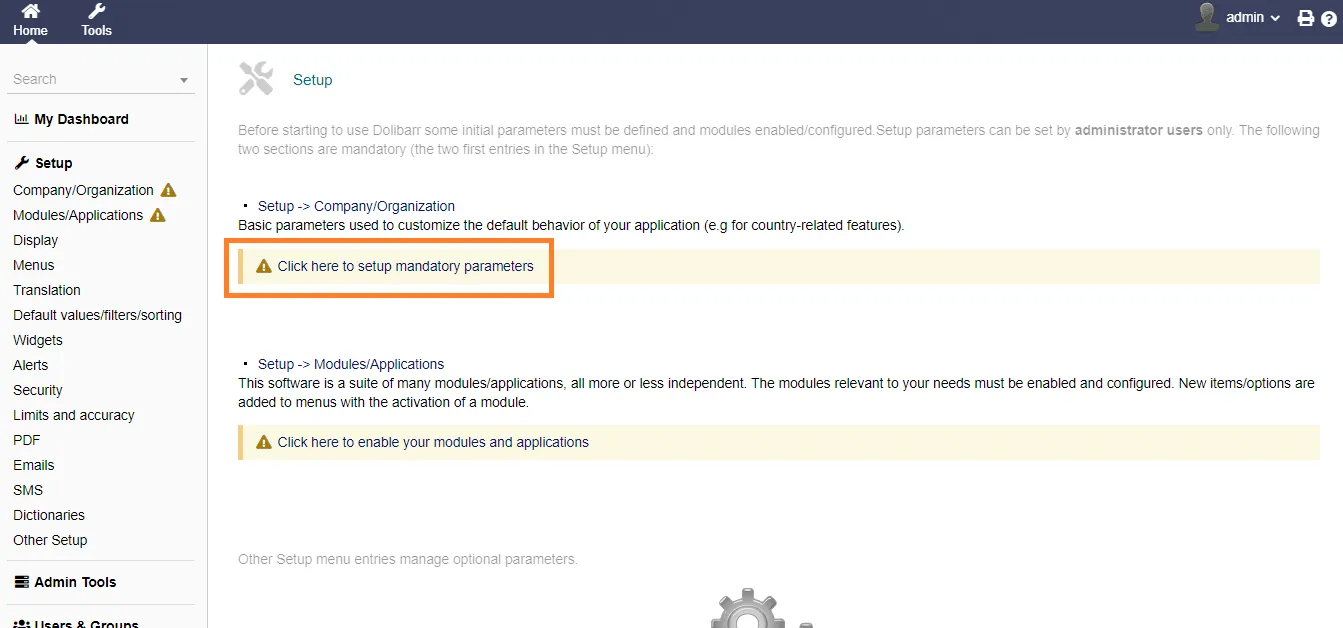
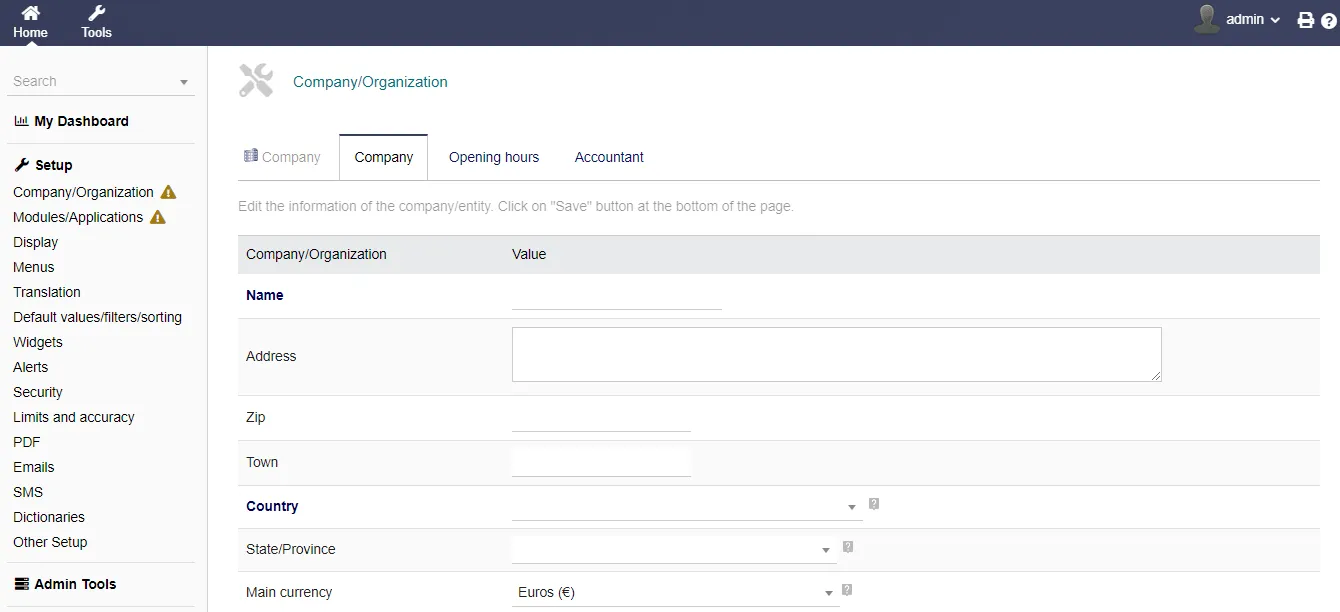
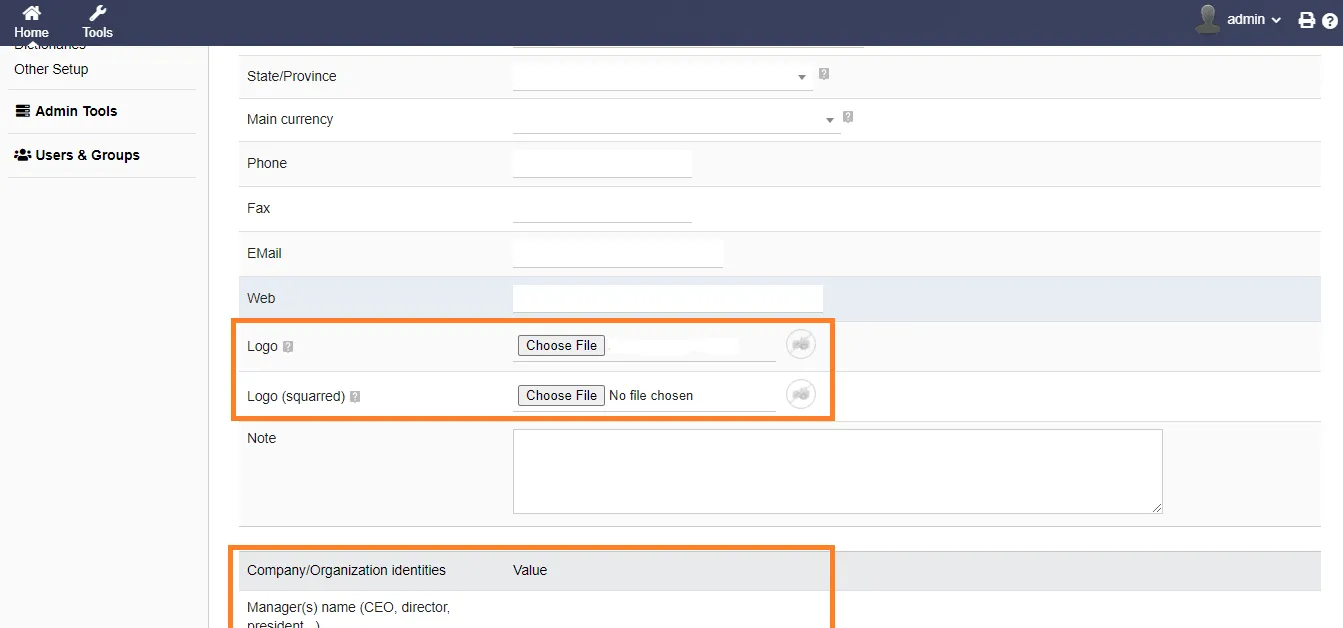
- Company Information: Set your company name, currency, tax rules, and upload a custom logo.
Deployment Reference Walkthrough
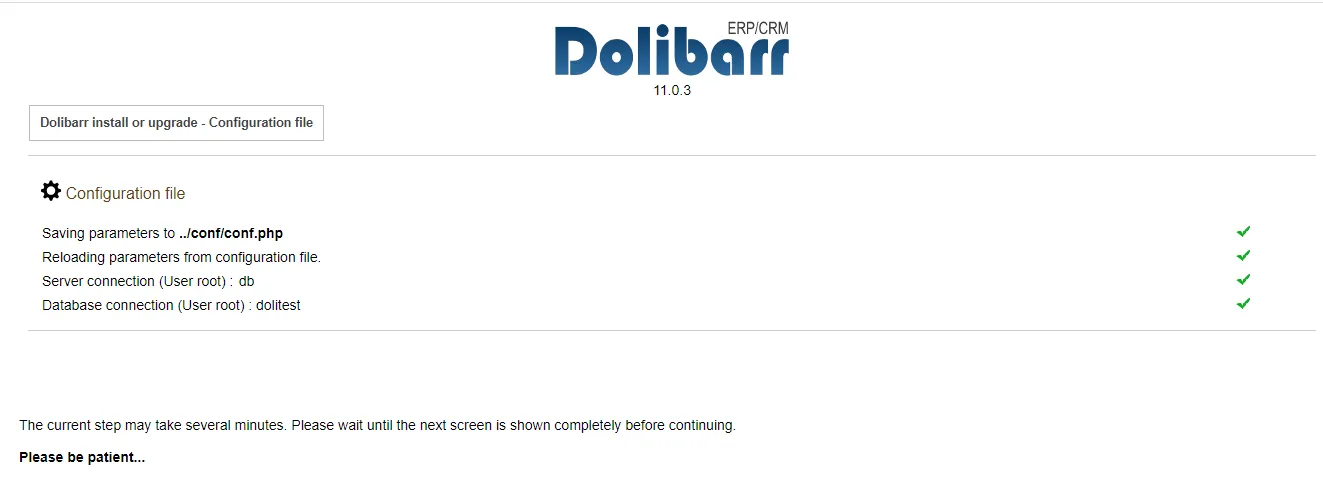
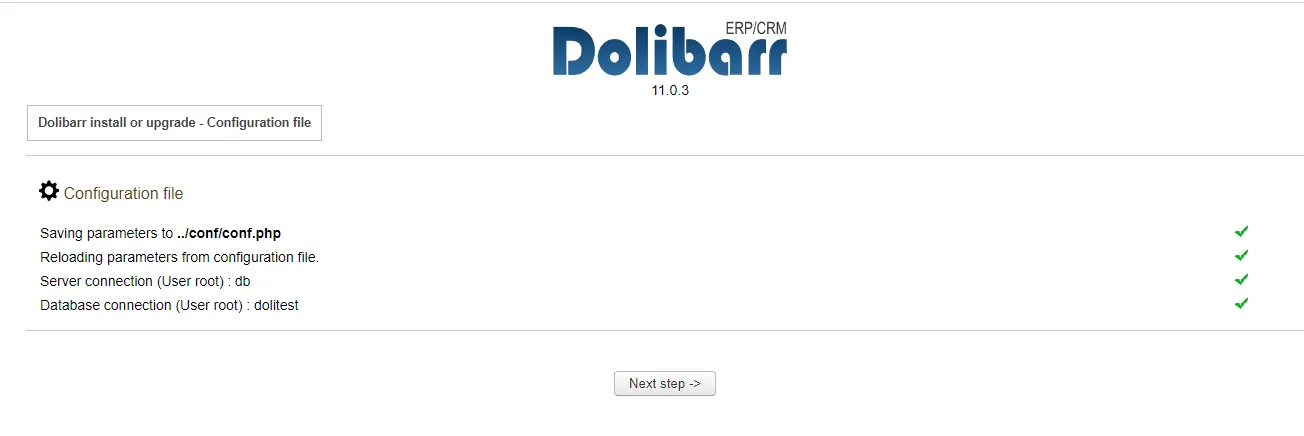
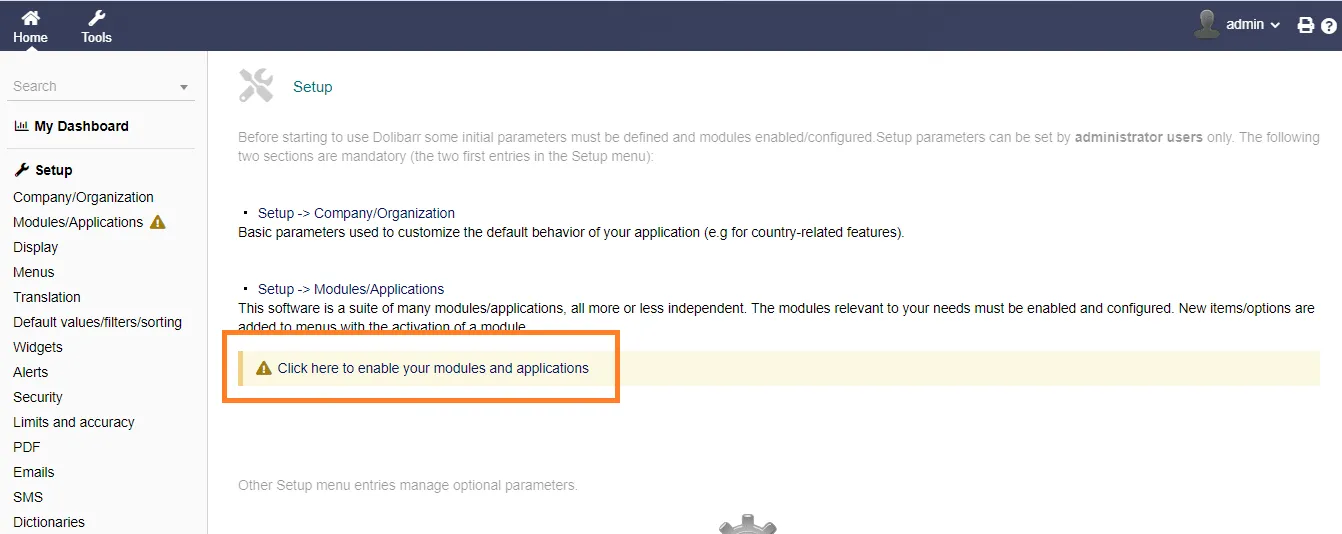
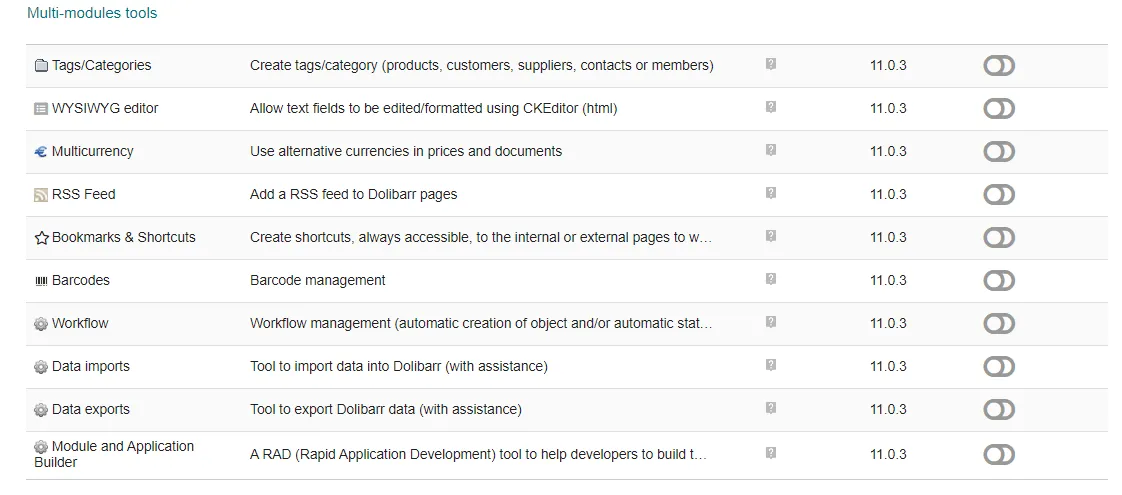
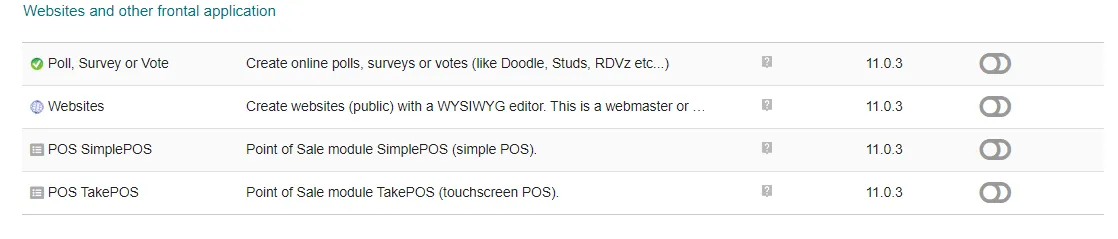
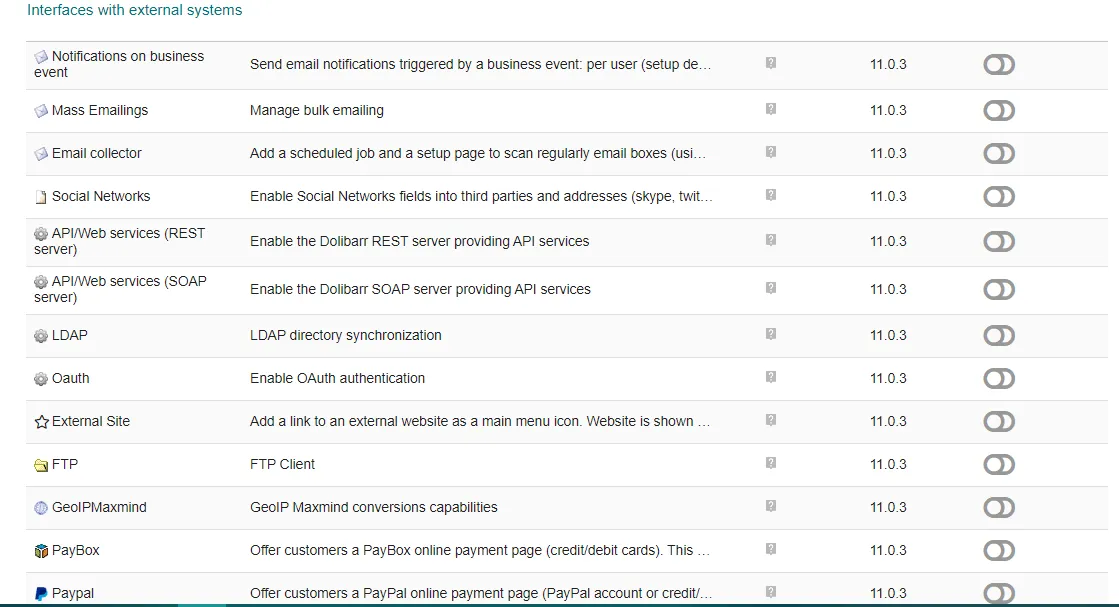
Below are the key installation steps and interface screens for reference:


Summary
With Dolibarr deployed behind Traefik on Docker Swarm, you have an enterprise-grade ERP and CRM running on private infrastructure with automated TLS and resilient replicated storage.
Send over your next markdown post whenever you are ready!

Continue reading

How to Deploy Metabase 0.46.5 in Docker Swarm Behind Traefik v2.10.1
Metabase is the easy, open-source way for everyone in your company to ask questions and learn from data without knowing SQL. Learn how to deploy it in a Docker Swarm cluster.

How to Deploy Jekyll 4.2.0 in Docker Swarm Behind Traefik v2.0
Jekyll is a highly customizable static site generator. Transform plain text written in your favorite markup language into beautiful, static websites.

How to Deploy ProjectSend r1070 in Docker Swarm Behind Traefik v2.0
ProjectSend is a free, secure, and user-friendly file-sharing software. Learn how to self-host this client-oriented tool in a Docker Swarm cluster.